



Moutaz
Members
-
Joined
-
Last visited
Everything posted by Moutaz
-
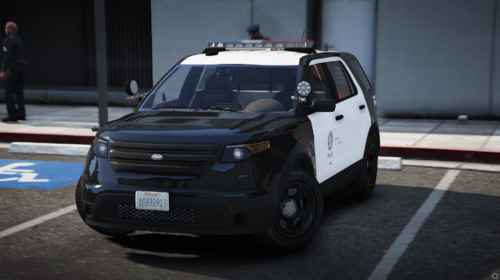 were did you find the lore friendly dev models? They look really nice!
 -
 use this:
 -
Using a trainer paint the car matte black, thats what I did.
-
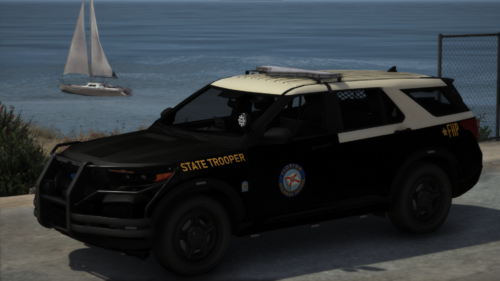
I saw a video on reddit showcasing a 2020 Explorer from the FHP so I decided to make it my first ELS vehicle ever. It comes with a semi-realistic pattern (tried my best), Cruise Lights, Takedowns and a Spotlight (High Beams). The back window light has an optional TA texture for those who dont want your car all blue, just read the text file on how to install it. Dont like the red? The ELS file comes with an options to change the UI color, I made it red for realism but you can change it on the <INTERFACE> section of the file. Known Issues: File Size is too high, probably the base I used. Trunk Lights do not go up when open, this has to do with the way I made the extras.
-
 Say that to Genesee County Sheriff lol
 -
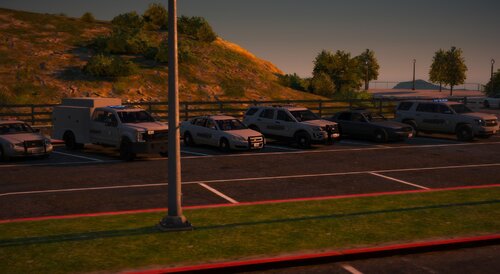 Cool pack but you could improve on some things, the lightbar doesn't fit correctly on the SUVs so maybe get a larger one. Dont take this as hate as I'm just trying to help. Hope so see more vehicles of yours in the future 🫠
 -
Thanks, I'm happy you liked it. Sirenlimitajuster is not really required but the vehicle uses more then GTA's default 20 sirens and for them to show up its required you have it installed.
-
-
Images from my SAST vehicles
-
-
-
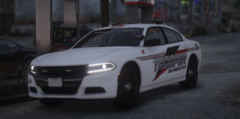
From the album: SAST Vehicles
-
-
-
-
-
-
-
-
-
-
-
-
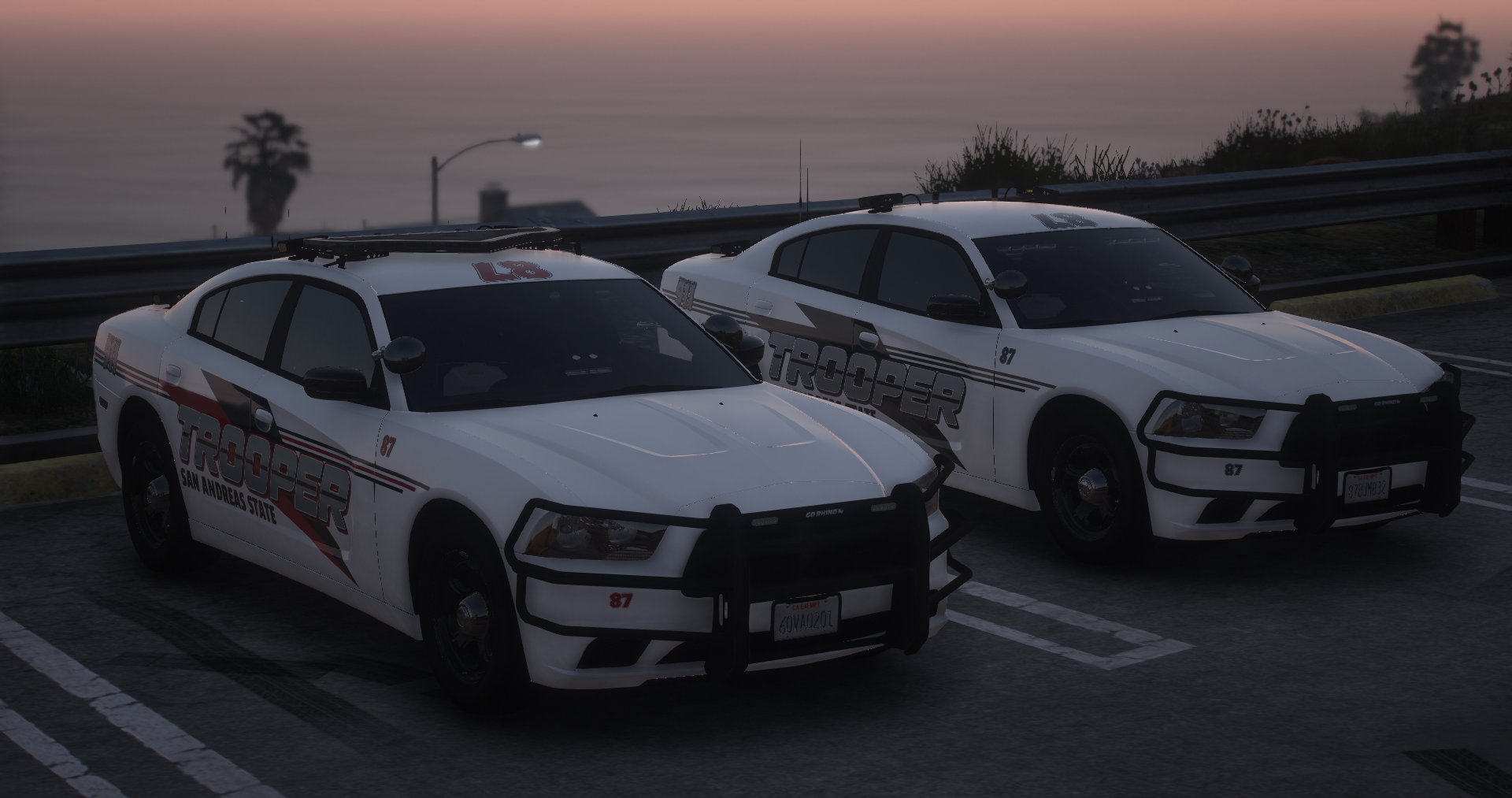
🫠 I am thrilled to present my latest vehicle release to the community. The SAST Federal Signal 2014 Dodge Charger, a follow up to my 2018 charger I released some time ago. 🧰 Extras: Equip your vehicle with a comprehensive set of extras for optimal functionality and customization: Extra1: Lightbar Extra2: Visor lights Extra3: Back Window Lights Extra4: Grill Ions Extra5: Dash Light Extra6: On-Board Equipment Extra7: Partition and Trunk Equipment Extra8: Spotlight Down Extra9: Spotlight Up Extra10: Gorino Rambar Extra11: Trunk Antennas and ALPR's Extra12: Top Antennas and ALPR's 💥 Requirements: 🚓 For single player usage: I have not included a DLC nor a DLS config file in this release but you can try and make your own as I give you everything you need to, if you happen to make them please DM me or reach out on my discord so I can add them here and give you credit! Join our discord ❤️ https://discord.gg/5YP9bfk8yk
-
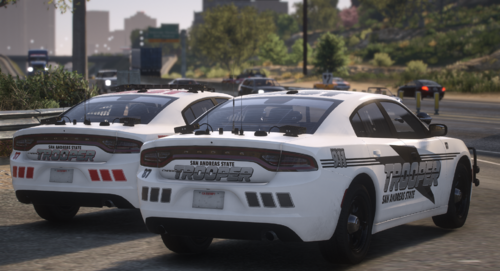 🫠 I am thrilled to present my latest vehicle release to the community. The SAST Federal Signal 2018 Dodge Charger is a result of meticulous craftsmanship and attention to detail, to enhance your patrol experience. 🔧 Extensive Extras: Equip your vehicle with a comprehensive set of extras for optimal functionality and customization: Extra1: Lightbar Extra2: Visor lights Extra3: Back Window Lights Extra4: Grill Ions Extra5: Dash Light Extra6: On-Board Equipment Extra7: Partition and Trunk Equipment Extra8: Spotlight Down Extra9: Spotlight Up Extra10: Sentina Rambar Extra11: Trunk Antennas and ALPR's Extra12: Top Antennas and ALPR's 💥 Requirements: 🚔 For single player usage: I have not included a DLC nor a DLS config file in this release but you can try and make your own as I give you everything you need to, if you happen to make them please DM me or reach out on my discord so I can add them here and give you credit! Join our discord ❤️ https://discord.gg/5jE4Quyave





