



QTexs
Members
-
Joined
-
Last visited
Everything posted by QTexs
-
 If you used only the add on version and are using only the addon version to get your vehicles then you should not have any issues in terms of flipping/rolling vehicle. But if you used the replace file version, then whatever slot you used to replace that vehicle may have different handling lines than the addon. I have had no issues whatsoever with the addon file version.
- 90 comments
- 12 reviews
-
-
 Even though I dont have any 2020 FPIUs that have lightbars, other 2020 FPIUs models (HP Deskjet) should also fit with my skin.
 -
My guy, the first person to notice it, thanks for pointing it out, never even noticed it ever lol, will fix that in the next update.
-
-
 Probably should note, that not everyone will be able to utilize this script, since this requires shvdn. Some are able to get shvdn working and others not, even when using the updated version.
- 56 comments
- 8 reviews
-
Appreciate it, means a lot. And I can definitely add the black/white version for the 2020 FPIU. Will update it tomorrow.
-
So, I checked, and I did include a lore-friendly 2020 fpiu version that is black. It's named "polint_sign_1"
-
The 2020 is lore-friendly, are you referring to the black or black/white version? I couldn't find any 2020 fpius that had full pushbars and lightbar, so that's why I went with a 2021 fpiu for the black/white version.
-
Thank you for the feedback, and I picked these models based off of what my hometown uses, except for the charger. For the 2021 FPIU I can add the lore-friendly version to it on my next update. I was not planning on adding other vehicles to it, but I can make them up for you (FPIS, 16FPIU) through a small commission price, just DM me on Discord. this_guy_is#0000.
-
I can't link any external links outside of lspdfr due to their upload policy agreement. All you need to do is search his name and literally has all his release in one download.
-
-
-
 Nvm, figured it out.
 -
Any reason why your model wont load in game when replacing the skin? Loads fine without changing the skin.
-
Why didn't you just use the template from kane104's 2020fpiu?
-
-
I picked these vehicles because they are based on my hometown. There is no pack on LSPDFR or Modification Universe that has the 5-vehicle pack. So, that's why I made them separate models. Believe me, if there was, I would have done it. Any other vehicle request will have to be through commissions, I picked these vehicles for a reason, my hometown PD uses only those vehicles.
-
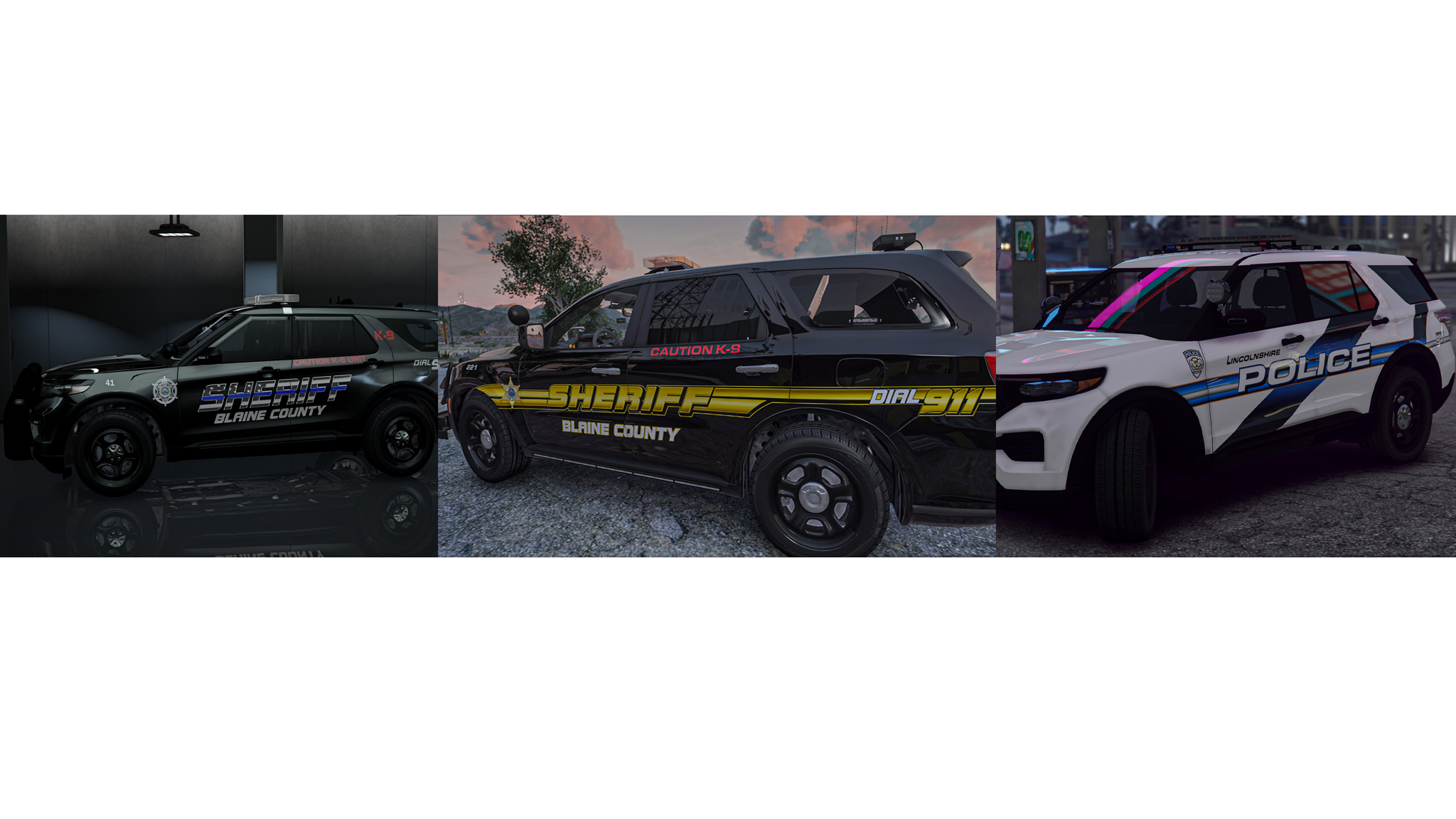
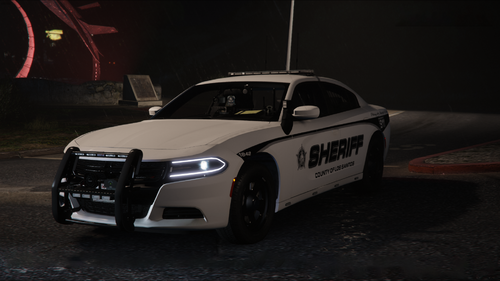
Here is a simple livery I did of my hometown, Ottawa, KS PD. Not 100% accurate. Especially the charger. Let me know of any comments and/or feedback about my work and recommendations for future work. Models Used: Matt's 2018 Dodge Charger Raz3r's 2021 Chevrolet Tahoe Georgie Moon's 2018 Chevrolet Tahoe HP Deskjet's 2020 Ford Explorer Raz3r's 2021 Ford Explorer Apex & Melanesian's 2020-2021 Chevrolet Silverado OfficerTenPenny's 2020-2021 Chevrolet Silverado Raz3r's 2022 F150 Raz3r's 2023 F150 Lighting Pro Kane104's 2020 FPIU Links to Models: 2021 Tahoe - (T.R.Development) 2018 Tahoe - (arrexx) 2018 Charger - (Rabbit GTA V Development) - Modification Universe 2020 FPIU - (XxOJLxX Designs) 2018 Charger - (Scorpionfam) 2018 Tahoe - (The Sugar Shack) 2021 Silverado - (Deputy75451) 2021 Durango - (Rabbit GTA V Development) - Modification Universe 2021 Silverado - (EmergencyDistributors) 2021 Tahoe -(xJDMxLIMIT) 2021 Durango - (OfficerAirman) 2021 FPIU - (majorpaine2015) 2020 FPIU K9 - (Allen Development) 2022 F150 - (OfficerArk) 2023 F150 Lighting Pro - (Rabbit GTA V Development) Notice: The models I use are for screenshot purposes, so please, don't ask questions /requests about making it a pack. I'll leave that to you guys & gals to choose. Disclaimer: Please do not redistribute these files, claim them as your own, modify them for redistribution, or use any parts of these textures without my permission. Thank you. Installation: 1. Replace: mods > update > x64 > dlcpacks >YOUR PATCHDAY > dlc.rpf > x64 > levels > gta5 > vehicles.rpf 2. Open the .ytd file of the vehicle you want to change by double clicking or right clicking and hitting edit 3. Scroll through until you find e.g. example_sign_1 and right click and hit replace 4. In my folder just make sure that the first name e.g. fpiu_sign_1 are the same as the models. The "sign_1,2,3,4" can be whatever when replacing. Then hit save.
-
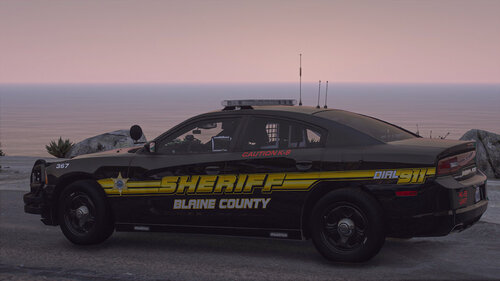 It does not need to be reuploaded. And for adding that caprice is for commission only, no other vehicle will be added to this pack.
- 12 comments
- 1 review
-
-

- 1
-
-
-
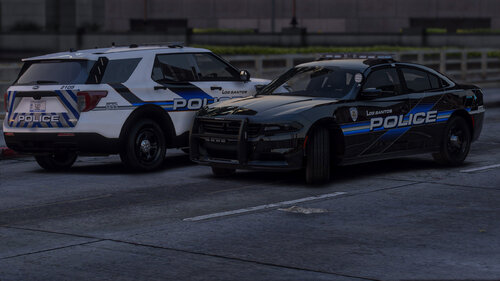 I will be adding more to this pack soon, just been focused on side commissions and working in general.
 -
 I don't have any graphics mod installed, but for some reason, the 20FPIU has a green tint on all the trims of the base model. Don't know what could be causing this or if you have been notified or knew about it, hoping this can be fixed in the coming updates.
- 264 comments
- 15 reviews
-
The 22 Chevy Silverado truck has a weird texture glitch on the passenger side back fender. I did a test skin on both of the back fenders, and only the passenger side did the texture glitch. Hopefully you can fix that issue.
- 264 comments
- 15 reviews
-
Thank you, and I appreciate the feedback means a lot.



