Skip to content
View in the app

A better way to browse. Learn more.

LCPDFR.com

A full-screen app on your home screen with push notifications, badges and more.

To install this app on iOS and iPadOS
  1. Tap the Share icon in Safari
  2. Scroll the menu and tap Add to Home Screen.
  3. Tap Add in the top-right corner.
To install this app on Android
  1. Tap the 3-dot menu (⋮) in the top-right corner of the browser.
  2. Tap Add to Home screen or Install app.
  3. Confirm by tapping Install.

Warriormpw12

Members
  • Joined

  • Last visited

  1.    Warriormpw12 reacted to a post in a topic: EUP menu not loading
  2. This RageNativeUI made it work. Thank you very much for the help Charlie.
  3.    Warriormpw12 reacted to a post in a topic: EUP menu not loading
  4. Giving that a shot now, hope this works.
  5. Hi everyone. I'm currently running on the most recent version of everything I'm using. Whenever I go to try to load the EUP menu it just says it couldn't be loaded (I posted screen shot of the F4 menu for ragehook). I've installed the EUP menu release and the L&O. I'm not sure what I'm missing. I've tried loading it through the launcher of ragehook, tried loading it by doing "loadplugin eupmenu.dll", and nothing ever works for me. Photo attached is all I get. Thank you.
  6. Warriormpw12 changed their profile photo
  7. Downloaded a new Police Smart Radio file, installed it, same issue.
  8. Polcie Smart Radio keeps crashing whenever i press 1 or 2 for the new button on coroner. RagePluginHook.log
  9. Updated Computer+, same thing, going to try to reinstall Police Smart Radio with a new file
  10. All mods are up to date When going on duty, I get a pop up that says PoliceSmartRadio Set Up: New Button (coroner) Arrest manager is adding a new cutton, coroner, to OnFoot.XML. Would you like to enable it OnFoot.xml? You can change this at any time by editing the XML file manually" No matter which button I press, 1 or 2, it causes LSPDFR to crash.
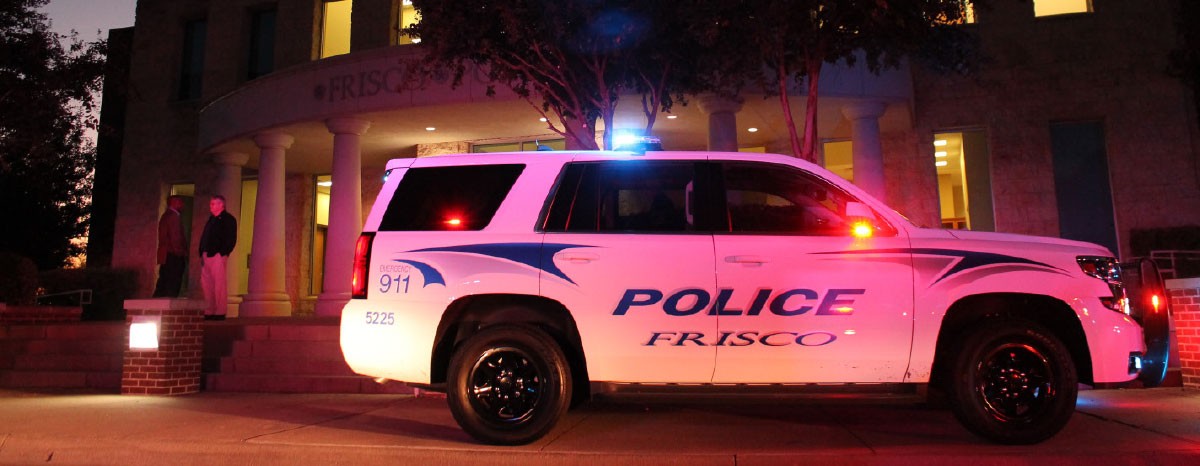
  11.    Warriormpw12 reacted to a comment on a file: Frisco Sheriff Skin
  12.    Warriormpw12 reacted to a comment on a file: Frisco Sheriff Skin
  13.    Warriormpw12 reacted to a comment on a file: Frisco Sheriff Skin
  14.    Warriormpw12 reacted to a comment on a file: Frisco Sheriff Skin
  15.    Ash992478 reacted to a comment on a file: Frisco Sheriff Skin
  16.    Ash992478 reacted to a comment on a file: Frisco Sheriff Skin
  17. nick88fan started following Warriormpw12
  18. Warriormpw12 started following nick88fan
  19.    Warriormpw12 reacted to a comment on a file: Frisco Sheriff Skin
  20.    Warriormpw12 reacted to a comment on a file: Frisco Sheriff Skin
  21.    Warriormpw12 reacted to a comment on a file: Frisco Sheriff Skin
  22. Yea sure, I requested the skin BTW. I live in Frisco and we really don't have sheriffs over here, its mainly the DPS over (Not many DPS officers over here) here but sure add me on steam
  23. Netman005 started following Warriormpw12
  24. Warriormpw12 started following Netman005
  25. Is it possible for me to get ELS on other cars, so say like if I install police bike on to a regular bike would ELS work? or no
  26. dude, search up a Ford Explorer gta iv police car. and then edit the skin.
  27.    ModHD reacted to a comment on a file: Unity Police Department Pack
  28. I was thinking, and I thought this would be a good mod to put in lcpdfr or just s regular script mod. I never have scripted for GTA IV, or any other games. So if some one could make a script where people will pull over smoothly, like I pulled over a guy and he ran into a wall and died -_- and when in a pursuit everyone smashes into a wall, or with a ambulance, I know every one get annoyed when a ambulance comes to town. So any scripters like BraveHeart! (I <3 his work)

Account

Navigation

Search

Search

Configure browser push notifications

Chrome (Android)
  1. Tap the lock icon next to the address bar.
  2. Tap Permissions → Notifications.
  3. Adjust your preference.
Chrome (Desktop)
  1. Click the padlock icon in the address bar.
  2. Select Site settings.
  3. Find Notifications and adjust your preference.