




Mistah Thiccc
Members
-
Joined
-
Last visited
Everything posted by Mistah Thiccc
-
.thumb.png.fe8ef378496cd3d75f3ebf4b8d41b020.png) Nevermind. Just realized it's not compatible with LSPDFR.
Nevermind. Just realized it's not compatible with LSPDFR. -
-
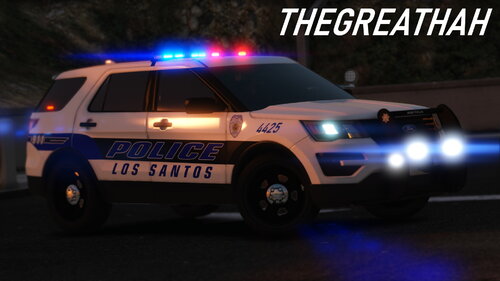 Looking through it, I noticed that there are 6 vehicle models and only 5 ELS files. It appears the Charger and the 21 FPIU are both named as Police2, and there is only one Police2 ELS file. I might just be stupid, but I noticed it. Apart from that the pack is extremely detailed and wonderful, and I think it's safe to say I have finally found an LSPD pack that I am not gonna get rid of anytime soon.
- 33 comments
- 4 reviews
-
-

- 1
-
-
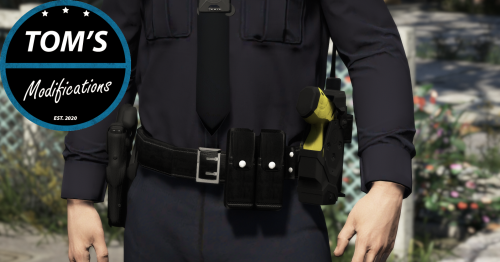 Is this compatible with EUP 9.3?
 -
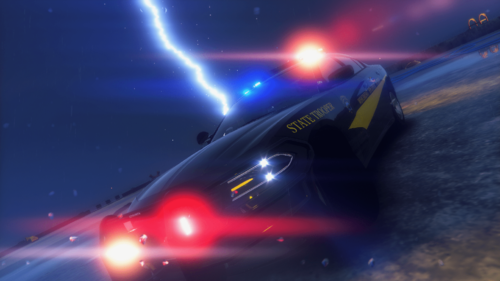 You uh... do realize that Charger is under the brand Dodge, right? Not Chevrolet...
 -
-
-
 So how does one change all the lights and lightbar textures to all blues? The file is unclear and I'm new to this.
- 147 comments
- 65 reviews
-
Thanks for the update. 👍

.thumb.png.fe8ef378496cd3d75f3ebf4b8d41b020.png)


.thumb.png.4ab504d37fbd8b768097f8ccbc502e95.png)
