


mvanheusden
Members
-
Joined
-
Last visited
Everything posted by mvanheusden
-
-
-
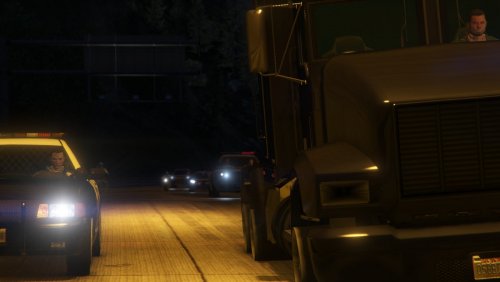 A Dutch LSPDFR callouts pack with currently 12 callouts The included callouts are (in Dutch): Killer Clown gezien Fietser op de snelweg Gevecht Gestolen vrachtwagen Voertuig aanhouding assistentie Gezondheids controle Onruststoker op het metrostation Inbraak Drugsdealer Gewapend persoon Gezocht persoon Gijzelaars Instructions are in the readme.txt file. Credits go to @sEbi3 for some of his open-source callouts speaking of open-source... this callout pack is also open-source!! https://github.com/mmvanheusden/DutchCallouts I hope you enjoy it!

