


KlebeRR
Members
-
Joined
-
Last visited
Everything posted by KlebeRR
-
Is this standard still being used by the LSPDFR Plugin developers?
-
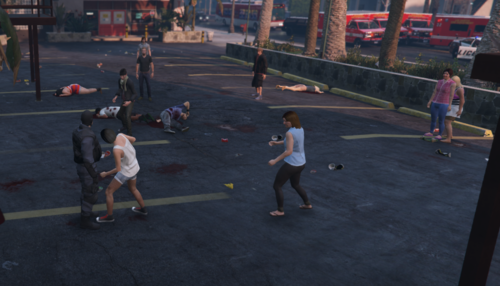 Follow the suggestions: - Add more locations. - Add route to the riot location - Do not send automatic backup, let the user choose his backup. It's a Riot, the cops with firearms are programmed to shoot in any ocasion, i have my own Riot agency, cops equiped with Nightsticks. Very cool plugin tho.
- 12 comments
- 1 review
-
-

- 1
-
