
MSX98FMDnB
Members
-
Joined
-
Last visited
Everything posted by MSX98FMDnB
-
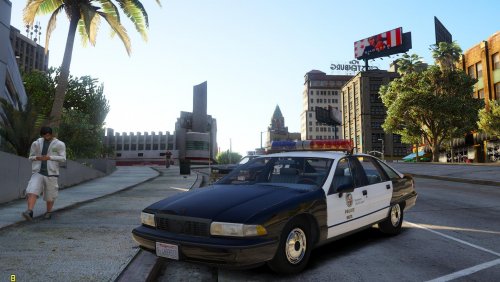 Alright, I'll do that and then try to download the ELS version the website says this mod is compatible with. Thanks for helping me out. I'm new to this GTA V modding thing since I'm used to modding the older GTA titles like San Andreas and III because of the hardware I was using before. But now, I have a computer that can run GTA V at 60fps+ while multitasking so I'm starting to mod more games like BeamNG.drive and other games that require more capable hardware.
- 26 comments
- 6 reviews
-
-
-
 I know this mod was released years ago, but the fading out around the radar is present and the map in the pause menu changes from old gen to new gen when you zoom in. Also, you can't click on different tabs in the pause menu, you can only go to different tabs by using Q and E. If anyone can provide a fix in the comments section of this mod, that would be greatly appreciated.
 -
 Ah, O.K. got it. Also, thanks for not yelling at because I replied to an old post.
 -
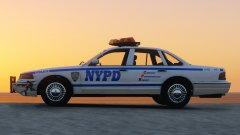
I thought the NYPD bought the 4th. Gen Caprice in 1991 or were those those only used in movies?http://www.imcdb.org/i765284.jpg