ogzhnkra
Members
-
Joined
-
Last visited
Everything posted by ogzhnkra
-
You took care of me very much, thank you very much, everything improved. Maybe that's what I should have done from the beginning. Thanks for response!
-
No, it doesn't work, it keeps rebooting.
-
I cannot access the Rage setting menu. Shift + click and press the settings symbol on the loading screen, but it does not open. and I tried you a lot, I guess the best thing is not to play.
-
I'm sorry I didn't want to bother you.
-
Here is the new log, and I apologize to you. RagePluginHook.log
-
Lspdfr gives an error and kicks the game. I asked for help once again, but we couldn't find a solution. The page where I want help:
-
Can someone please help?
-
No I don't have "mods" file, what should I do? edit:I tried creating a "mods" file and trying to enter the game. The problem continued.
-
I uninstalled "Traffic Policer" but the problem still persists This is the final RagePluginHook file RagePluginHook.log

-
Sorry, I've done everything the right way now, but the problem still persists. This is the final RagePluginHook file RagePluginHook.log
-
sure, the final version of this file RagePluginHook.log
-
The problem still continues. I enter the game. I click on the "Go On Duty" button, and I get the same error message. I tried shutting down the anti-virus program but it didn't work.
-
I added. RagePluginHook.log
-
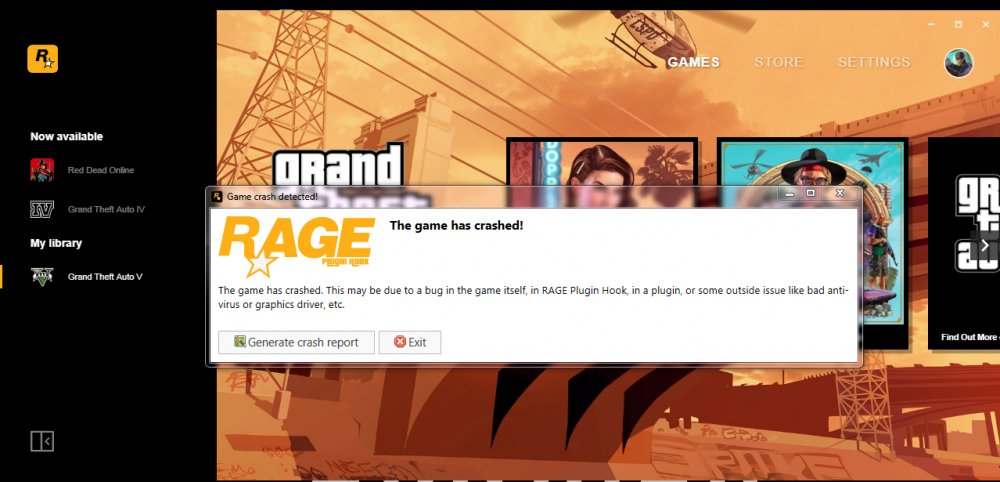
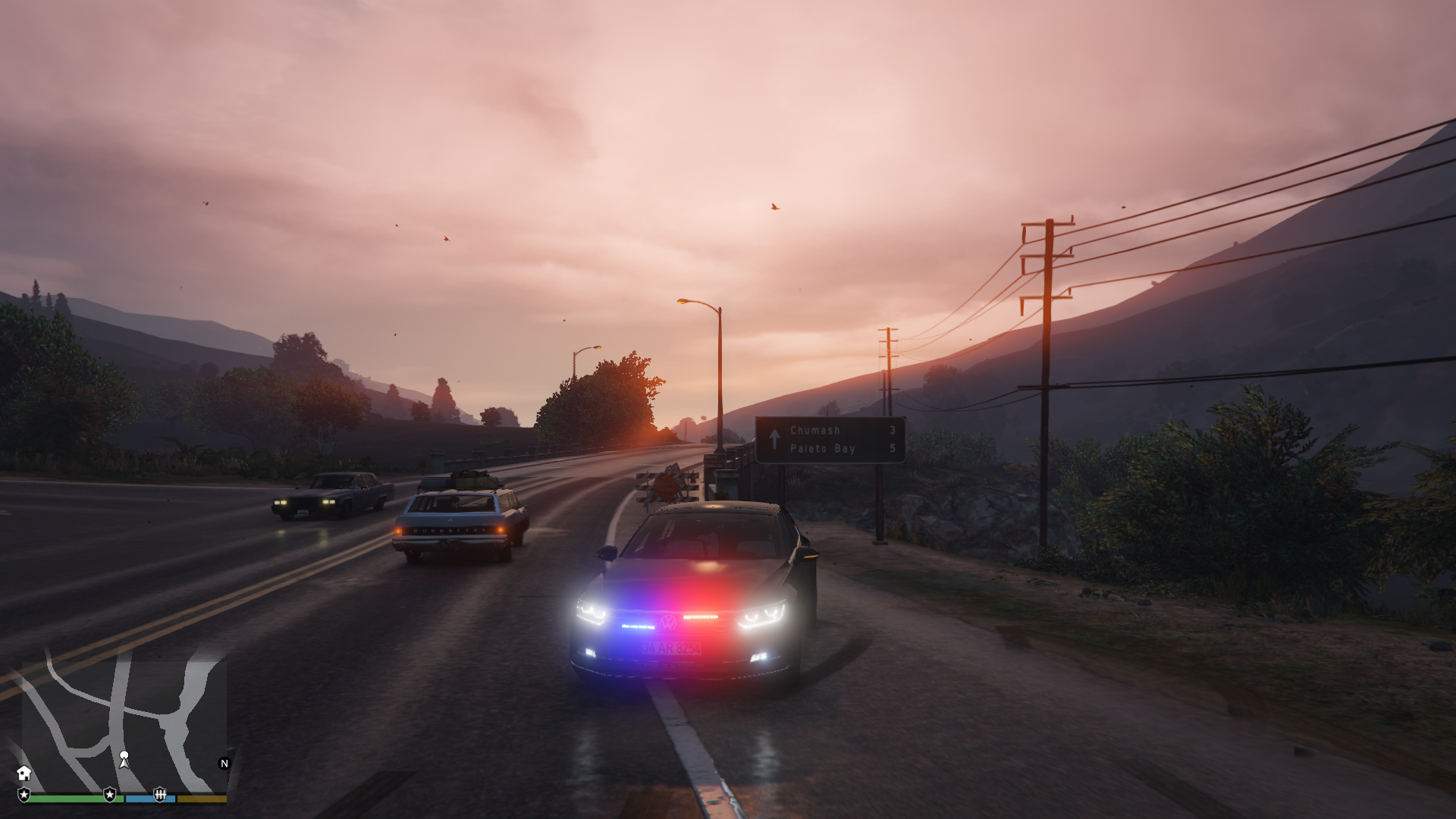
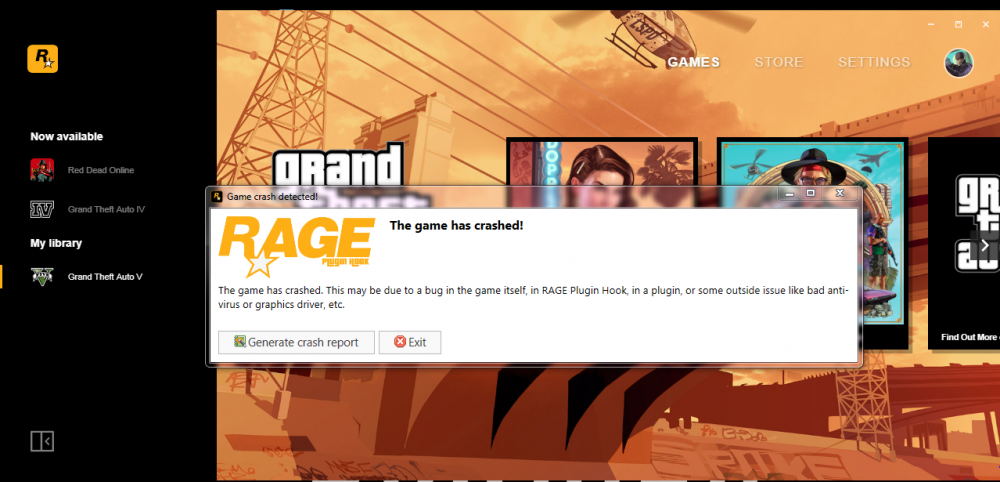
After "cayo perico heist" update lspdfr did not work properly at all, I uninstalled and reinstalled but failed. The game keeps crashing or I get an "lspd first response crashed" error. I turned off the Windows firewall, closed the Anti-virus program, but still the game crashes and gives the error in the image. Please help me. (I don't know what happened, but now it beats the game while it says "loading lspdfr" at the bottom right on the black screen.)