


masterspeedyy
Members
-
Joined
-
Last visited
Everything posted by masterspeedyy
-
i only have two so far download it was my first pack i download and is 2 vehicles and both do the same only the zig zag light work on the taillights when i do the siren
-
so how can i fix that it is my ELS the one i have install
-
finally got the pack install but my lighting system don't work can't turn them on
-
ok thanks
-
I delete the xml file where i install them i put them into the ELS file but still nothing and i checked all the police vehicles there and is just the regular ones im going nuts
-
can i do that using OpenIV because it goes to the same file anyways right
-
that's what I'm missing the ELS file i didn't know how to get it i will download it now, now another thing the ELS file location will go where the game location is
-
I don't know what im doing wrong still nothing do i have to put something else there too all im putting in there is just the sheriff ones thats it
-
ok i try that now thanks to both of you lets keep trying 🙂
-
i didn't make no difference still can't see the 2 vehicles in the police garage all i see is the regular ones
-
ok i will try that hope it works
-
I'm just trying to learn how to work with this stuff Ok but from the OpenIV or mods folder where the game is located
-
When i download OpenIV all that stuff was already there i only put the sheriff folders thats it i don't know is all thats stuff can be use in the game or how to use it
-
Sure
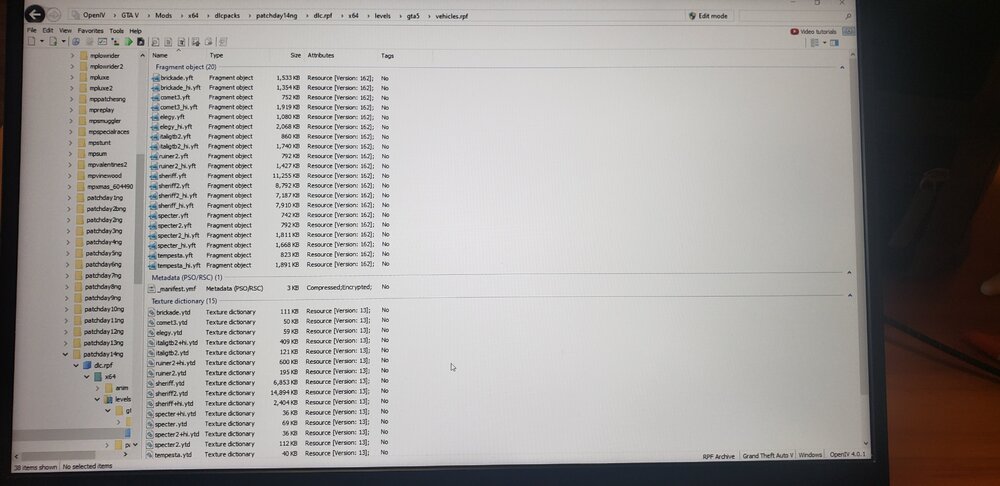
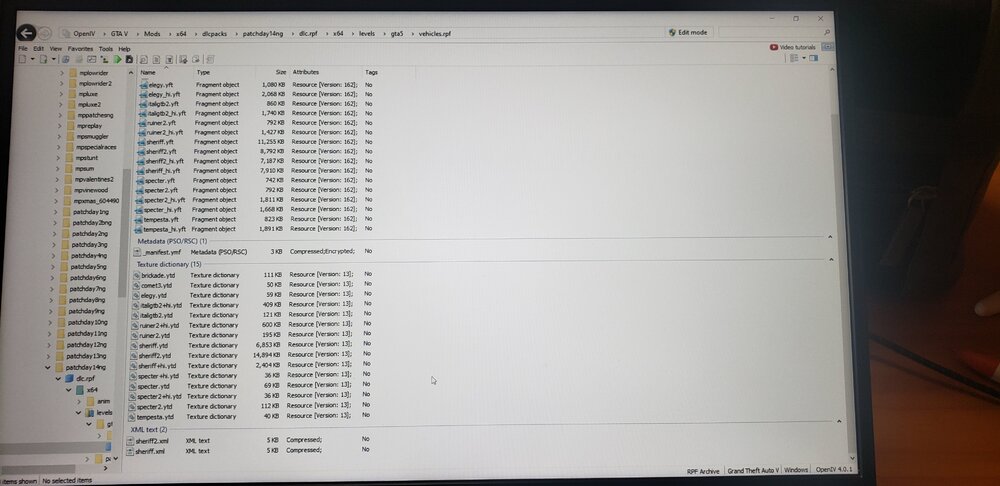
-
i did install open IV and i did the installation thru there
-
This are the only files the were inside the folder for the police pack is only 2 police cars and I only install the ones the said sheriff only I didn't put the ones that said credits or windows or windowsblank
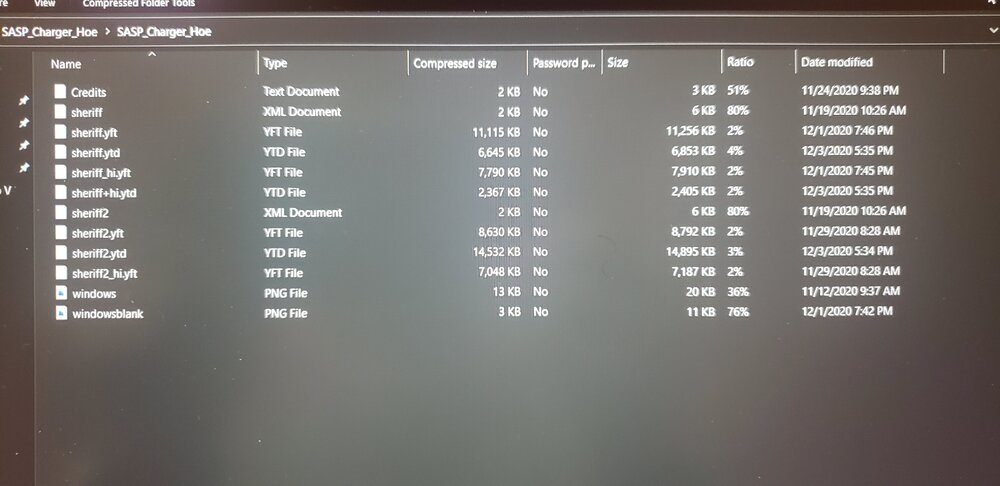
-
I didn't replace them but I did add them and can't find them in the police station
-
i did everything step by step but now if i did right how can i find the vehicles in the game or how to access them
-
-
that's what I'm doing right know i just locate the game and working on it hope it works thanks guys if i get stuck again i let you know thanks again
-
i dont have that im using just Steam do i need that OpenIV
-
i get to the point where it says dlc.rpf but when i click that it pop out "how do you want to open this file" then says Loof for an app in microsoft store and didn't not have a mods folder i just made one and copy the x64 in it but the one that is inside the update foldder not the x64 that is outside
-
ok i will try that because when i get to dlc..rpf it doesn't open but ok i will put them into patchday14 location thanks
-
Thanks i was trying that yesterday i did patchday14 and try 22 too but right after dlc.rpf is nothing is empty
-
just want to lear how to install any of the police packs that are here in downloads any help please


