


GhostFox6
Members
-
Joined
-
Last visited
Everything posted by GhostFox6
-
so i recently updated GTA5 (I thought) before the updates came out for lspdfr and rage hook. well now that the updates are out, and ive downloaded them, its saying my game version is outdated. can anyone tell me how to update the game the right way so i dont mess up. because apparently i cant play until this is done but i cant find where to do it. also, im running the social club version if that helps. thanks in advance.
-
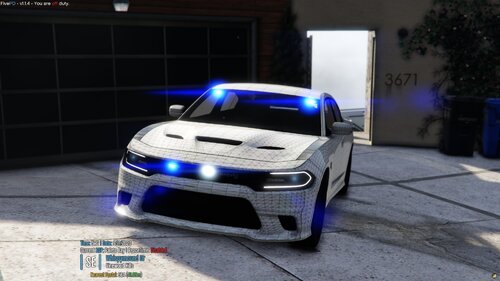 where did you get the truck?? id really like to have that one
 -
So I was importing cars into openIV, and everything was working mine. But then I could never get the lights to work, so I started researching. I found where a guy said to change the mod file to _mods and it worked, so I did. Well now my cars aren't even load in, and I don't know what to do. It won't let me remove the file either.
