pacthesecon
Members
-
Joined
-
Last visited
Everything posted by pacthesecon
-
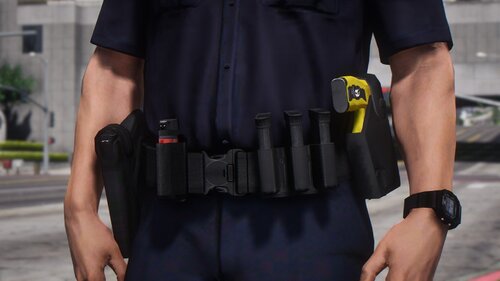 magazines are too small baby handcuffs batons too small textures look too bright turniquet looks cool but it should be on the trunk with your first aid kit radio looks nice and modeled correctly +there's nothing hanging on the belt like keys that you could easly be lost if tackled or fell idk this habbit of putting stuff hanging on the belt make officers look stupid when they get in to a fight or try to pin someone and lose their car keys so thats a + Not going to rate, i'm going to way until its improved so that i can give 5 stars, because it looks good but it could be better my honest opinion it looks good be could be better
 -
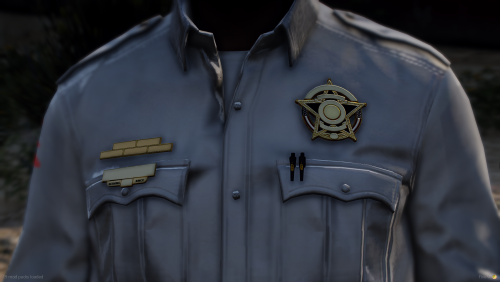 really interresting it would be cool if ya could make the 2 pens with the badges and name tags of the original eup badges, the badges you made look awesome but a bit to fancy
 -
 Might be a dumb question but im dumb so here ya go 😄 is this compatible with Xscanner? i mean can i have both at the same time ?
- 11 comments
- 1 review