
Officer Mike Lucas
Members
-
Joined
-
Last visited
Everything posted by Officer Mike Lucas
-
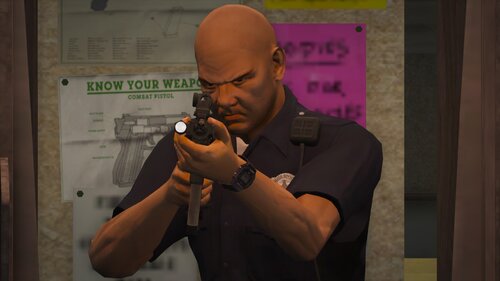 To be honest, this mod looks cool and interesting. Definitely downloading this, can't wait for more updates hopefully!
- 56 comments
- 2 reviews
-
-

- 1
-
-
 It is not a virus. Otherwise it wouldn't have been allowed being uploaded to lcpdfr.com. Also my plugin does NOT do any sort of automation in joining my discord server what so ever. The problem with your car is you probably have a mod installed called "Crazy Pursuit". I see your comment as a spam comment trying to assault my work, that I have been working countless hours on and therefore I feel harassed. Also this plugin is open-source so go check it out if you don't believe it's virus free.
- 46 comments
- 3 reviews
-
-
- 1
-
-
-
-
-
I'm currently planning out 2 callouts for the next version! 🙂 I'll give it a go. Any suggestions about locations, choices and general things that'll happen within the callout?
- 46 comments
- 3 reviews
-
-
Officer Mike Lucas replied to Officer Mike Lucas's topic in Website Problems, Feedback & SuggestionsYeah well in my case, when I will hit 20.000 downloads on my callout pack I will upload a new version with a new callout etc. And I've already coded it and all that stuff, so yeah it would be nice if I could plan the update to be published when I hit the 20k downloads
-
-
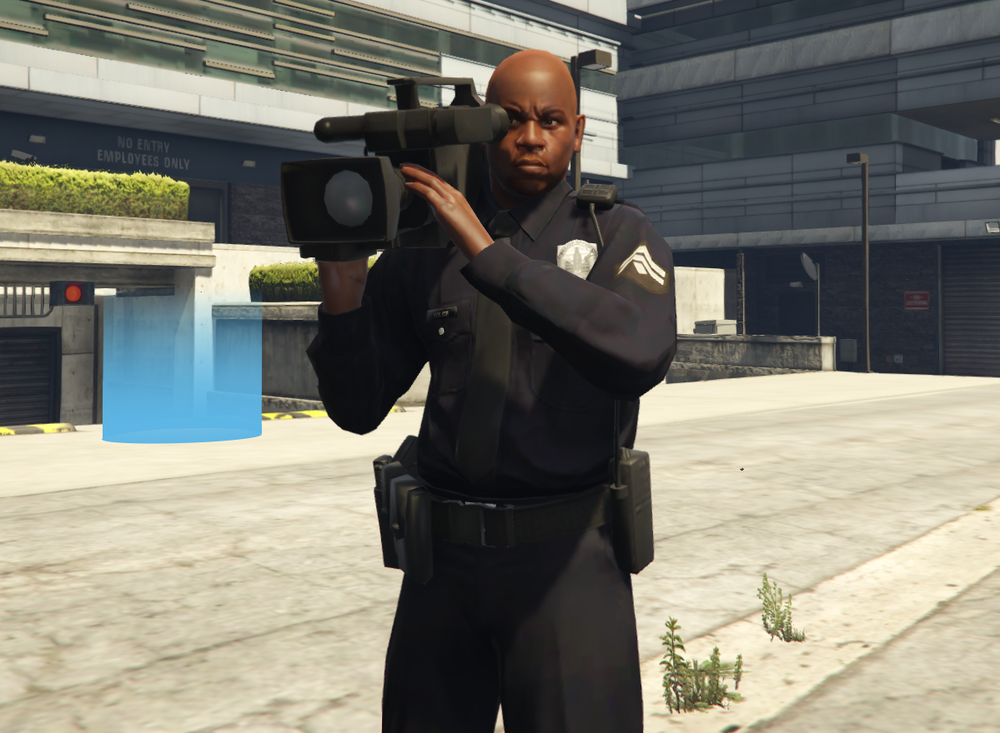
LivePD Buddy LivePD Buddy: Record Your LSPDFR Gameplay Like a Professional LivePD is a popular TV show that follows police officers on their patrols and captures their interactions with citizens, suspects, and colleagues in real-time. It provides an authentic and engaging perspective on law enforcement and has inspired many players of the LSPDFR mod for Grand Theft Auto V to create their own LivePD-style videos. Now, with the LivePD plugin for LSPDFR, you can easily record your gameplay like a professional and share it with your audience. The LivePD plugin adds a camera system to LSPDFR that allows you to film your patrols from different angles and modes. The camera system works seamlessly with the LSPDFR mod and does not affect your performance or stability. The LivePD plugin makes it easy and fun to record your LSPDFR gameplay and share it with your audience. You can showcase your skills, tactics, and personality as a police officer, and interact with your viewers in real-time. You can also watch other players' streams and learn from their experiences and strategies. The LivePD plugin adds a new dimension to the LSPDFR mod and expands its community and creativity. The LivePD plugin is easy to install and use. You can download it from the LSPDFR website or from the plugin's creator's website. You can also find tutorials, guides, and forums online that can help you with any questions or issues you may have. The LivePD plugin is compatible with most LSPDFR mods and plugins and does not conflict with any other features or functions. In conclusion, the LivePD plugin is a must-have for any LSPDFR player who wants to record and share their patrols with the world. It adds a professional and authentic touch to your gameplay and allows you to engage with your audience in a unique and exciting way. The LivePD plugin is a testament to the creativity and passion of the LSPDFR community and its commitment to realism and immersion.
-
Hey @Charlie686. Thanks for helping this guy! I really haven't been developing lately because I'm going through a tough time, but sure! I'll try to make the RAGENativeUI version checker. Also I should probably get this project up and running 🙃
- 46 comments
- 3 reviews
-
-

- 1
-
-
Hey there! I appreciate you like my callouts and it's always nice to get criticism as that will improve the plugin. I'll consider making the menu disabled via the .ini file included in the download. Have a nice chrismas! - Officer Jared
- 46 comments
- 3 reviews
-
-
- 1
-
-
You could do something with GameFiber.Wait(miliseconds); You know if you need any help meet me in my discord server or just dm me 🙂
-
Actually it's not really based on any country, so I'm actually kinda happy to hear that
- 46 comments
- 3 reviews
-
Please do not report any bugs, crashes and issues in the comment or review section. Instead join my discord server and we'll get it fixed together!
- 46 comments
- 3 reviews
-
-
- 1
-
-
😄 Please join my discord server. The problem might be that you have an outdated version of RAGENativeUI
- 46 comments
- 3 reviews
-
Yes, the latest version is required. Also I should probably make a version checker for that aswell
- 46 comments
- 3 reviews
-
You should join the discord server for support, but do you have RageNativeUI installed?
- 46 comments
- 3 reviews
-
Can you send a ss of your code or upload the cs file?
-
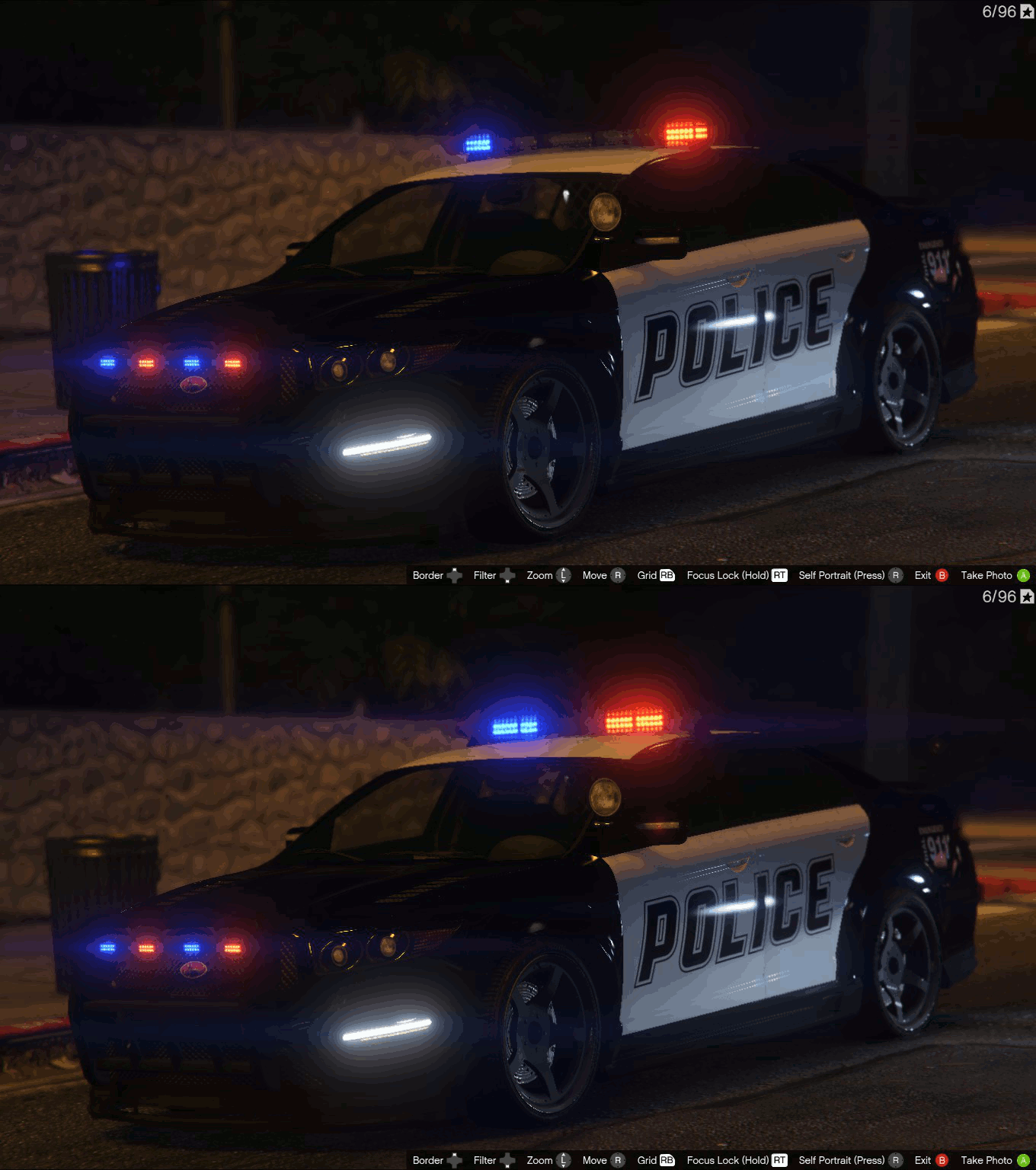
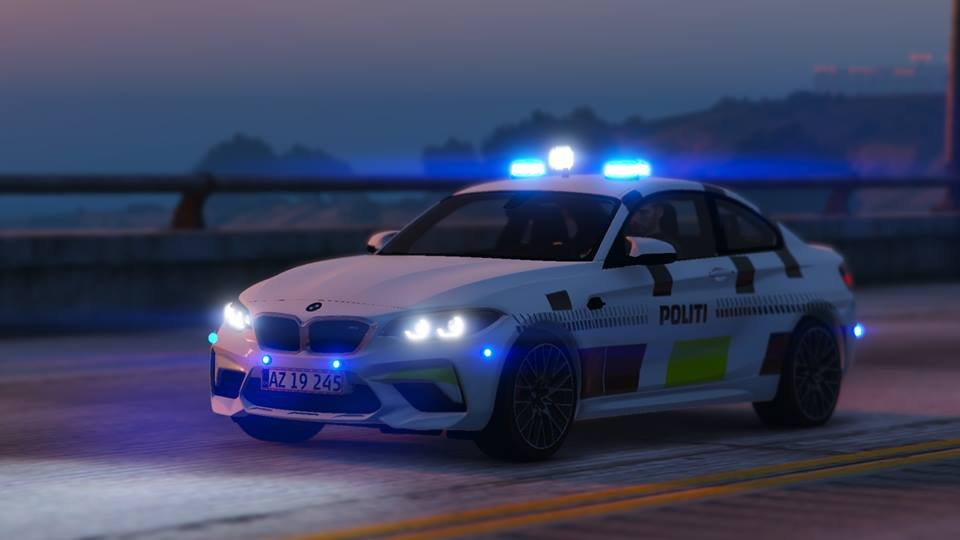
 Nice pics keep it up!
 -
-
 Those pics are lovely keep it up!
 -
-
Dynamic Callouts By XibblE (Officer Jared) | v. 1.0.0.5 Github Repository (Licensed btw!) Preview of some of the callouts (v. 1.0.0.5) Older Versions Thank you Benzo! Requirements ↳ • LSPDFR 0.49 (Or higher if applicable) • A legal copy of GTA 5 • RagePluginHook (Latest) • RAGENativeUI (Latest) • CalloutInterfaceAPI.dll Recommended Plugins ↳ • StopThePed • CalloutInterface • UltimateBackup Installation ↳ • 1.) Simply just copy the plugins folder into your Grand Theft Auto directory. • To install RAGENativeUI go download it from here. • Unzip the contents and drag and drop "RAGENativeUI" .xml and .dll into your Grand Theft Auto directory. Features ↳ • Almost everything is fully customizable. • Callsign and officer name. • Compatible with CalloutInterface. • Callouts made with love. Callouts ↳ • Individual Shouting At People • ATM Robbery • Gunshots Reported • Garbage on Fire • Lorry Pursuit • Husband Murdered • Dealership Showcase Car Stolen Planned Callouts ↳ • Hostage Situation • Mental Health Patient In Distress Bug Reporting and suggestions Please make sure to report all bugs/issues and grammatical errors to me so that I can fix them. Do NOT report bugs/issues and grammatical errors in the review section please. Please report bugs/issues and grammatical errors in my discord server. Getting errors with LSPDFR itself make sure to report the issues to the LSPDFR Developer Team or post in the forums. Having issues with CalloutInterface, report in Opus49' discord server. For any issues or bugs with RAGENativeUI report it in the github page. Suggestions? My discord server. Credits ↳ • Look in the Credits section 😉 For contents creators You're welcome to make videos and tutorials about my callout pack 🙂 I need some thumbnails, so hit me up if you can take some pictures 🙂 Next update expected: Unknown. Copyright © 2022-2023 xibble (*****@*****.tld). All rights reserved.
- 46 comments
- 3 reviews
-
-
- 11
-
-
In you game directory
-
-