


Sekan29
Members
-
Joined
-
Last visited
Everything posted by Sekan29
-
Done solved the problem, I crashed the game I guess in the folder of Gta V there was some file that should not go but with uninstall Gta V and reinstall it with LSPDFR works now perfect thank you very much for trying to help me appreciate it very much . Sorry for my terrible English
-
The off of dutty game is not crashing until I use some function such as calling units, arresting people or when I receive an emergency call. I'm considering removing Gta v and reinstalling it to get the files clean so I can reinstall LSPDFR to check for crashing again
-
rename the folder but still fail
-
Keep crashing the game 😶 RagePluginHook.log
-
RagePluginHook.log😞 Again
-
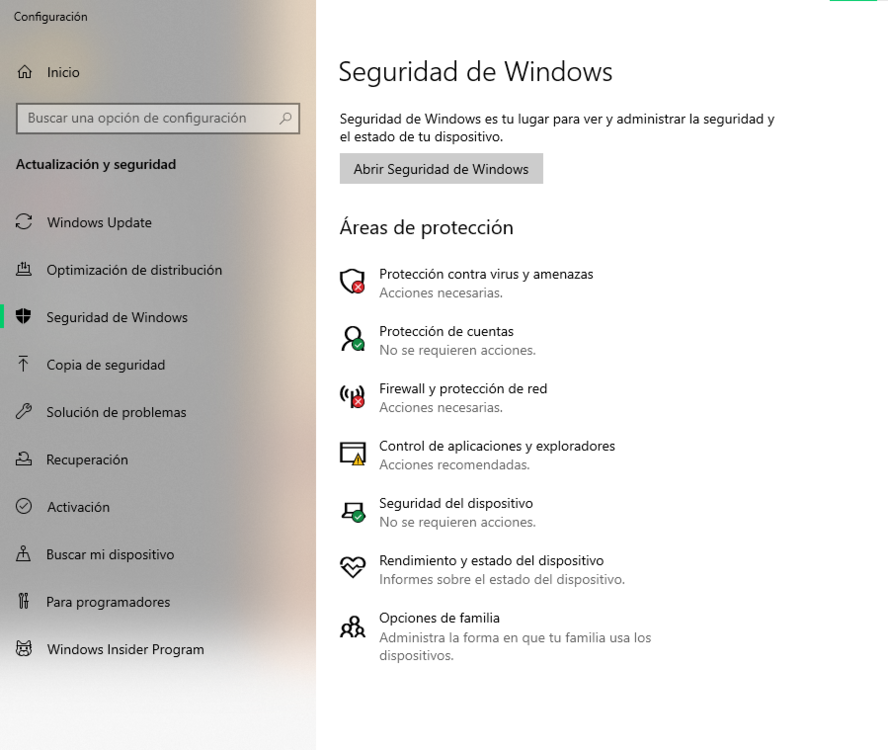
Ready disable all the antivirus and continues to give me the failure this time record clip The videos are in this link since I do not let me upload it to this message:
-
No, I had McAfee but I uninstalled it so I could try the anti-virus
-
I have problems with the game constantly crashing when I open a menu or call a unit, arrest someone, have an emergency call I'm sorry for my terrible English RagePluginHook.log


