rLux
Members
-
Joined
-
Last visited
Everything posted by rLux
-
Okay, so I just now installed LSPDFR and trainerV, scripthookV, and scripthookVdotNet. But when I start it for the first time, it stays on a black screen for a minute then crashes, here is the log:
-
@Charlie686So what do you think I should do now?
-
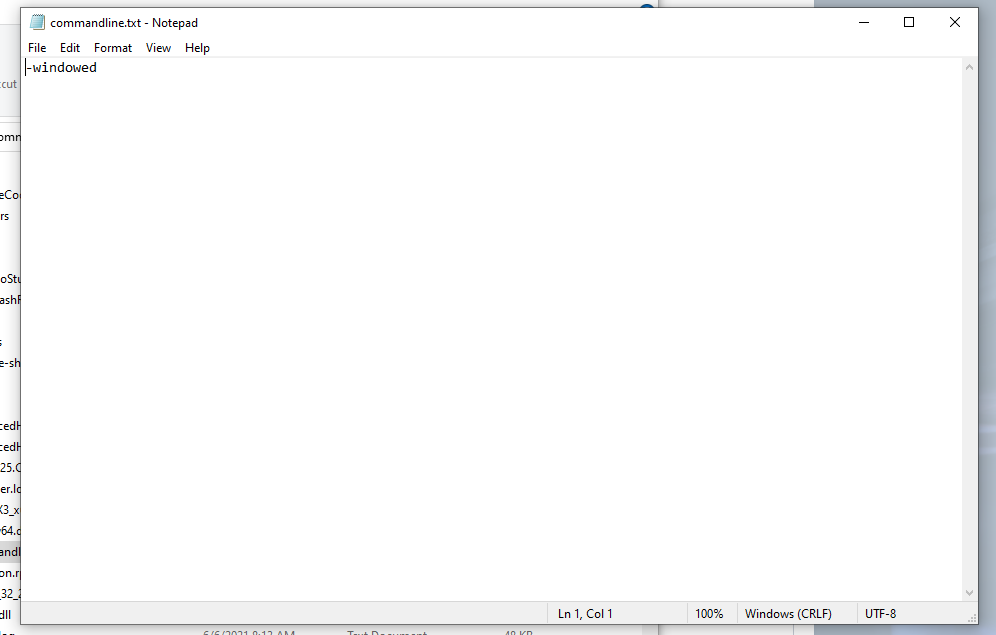
Okay, so I typed this but I still crashed when I started up Rage. @Charlie686
-
There's the updated one.
-
@Charlie686So what should I try now?
-
@Charlie686I tried it, but it crashed again. It gave me a different log though, do you want me to attach it?
-
@Charlie686So what do you think is causing it? I'm still learning how to read logs haha.
-
Here ya go:
-
Nope! But when I got ingame and tried to launch RagePluginHook it crashed my game. I'll try it again though. @Charlie686Nope, it crashed again. My GTA V is launching perfectly but now i think its a issue with RagePluginHook.
-
@Charlie686Okay, so I took it out, verified my files, and then launched the game and got in. But none of my trainers (Ex: TrainerV, Menyoo) are working in game. And when I got in-game and launched RagePluginHook, a lot of my mods weren't working. I also tried launching RagePluginHook by itself but it just crashed after a minute or so.
-
Sorry, I took it out earlier and then added it back in for some reason. I just took it out again though. @Charlie686
-
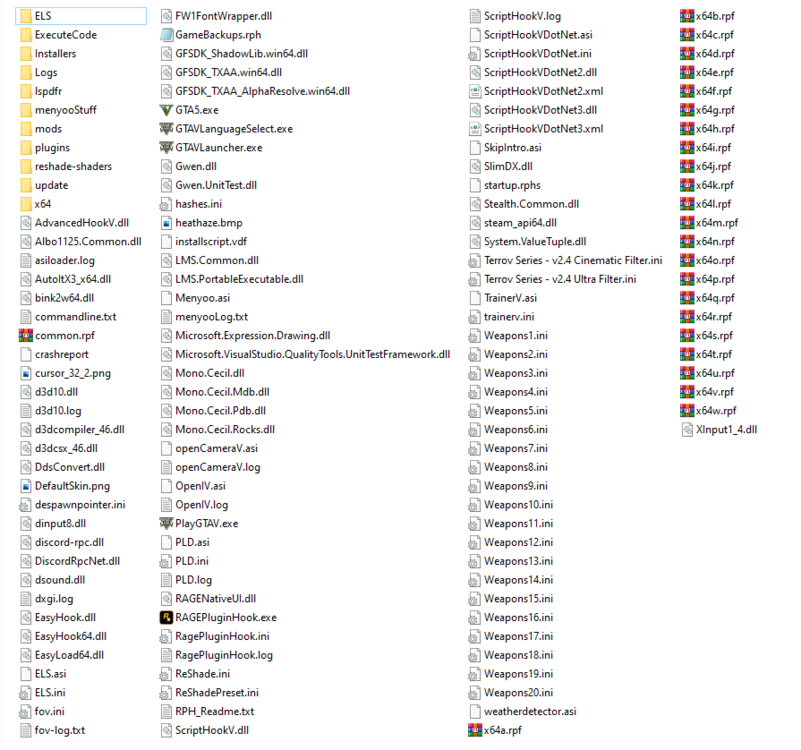
Here you go @Charlie686:
-
@Charlie686Sorry about the wait, my computer was acting up. Okay, so I verified the files and tried to launch Normal GTA V but it still just crashed. Now what?
-
Okay give me like 5 minutes and i’ll try again!
-
@Charlie686Okay, I'm back. I verified my files with it removed, now what do I do?
-
Okay, I’ll try it tomorrow morning. I have a friend over who lives far away who I never get to see. So I’ll reach out in the morning! See ya!
-
I don't see that in my main directory, any other ideas? @Charlie686
-
So try starting normal GTA V or use RagePluginHook? Nevermind, I tried both without the dinput8.dll and both ways crashed. @Charlie686
-
Already tried that, it doesn't work either. It will show the black loading screen with the credits for like 10 seconds. Then it will crash. @Charlie686
-
Okay, I tried renaming it and starting it, but it still didnt work. 😕
-
Dang that was fast! Okay, I'll try it.
-
Hey, so I just reinstalled LSPDFR after some time, and I got some plugins, EUP, cars, etc. And it was working fine earlier but now it keeps crashing. I don't know how to read crash logs so I would really appreciate some help! Here's the log:
-
I cant figure out what to do, it keeps crashing. All I've installed is Kifflom Replacement, a ELS LSPD pack, and some EUP
-
Hey, so before you ask.. Yes I do have all notifications turned on. I've already looked at my log and nothing is wrong with it. I've looked at 20+ forums and all of them say turn notifications on but that doesn't do anything. If anyone could help I would really appreciate it!
-
@Charlie686 It's fixed. Nevermind. It just took some time for some reason.