
1Kachy
Members
-
Joined
-
Last visited
Reputation Activity
-
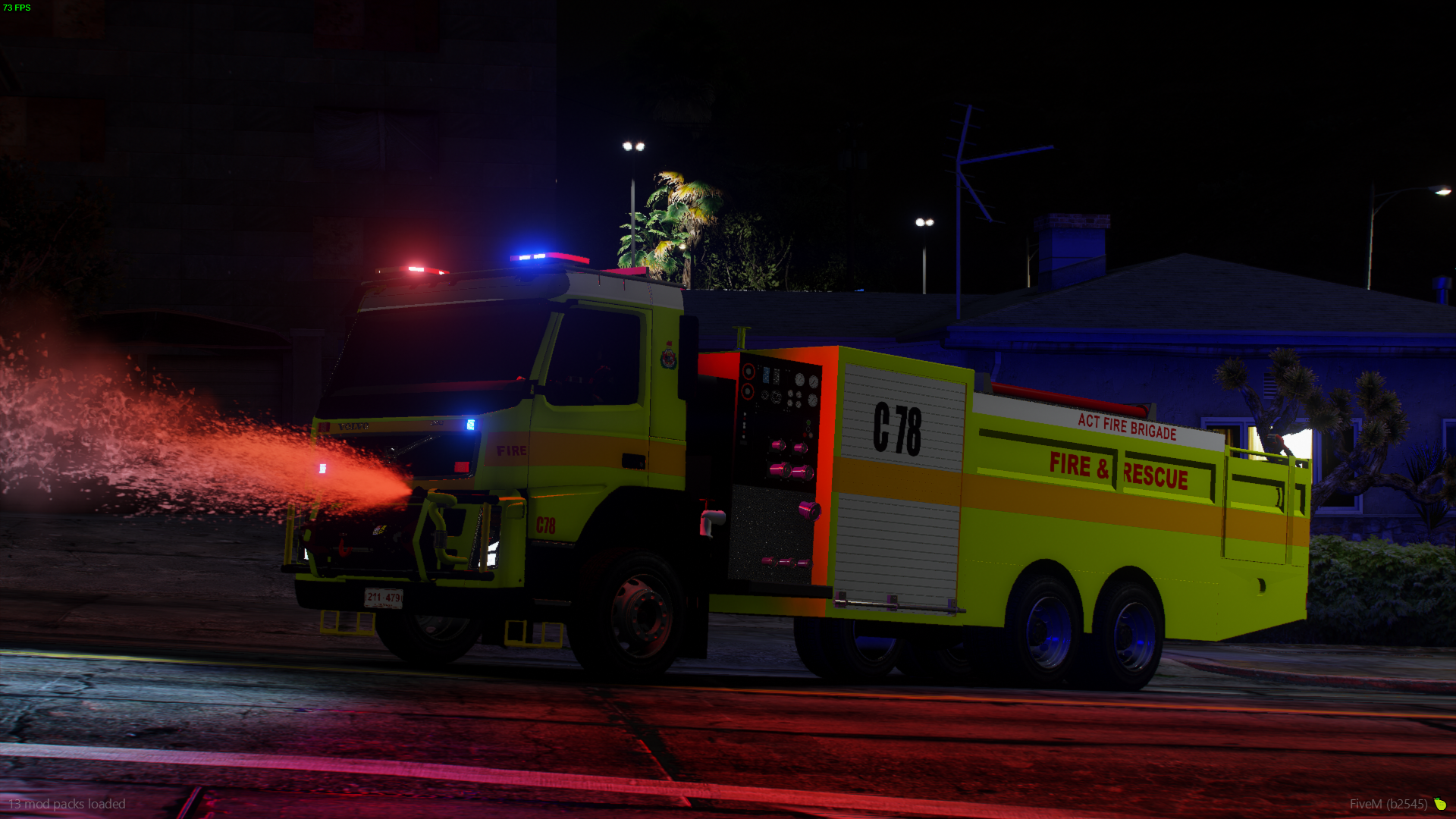
 1Kachy got a reaction from marvinblue in LSPDFR Australia Discussion Thread 2.0Tanker is done. Available in discord.
-
 1Kachy got a reaction from Papa Renny in LSPDFR Australia Discussion Thread 2.0Finally Complete.
Will be available as a discord release in Capital Development from the 18th September
-
1Kachy got a reaction from Papa Renny in LSPDFR Australia Discussion Thread 2.0ACT Fire and Rescue Compressed Air Foam Tanker - C78 and C98 coming very very soon