


DerEchteRuwen
Members
-
Joined
-
Last visited
Everything posted by DerEchteRuwen
-
 Great model, thanks for uploading. I really like the clean look it has to it. Interior looks amazing too. Is there any chance you could adjust the seat position so the hands go on the steering wheel? Nevertheless, I love it! 10/10
 -
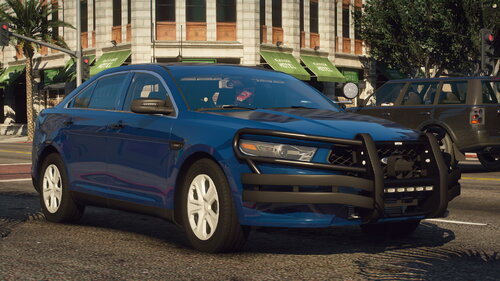 I cant seem to get the emergency lights to work with the singleplayer version, im gonna attach my SirenSettings, maybe that would help. SirenSettings.log
 -
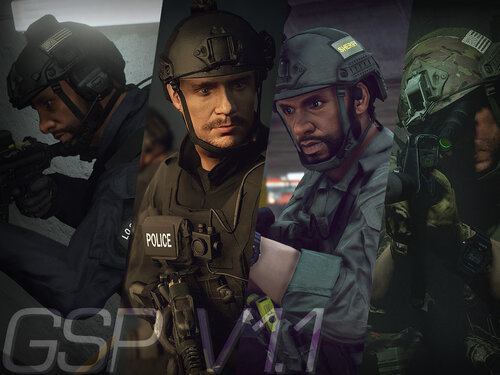 Damn, nice work! Other people would certainly charge money for this kind of quality, keep it up!
- 45 comments
- 5 reviews
-
-

- 2
-

