


goodmichael5
Members
-
Joined
-
Last visited
Everything posted by goodmichael5
-
Sorry for a late reply. Switching to Enable All Interiors 43.0 actually fixed the problem. I was on Enable All Interiors 39.0 before; I guess it just didn't work anymore for my downgraded version of GTA 5.
-
There seems to have been a conflict between Enable All Interiors and the update "A Safehouse in the Hills." So I removed the script, and then when I launched the game, the ground textures started loading on start.
-
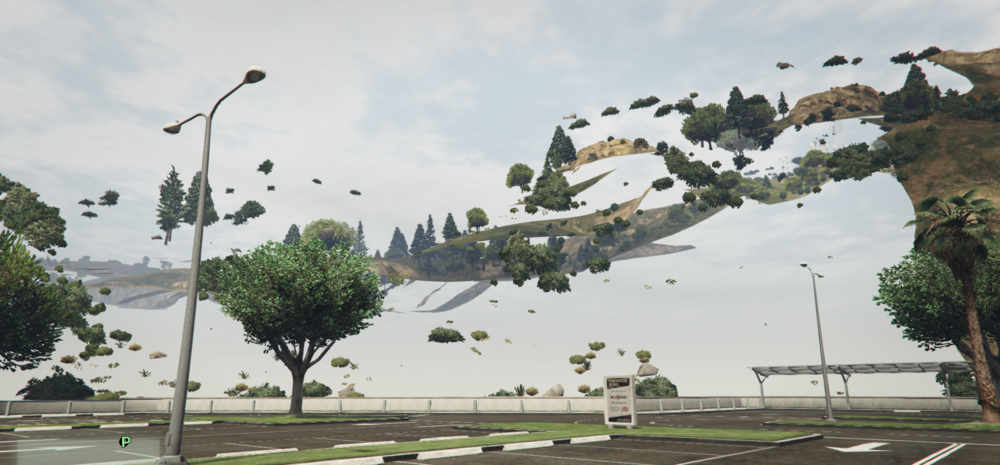
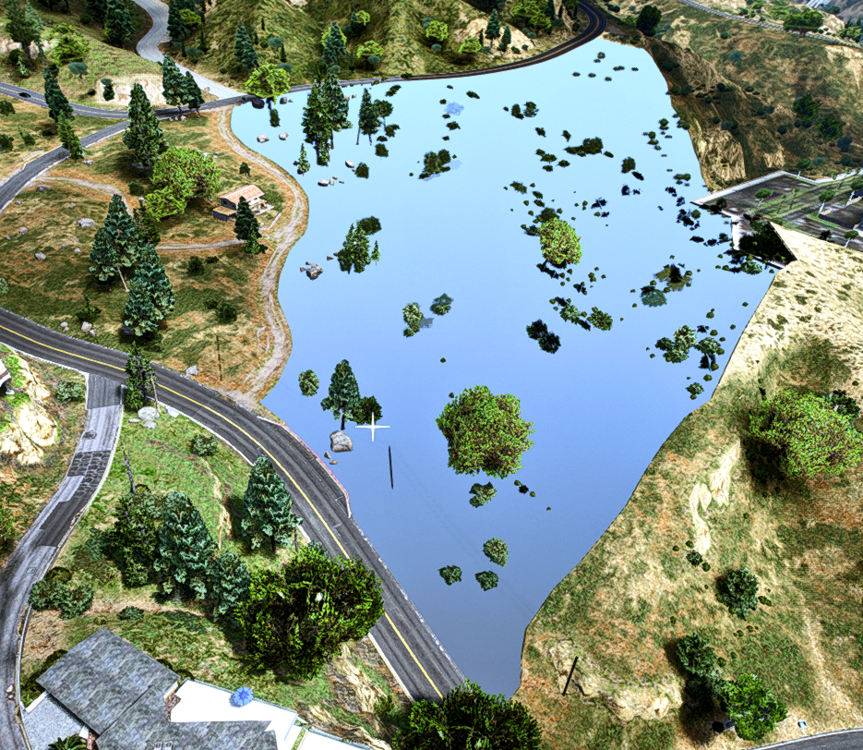
I don’t know what happened. I was playing the game, and when I went to Blaine County, the entire area was missing. However, it still had the road dirt decals, trees, bushes, and other details. I renamed the mods folder and the textures came back, but when I went to inspect the mods folder, there was no reason for that area’s textures not to load. This also isn’t the normal texture loss you get from too many add‑on vehicles or too many plugins. I’m currently on Grand Theft Auto V version 1.0.3751.0, since I had to revert the game to a previous version during an update.
-
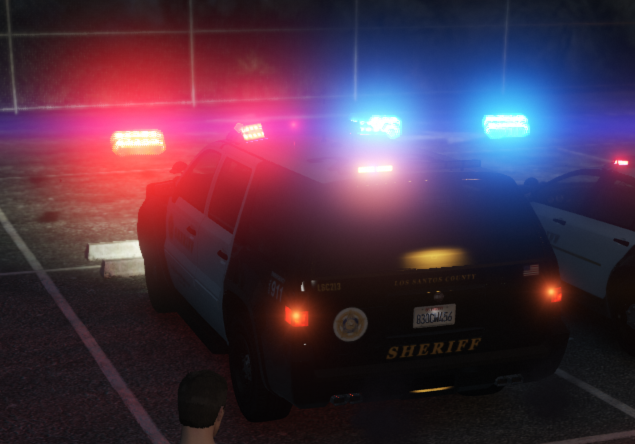
SirenSetting Limit Adjuster fixed this problem with the vehicles
-
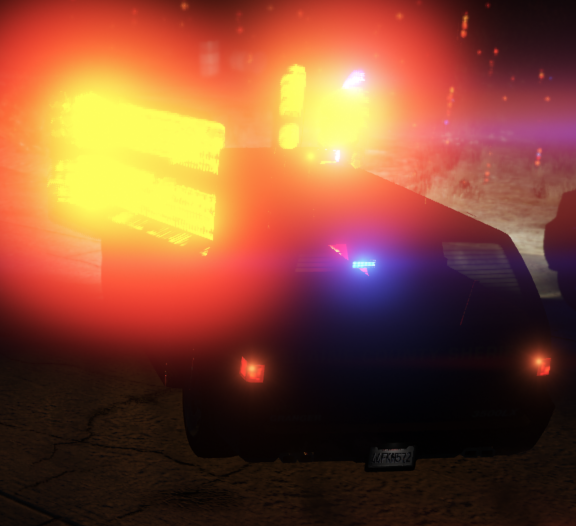
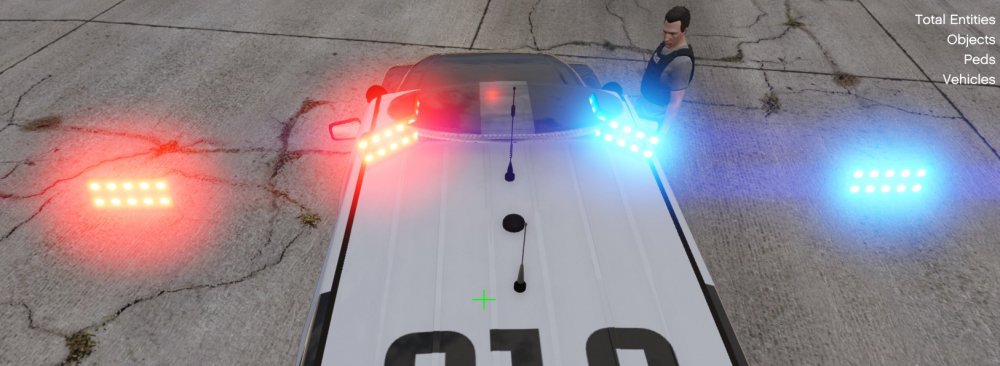
I download a ELS pack for the lore vehicles for EUPFR but this happens only on a few vehicles, but not all of them. I don't know if it's a ELS Xml problem or a Graphics mod problem
-
Done. That was the problem messed up when typing in a custom vehicle code had two << at the start of the code
-
The last XMLs I edited was the DefaultRegions and SpecialUnits from UB but the game worked after that.
-
The game has been unchanged since the last time I played and that was yesterday. and I don't know what's going on, in happened after the callouts were loaded but it was fine yesterday RagePluginHook.log




