


elvante
Members
-
Joined
-
Last visited
Everything posted by elvante
-
-
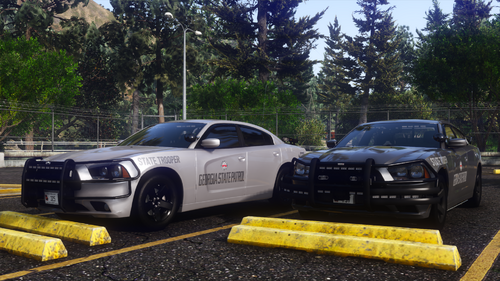 i took out ssla, and some of the cars now work
 -
can't get the lights to work, even with the siren setting limit adjuster. Els is installed, i hear all of the clicks when activating the stage lighting but im not seeing the lights, What am I doing wrong?
-
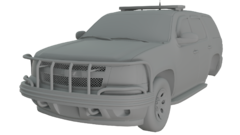 can you make something like that fivem ready?
 -
Might be a stupid question, but can someone update me on what (els-hybrid) mean? I know what els mean but does the hybrid mean it'll work as non els? as in I can get it to work in fivem?
-
last time something like this happened to me, it had something to do with space, though my hard drive had plenty of it, the game itself was lacking it, if that makes sense. I downloaded several things similar to heap adjuster, I just don't remember all of them. I learned that if you're wanting multiple dlc files within openiv, you'll want to install a file for more "space".
-
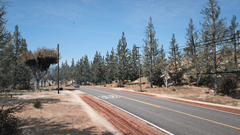 where can I find this?
 -
-
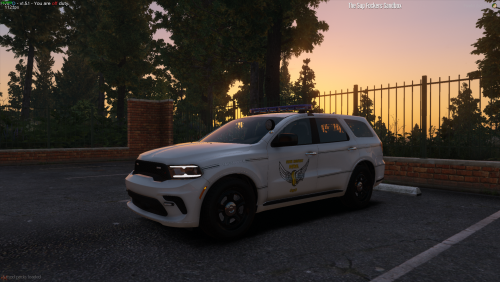 can you make a non els indiana state police durango. or can you send me the dev file of this current durango?
 -
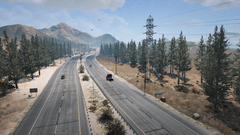
.thumb.png.2ab768efcbe65de23a7d11999ca83cb8.png) els files aren't working. they're acting as non els. only some of the lights will work, while using an xbox controller i have to honk the horn for the lights to come on instead of using left on dpad. Even though I have custom sirens installed, i keep hearing the stock ai siren in game upon spawning these cars in
els files aren't working. they're acting as non els. only some of the lights will work, while using an xbox controller i have to honk the horn for the lights to come on instead of using left on dpad. Even though I have custom sirens installed, i keep hearing the stock ai siren in game upon spawning these cars in- 46 comments
- 5 reviews
-
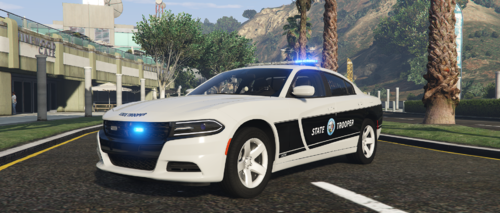 can you send me the wheels??? i dont like the rwd hubcaps from the wheel variety pack
 -
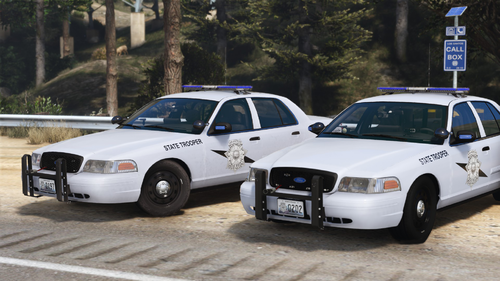 im kinda new to this stuff, but is there anyway you can make this fivem ready? or walk me through it?
.thumb.png.2ab768efcbe65de23a7d11999ca83cb8.png)
