


FrostySine74
Members
-
Joined
-
Last visited
Everything posted by FrostySine74
-
So i want to get rid of these dramatic police light lines, they annoy me at night so much, but im not sure what they are called, cause im pretty sure they might be in the visuals settings.dat but i need a fix please, or just figure out a way to make them shorter or to get rid of them that would be cool. https://imgur.com/a/1WiR6MG and sometimes their worse than that, their just so long and it gets in the way
-
any sugg
-
So this is not nessarraly lspdfr but im trying to install a weapon sound pack and when i put in the weapon player file it just wont change, no matter how many times i try it just dont work, it stays with the game gun sounds. I play alot of fivem and I would really like to get it fixed
-
i figured it out its fine now, works like a dream, but thanksfor the help, wouldnt be able to play if it werent for u
-
what do u mean by that
-
i have no idea what that is, but i may would it be in my main directory
-
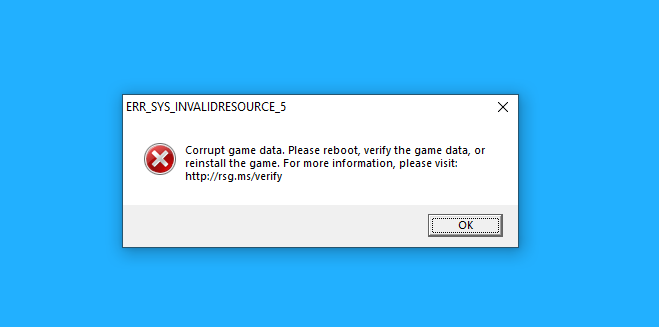
well it loads up now, but when after like 5 min of playing this appears so pretty much after like a couple min, my game crashes and this come up
-
lordy like 2 days bc a vcf file lol well thanks for the help really appreciate it got another prob where can i find my rph crash rep[orts
-
found it , it was my firetruck
-
what do u mean read the asi file and do i put the asi els back in the folder i took the vcfs out and put the asi back in the directory and no it does not crash
-
it looks like els yea its just els
-
was at school srry what is asi btw like should i remove everthing that says asi or has asi in it but yes i removed all .asi and it works
-
did u figure out how to fix it or whats out of date or anything
-
were you able to figure out whats wrong
-
once i took those out my folder it works fine, just some things dont work, meaning my eup but if their is a bad one, how do i know asiloader.log ScriptHookV.log their forgot to read second part lol
-
well the mods folder is fine it didnt crash bc of that it crashed bc aof the script hookv and dinput9.dll
-
the thing is without those 2 files i cant use some things like eup and stuff, so now what
-
nope it doesnt crash now now what do i keep those files out or do i just delte them and not use them
-
yes with mods called _mods and idk if i have any scripts, how can i check
-
it didnt work its like its not doing the loading game world and population or story mode my reg gta5 dont work either, atleast for story mode
-
after it verifies do i reluanch a rage? and do i keep the _mods or do i change it back to mods
-
yes it crashes
-
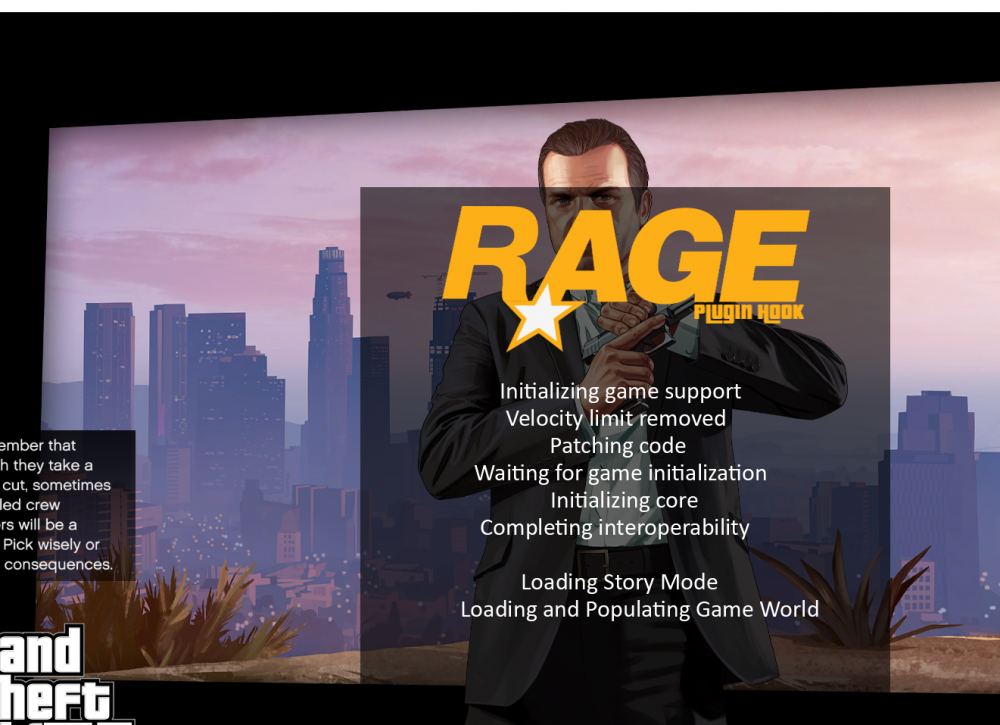
did not work this is this i the screen it closing out on
-
yes and i tried launching again, it didnt work
-
if so it didnt work
