


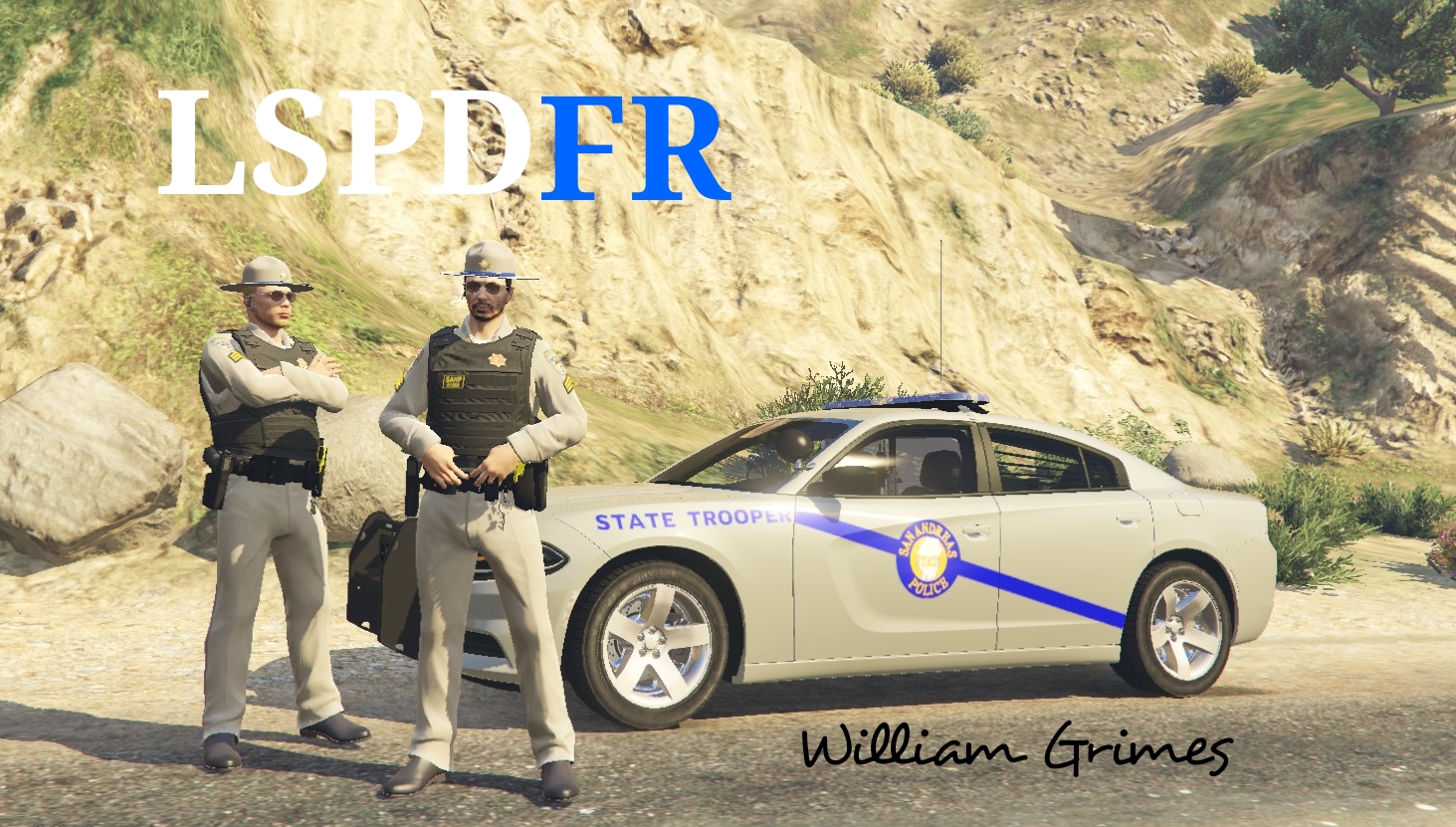

William Grimes
Members
-
Joined
-
Last visited
Everything posted by William Grimes
-
 Can anyone help me out? My Vehicles.rpf from OpenIV is missing so I cant replace anything. Can anyone help me out to get that back so I can install this pack.
- 75 comments
- 15 reviews
-
 Are you getting the warning for when you go on duty about not having the right LSPDFR Version and it says to use at own risk? I just reinstalled and it still says that
- 3,646 comments
- 306 reviews

