


Doomdog
Members
-
Joined
-
Last visited
Everything posted by Doomdog
-
I keep reinstalling the new version but for some reason it keeps loading an old one. Never had issues like this before. Is there an easy way to start over with lspdfr? RagePluginHook.log
-
Hello, Thank you for your response. LSpdfr was already updated before I sent the last rage plug in. I did increase the timeout to 60000 and now it just completely freezes. Here is the new Text file. RagePluginHook.log
-
Having issues with the latest update of LSPDFR. It wouldn't load. I have updated all the necesary files. It seems to be trying to load the .dll 3 times. I attached the latest Rageplugin log. Thank you. RagePluginHook.log
-
it doesn't crash per say. You can play GTA no prob just the mod doesn't work. The Log is the same as before RagePluginHook.log
-
My anti-virus is turned off.
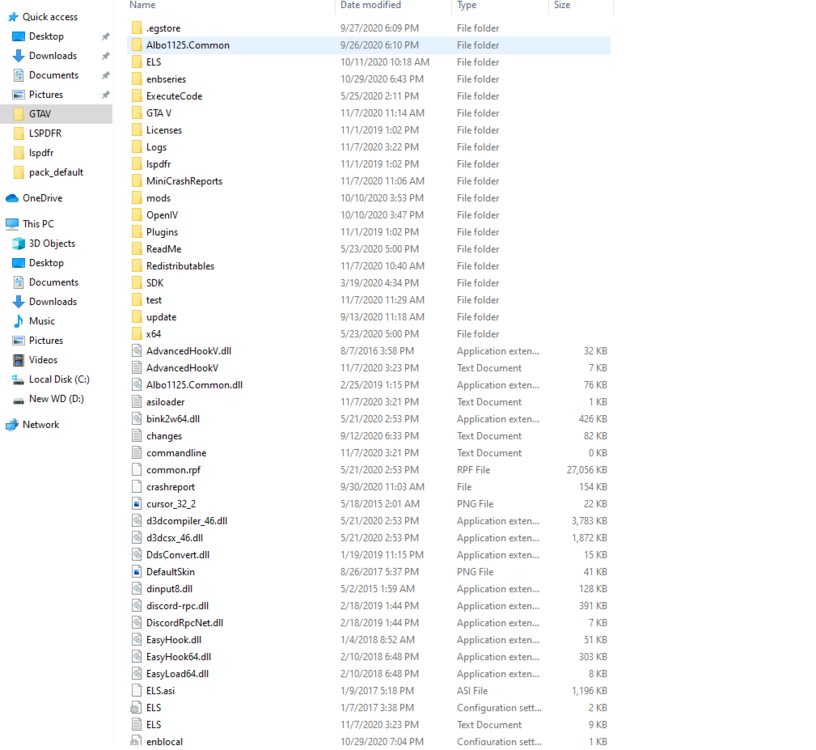
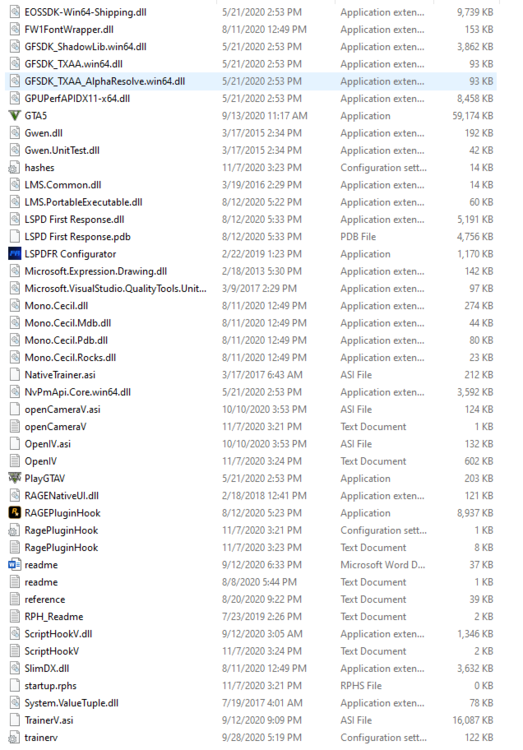
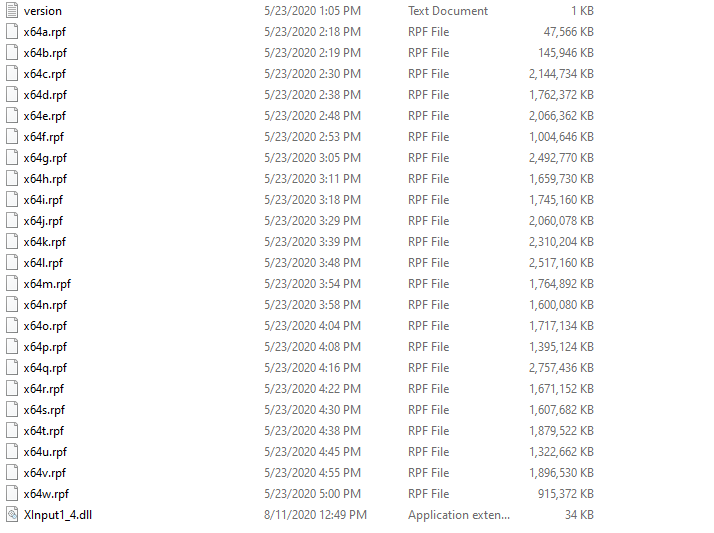
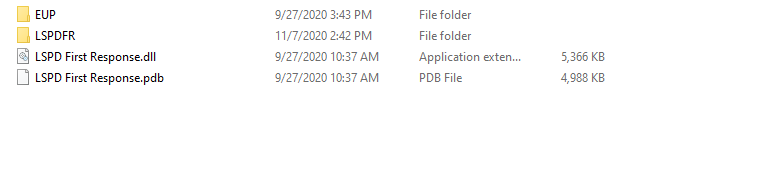
-
Ok did all that and still doesn't work. The game does load but lsfpdr just doesn't load itself. Rage goes through all the same stuff as before. Loading story mode etc. Just isn't active. Rage log is the same as above. Thanks
-
Sadly it is still not working. I have attached the rage plugin log. As it has changed. RagePluginHook.log
-
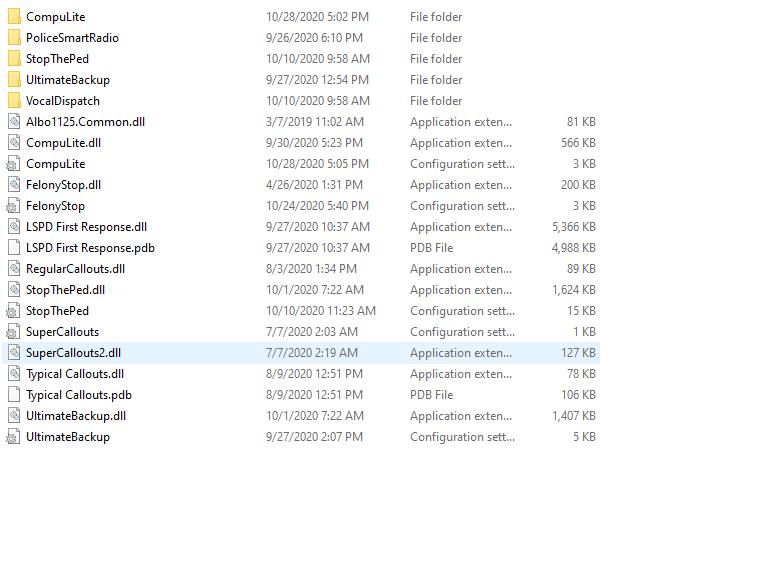
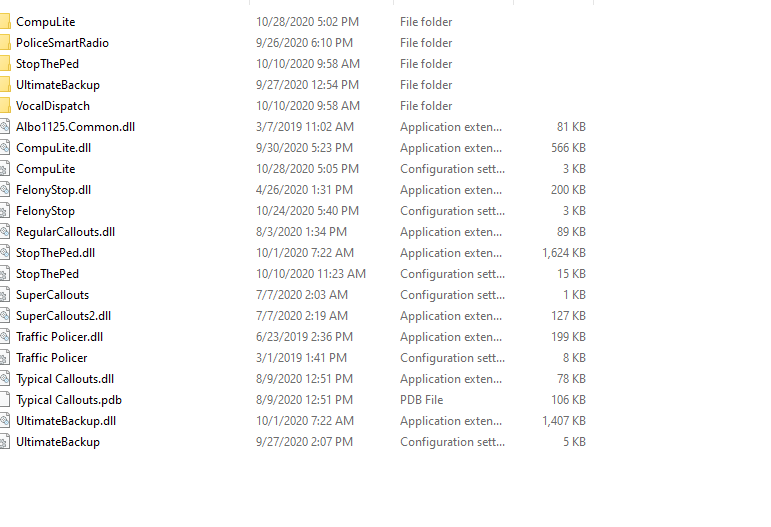
Here are a few shots of the plugins folder.

-
Here you go. Thank you very much for the help RagePluginHook.log
-
As of today LSPDFR won't load. We run the game as normal and then run the Rage Plug in. The log file for Rage shows the following. This it the last line in the log. There are no other errors. I tried moving renaming the MOD directly however still the same thing. Especially the game loads but LSPDFR just isn't working. We also tried reinstalling the latest update .4.8 - Cannot load or unload plugins right now. One or more plugin(s) are currently being unloaded. Thanks Peter


