


Hobocharlie67
Members
-
Joined
-
Last visited
Everything posted by Hobocharlie67
-
Yes, as long as I launch without RAGE it is fine.
-
Hope that helps RagePluginHook.log
-
No, I did a fresh install of the game just to make sure it wasn't any mods.
-
The game crashes whenever I try to run it with RPH, whether I have plugins loaded or not. It always crashes after it moves to the second image on the loading screen. Does anybody know what is going on?
-
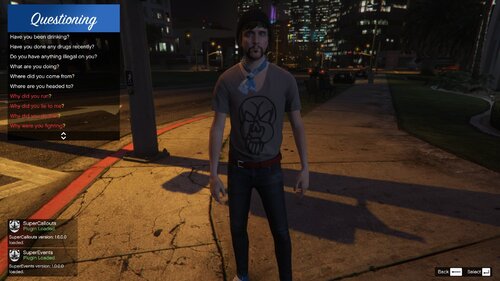 I don't know why this is happening, but whenever I go on duty my game crashes. I know it's caused by this because it started as soon as I installed this. Please help!
- 63 comments
- 7 reviews
