


DGM2712
Members
-
Joined
-
Last visited
Everything posted by DGM2712
-
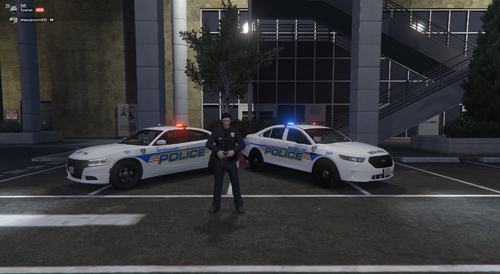 J'adore le skin qui fitte sur plusieurs modèles différent. De plus c'est fun voir des québécois faire des créations en lien avec les services au Québec :) J'aurais une petite suggestion pour le pack, est-il prévue d'ajouter un skin Roussillon pour les CVPI ? Sinon, très bon travail j'adore le pack !
- 12 comments
- 1 review
