Skip to content
View in the app

A better way to browse. Learn more.

LCPDFR.com

A full-screen app on your home screen with push notifications, badges and more.

To install this app on iOS and iPadOS
  1. Tap the Share icon in Safari
  2. Scroll the menu and tap Add to Home Screen.
  3. Tap Add in the top-right corner.
To install this app on Android
  1. Tap the 3-dot menu (⋮) in the top-right corner of the browser.
  2. Tap Add to Home screen or Install app.
  3. Confirm by tapping Install.

lvchill

Members
  • Joined

  • Last visited

Everything posted by lvchill

  1. My game crash after ACCEPTING CALLOUTS . Can anyone please help? RagePluginHook.log
  2. My game crash after ACCEPTING CALLOUTS . Can anyone please help? here is my log: RagePluginHook.log
  3. Hi! I dont why but lspdfr keep crash when i try to go on duty it freeze then send to story mode . CAN ANYONE HELP PLEASE?
  4. lvchill replied to lvchill's topic in Legacy
    Yeah but I just finished doing it
  5. lvchill posted a topic in Legacy
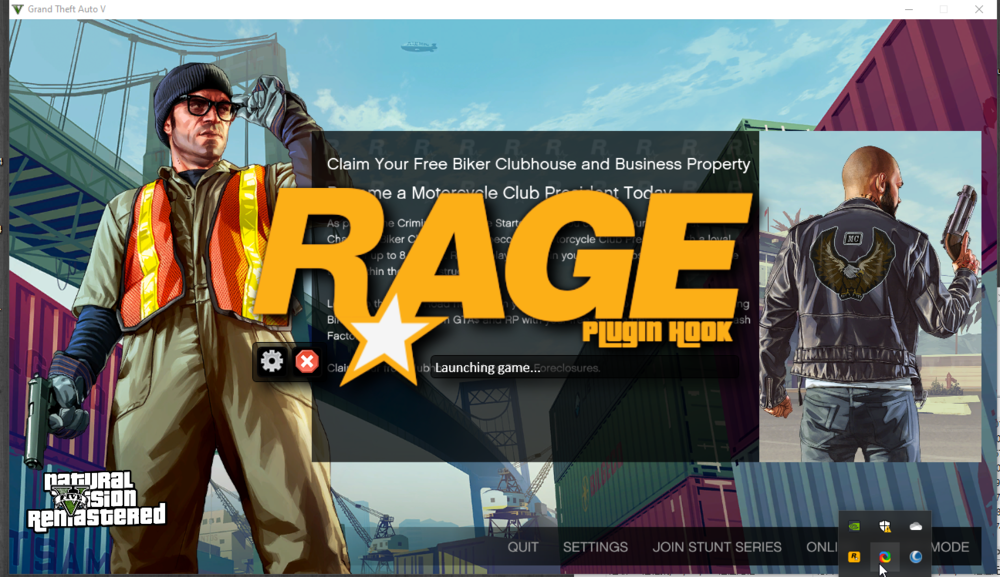
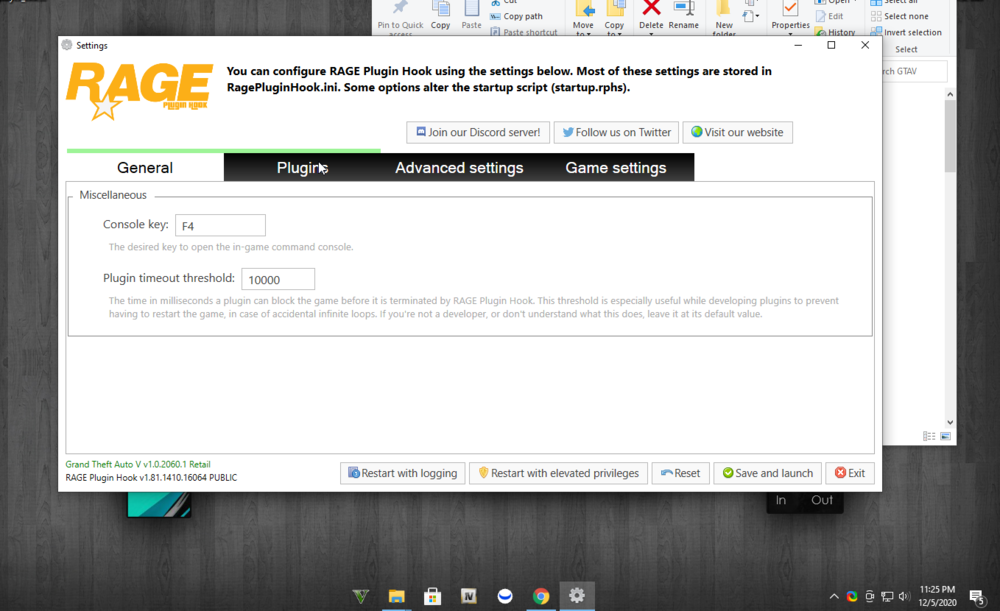
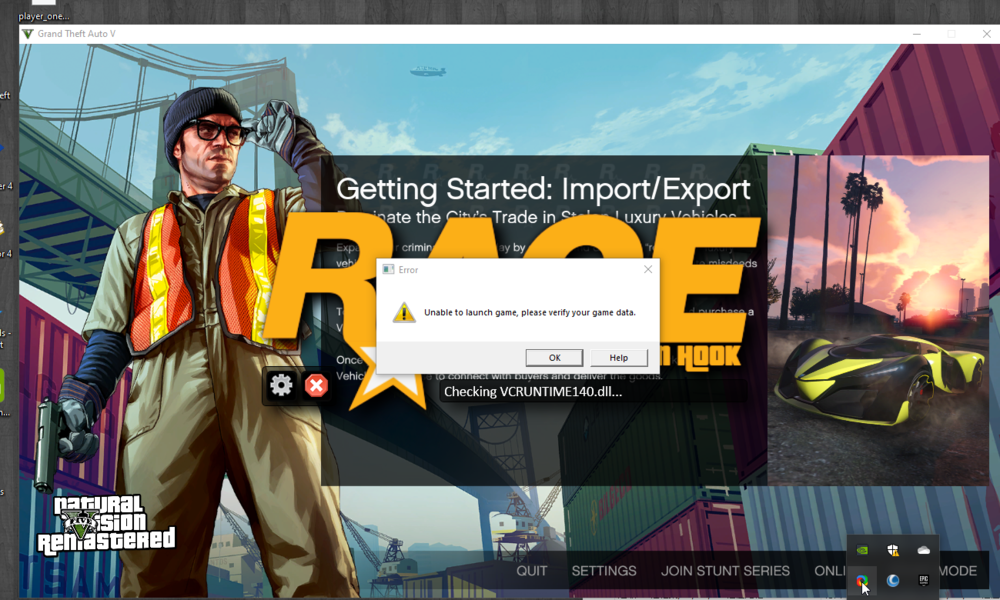
    why rage plugin hook says launching game when the game is running ??? help
  6. Not yet thank you helping
  7. I think it was some corrupt files
  8. ight thanks for the time
  9. is fine if u can help I'll buy on steam
  10. how I downloaded from epic game
  11. can anyone help please?

Account

Navigation

Search

Search

Configure browser push notifications

Chrome (Android)
  1. Tap the lock icon next to the address bar.
  2. Tap Permissions → Notifications.
  3. Adjust your preference.
Chrome (Desktop)
  1. Click the padlock icon in the address bar.
  2. Select Site settings.
  3. Find Notifications and adjust your preference.