


InsaneFERFER
Members
-
Joined
-
Last visited
Everything posted by InsaneFERFER
-
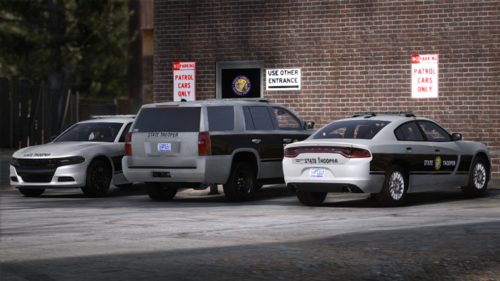 This pack is awesome and so accurate. I noticed the light bars have yellow in them, would there be a way to configure it so that when only the secondary lighting stage is active, only the yellow lights are active.
- 54 comments
- 4 reviews
-
Hi everyone, I'm looking for a specific slicktop charger with: All blues ALPRs Antennas Westin bulbar Side runners Driver side spotlight See attached pictures
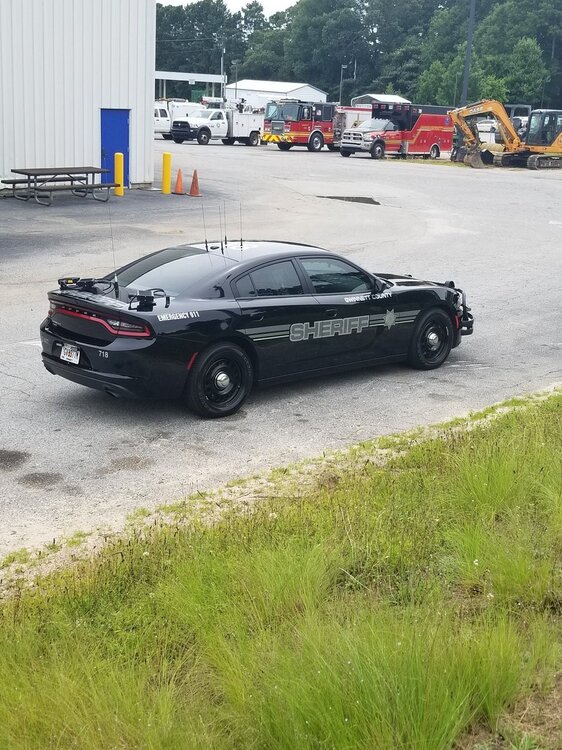
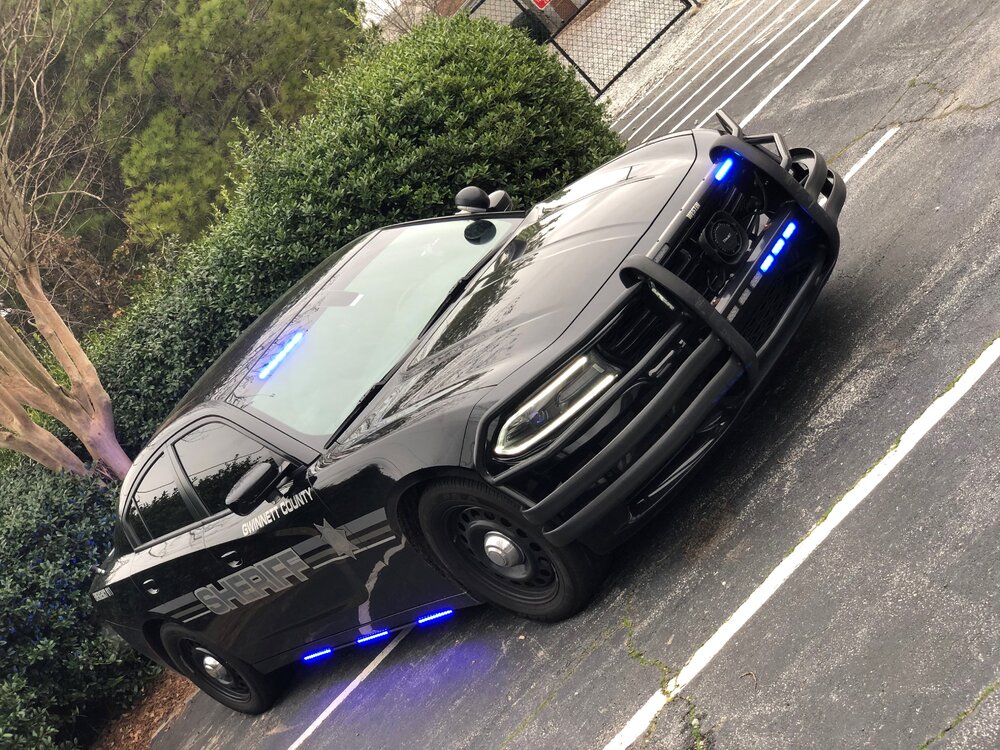
-
Can someone please help explain why I am unable to use add-on vehicles? I have no problem replacing vehicles but as soon as I go to insert an add-on vehicle my game will crash during startup. I have the most recent versions of: LSPDFR RHP Enhanced Native Trainer ELS LML (tried to use this for add-ons instead of OpenIV....didn't work) Gameconfig CWeaponInfoBlob Adjuster HeapAdjuster ScriptHookV ScriptHookVDotNet This problem started after the new update. It wont let me use even one add-on vehicle.
-
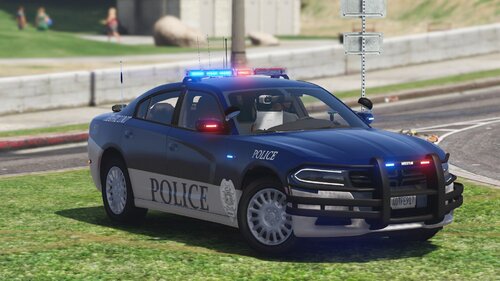 @DTailedKill3er yeah I realized I could do that right after I posted that. I ended up finding one easily. @OfficerBenzo I'm pretty sure @DTailedKill3er updated those textures so you shouldn't have to worry about reformatting them yourself; just redownload his file.
- 18 comments
- 2 reviews
-
Couple things... 1. Some textures (I think the CVIC, 16FPIU, and now the 20FPIU) are in the wrong format. I noticed they didn't work until I went into paint.net and converted them to DTX5. No problem for me, but others may not be aware of the issue as to why these textures might not be working for them. 2. Any way you can create a 20FPIU texture for a '20 FPIU model that utilizes stage 1 lights (yellow/amber lights)? I like using the SEC lights but this model doesn't have them. Other than that, these textures are great and I really like the vehicle models you used. Thanks,
- 18 comments
- 2 reviews


