Kalashnicow
Members
-
Joined
-
Last visited
Everything posted by Kalashnicow
-
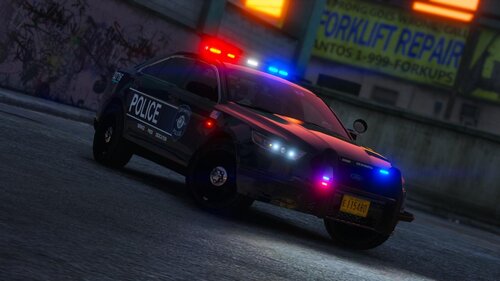 I love this pack! Just one issue (that I doubt has to do specifically with the pack). With the 2013 Ford Explorer (the first police slot), it does this, very odd low-detail.. thing? I don't know exactly how to put it into words, so here is two screenshots. I can't find a source to this issue, and I can't find anyone experiencing the same thing as me, so I write here to ask about what is causing this, and how to possibly fix it. EDIT: I found a temporary solution; deleting the standard police.ytf file with a renamed copy of police_hi.ytf seems to have fixed my issue.
- 53 comments
- 13 reviews
-
Somehow, I have managed to solve my issue. I just disabled and enabled OpenIV.asi and the ASI loader again and again, and now it works? I'm not sure either, but atleast it's working.
-
I've disabled LML all together, though I had updated it yesterday, as you advised me here:
-
Unfortunately I have already done both of these. 😞
-
Ah, I actually just found my old OVIsetup.exe file I had at the back of my downloads folder. Oddly enough, after reinstall OpenIV, the game crashes whether I have OpenIV.asi included or not. (Still doesn't crash with RPH though, just loads indefintely.) I'm going back to square one, and trying all of the original measures for this type of situation.
-
Very confusing situation. I reinstalled OpenIV (turns out the website doesn't allow you to download the setup anymore due to some technical issue on OpenIV's behalf) I sat in the loading screen for a bit longer, but ultimately ended up still crashing the game. I'm going to do a bit more testing, maybe I can find something.
-
Hi again! Yes I have reinstalled all of those, that is how I concluded that it was OpenIV.asi that was messing up. I've run out of ideas, I might reinstall a fresh copy of OpenIV, just to see what happens. One detail though that I have left out though is that it properly loads my custom startup movie when I start the game, meaning that it probably isn't entirely broken
-
I just can't catch a break from all of the issues coming from this update. My game crashes while loading singleplayer, and loads indefinitely if I run RPH (doesn't provide log with any unordinary activity) I have narrowed it down to: My game works without OpenIV.asi, it does not work with it. I have removed the mods folder, yet it still crashes with OpenIV.asi. Has anyone else experienced something similar, and were able to fix this? I can provide any extra details if needed.
-
Thank you! Exactly what I was looking for! P.S. I love your pfp lmao
-
RagePluginHookLauncher.log (Began occuring post-2699 update) GTA V, simply, isn't loading. I open it on Steam (without RPH) and it runs through the little rockstar launcher loading screens, but never actually opens the GTA V window. I used RPH just to get a log that told me anything, and I can't decypher what any of the error text at the bottom of the log means lol. I couldn't find anything on Google that is relevant to my issue, as the only piece of advice that I could find was to "verify the game files" which I have done twice. I could probably just fresh install GTA V and it would most likely fix it, but that is a final resort.
-
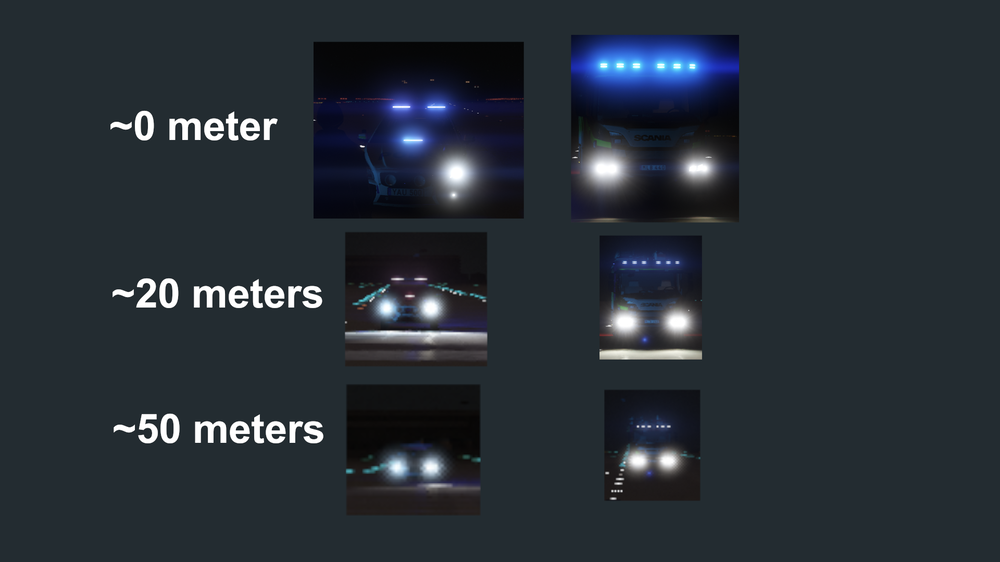
After downloading Radiance V, I have noticed that after I get farther away, the lights look terrible. Is there anything I can edit is visualsettings.dat that could increase the range of the lights?
-
I'm currently making a siren pack for GTA V, and when I convert MP3 to WAV, I import in openFormats, and get "vehicles.oac(Line 6320): WAVE Audio format is not supported. Audio must be MONO (1 channel) and 16 bits Bit depth." What does this mean? How do I make it "mono" and 16 bits Bit depth?
-
(This may be in the wrong location) Recently, I've been looking for a plugin/script that changes the volume for sirens, after a siren pack I recently downloaded seemed very quiet. As I looked, I saw that SirenMastery by Albo1125 does just that, but I cannot get it to work. I would much rather have a plugin/script that is dedicated to only changing the volume of sirens. Does anyone know of a plugin or script that does just that?
-
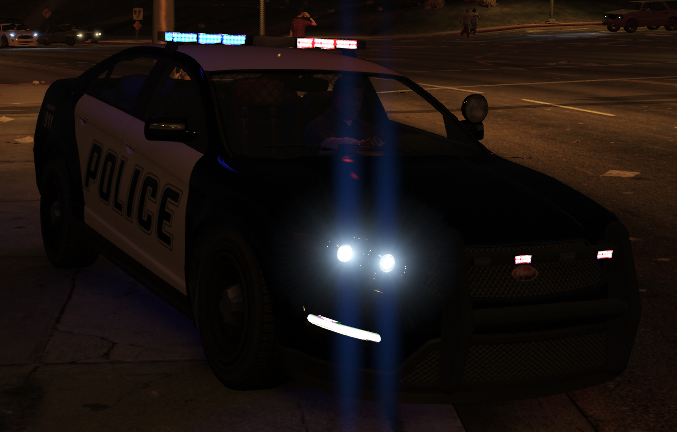
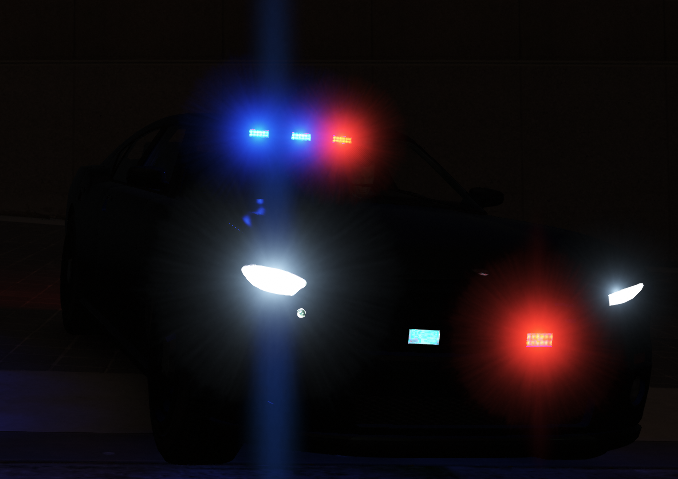
The lights on ELS vehicles look horrible with Radiance V, is there a solution to this? Top is ELS, bottom is Non-ELS
-
It was apparently my outdated version of Windows 10.
-
Nope, reinstalled completely, a fresh copy of GTA. Still stuck on launching game.
-
Still nothing. If I do that it throws an error from Rockstar saying that "GTA V is already running" while the RPH tab says "Launching Game". I've been all around the web looking for tutorials and such with this issue. None of them have worked. Trying a complete reinstall of GTA V
-
I recently decided to return to GTA V modding and such when I am faced this problem. Whenever I launch GTA and RPH, GTA launches completely normal as if I didn't launch RPH. The RPH tab states that it is "Launching game via Steam..." but doesn't actually do anything ingame. Is this able to be fixed? I provided the Launcher log if that helps RagePluginHookLauncher.log
-
I meant L&O... I have S&R and I have had no problems with it.
-
@Mud EUP was the problem, I uninstalled it, and there where no strange peds. I probably had installed it incorrectly. So this problem is solved, for me atleast.
-
@Mud I recently installed EUP L&O, so it may be the culprit. I'll try uninstalling it to see what happens.
-
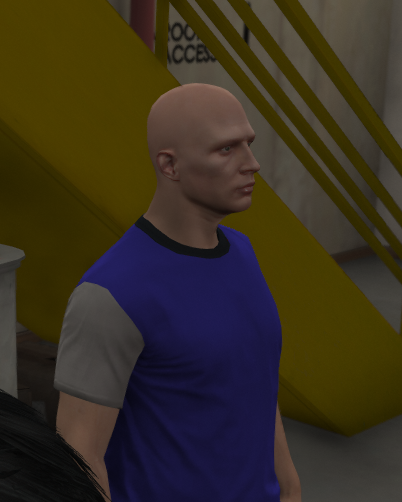
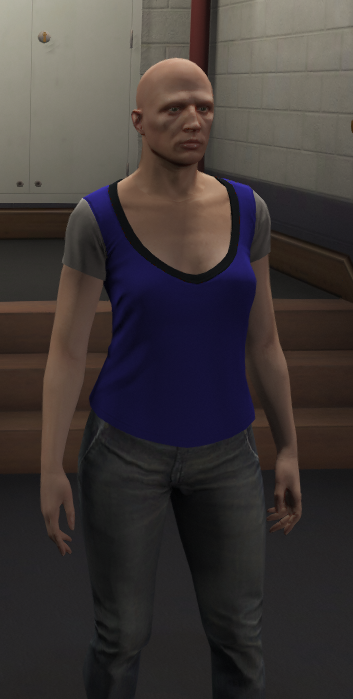
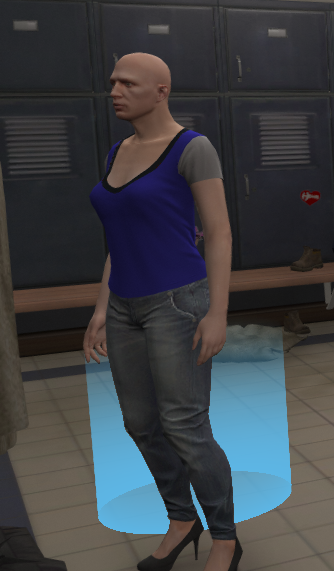
I have no idea what this is, but I know it shouldn't happen. There are police officers standing around the Police Station, but sometimes they look like this.