
DaShadowKnight
Members
-
Joined
-
Last visited
Everything posted by DaShadowKnight
-
Got some time so just updating some of my in game Stock Vehicle`s to Australian brands
-
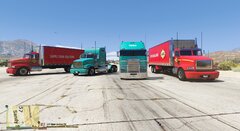
From the album: Reskinning some Stock Vehicle`s in game to austraila brands
-
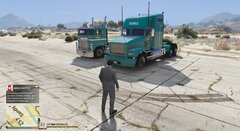
From the album: Reskinning some Stock Vehicle`s in game to austraila brands
-
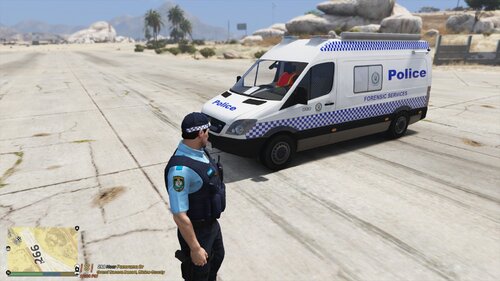 Skin is for the [ELS] NSW Fire & Rescue, Hazmat Specialist Van 1.0
 -
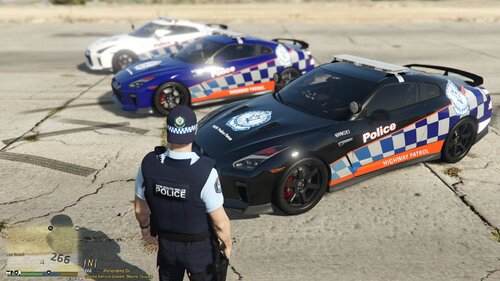 Link below for vehicle
 -
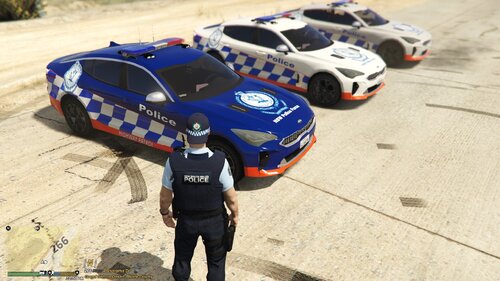 Made a few skins for the police car below Kia Stinger
 -
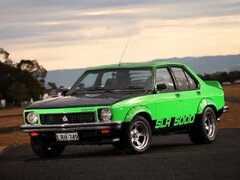
From the album: Holden Torana SL/R 5000 The beginning
-
My first attempt creating a vehicle trying bring some Aussie muscle cars to GTA . Test drive with no wheels went well 🙂 p.s Just want to shout out to all the vehicle modders out there for the work/effort etc involved . Test drive photos also what I want the end result to kind of look like 3D model from Hum3D
-
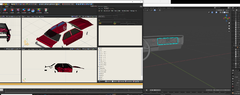
From the album: Holden Torana SL/R 5000 The beginning
-
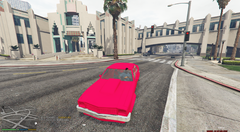
From the album: Holden Torana SL/R 5000 The beginning
-
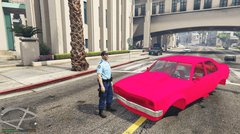
From the album: Holden Torana SL/R 5000 The beginning
-
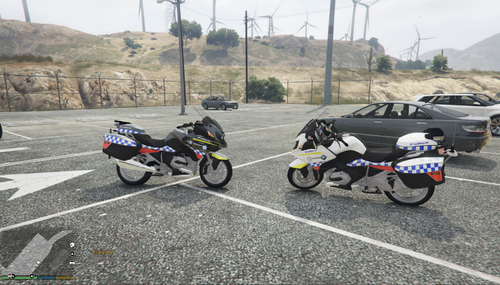 Made Skins for 2013 BMW 1200RT NSW Australian.
 -
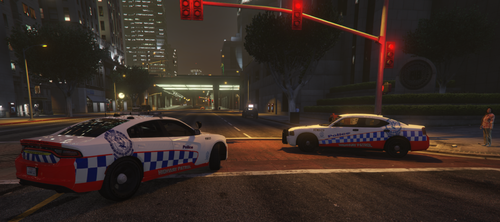 Skins for NSW Police 2009 Police and 2015 Dodge Charger just search for the vehicles Please note I only do the skins, If you wish for a skin drop me a line happy to help. P.S some people will like some will not!
 -
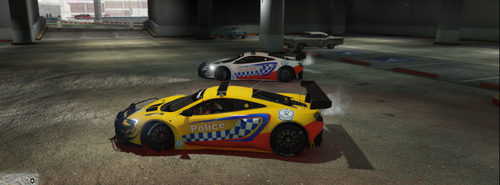 Just a couple of skins for the McLaren 650 NSW Police Force
 -
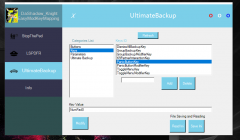
From the album: Easy key Mapping For some mods
-
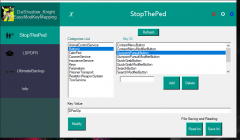
From the album: Easy key Mapping For some mods
-
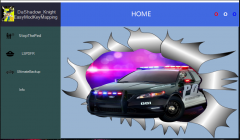
From the album: Easy key Mapping For some mods
-
Hey Just a update Working on a GTA Mod just ran a Demo went well It`s a Key Mapping PC App for some main mods in GTA well hopefully it writes the Main keys used and rewrites a new ini file set up for Stop The Ped as of now work in progress, Changing keys making back ups making things a bit easier will add a pic.
-
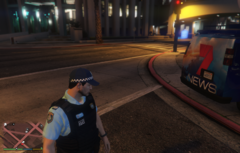
From the album: Australia News Skins
-
-
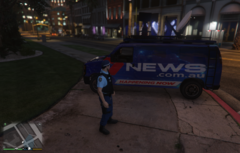
From the album: Australia News Skins
-
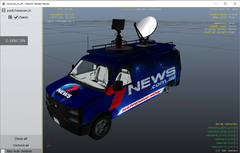
From the album: Australia News Skins