Gonzalo115
Members
-
Joined
-
Last visited
Everything posted by Gonzalo115
-
Thanks guys. Changing the timeout, and getting rid of interaction+ seemed to do it.
-
Although the game doesn't crash to desktop, LSPDFR does crash internally after about 30-45 minutes of playing. Logs are attached if someone wouldn't mind helping me troubleshoot. RagePluginHook.log
-
The work around I have found for now is to drop to regular 1080 resolution. It seems like the menus don't like being beyond 1080/21:9.
-
I have reinstalled them. I'll try again. 5120x1440.
-
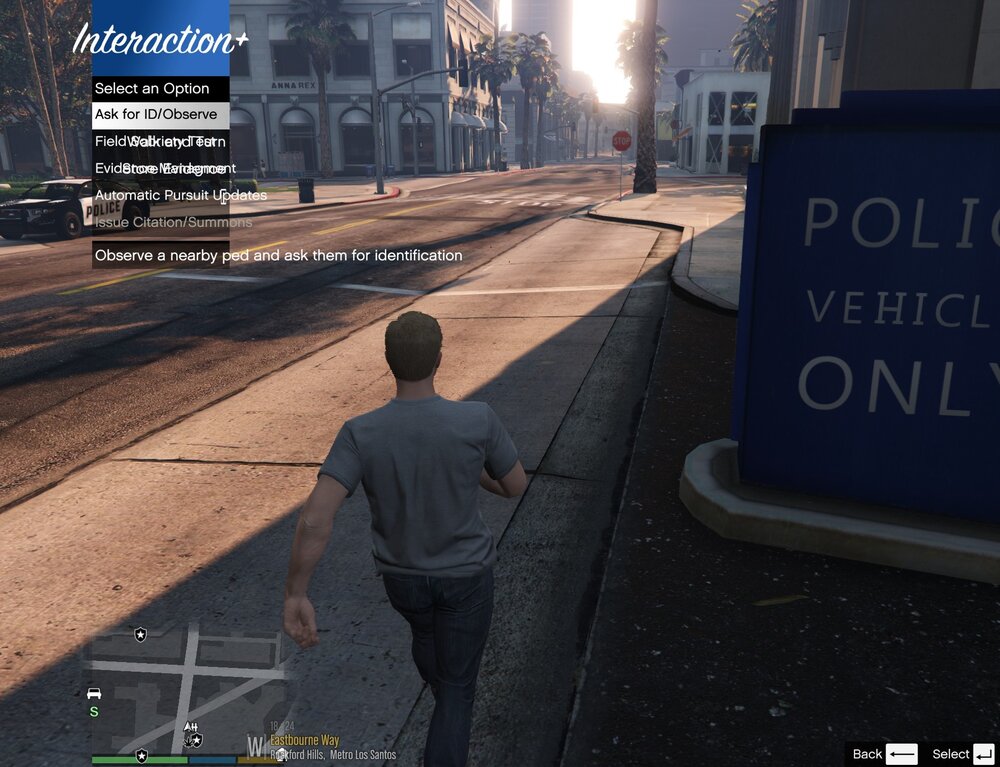
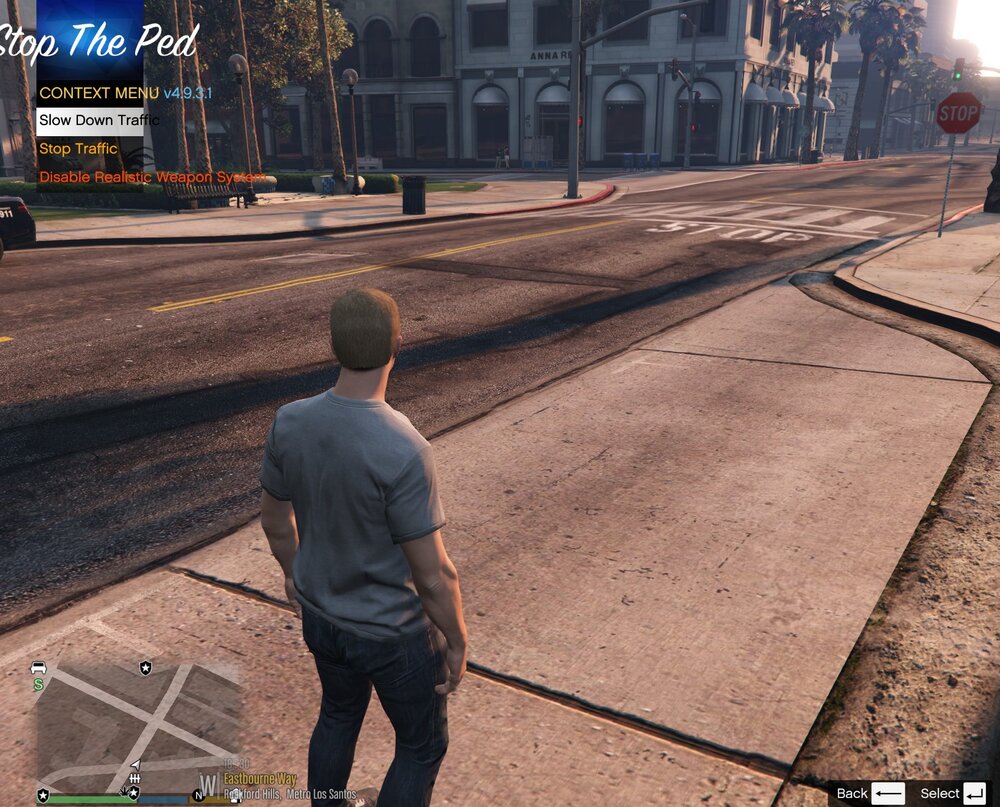
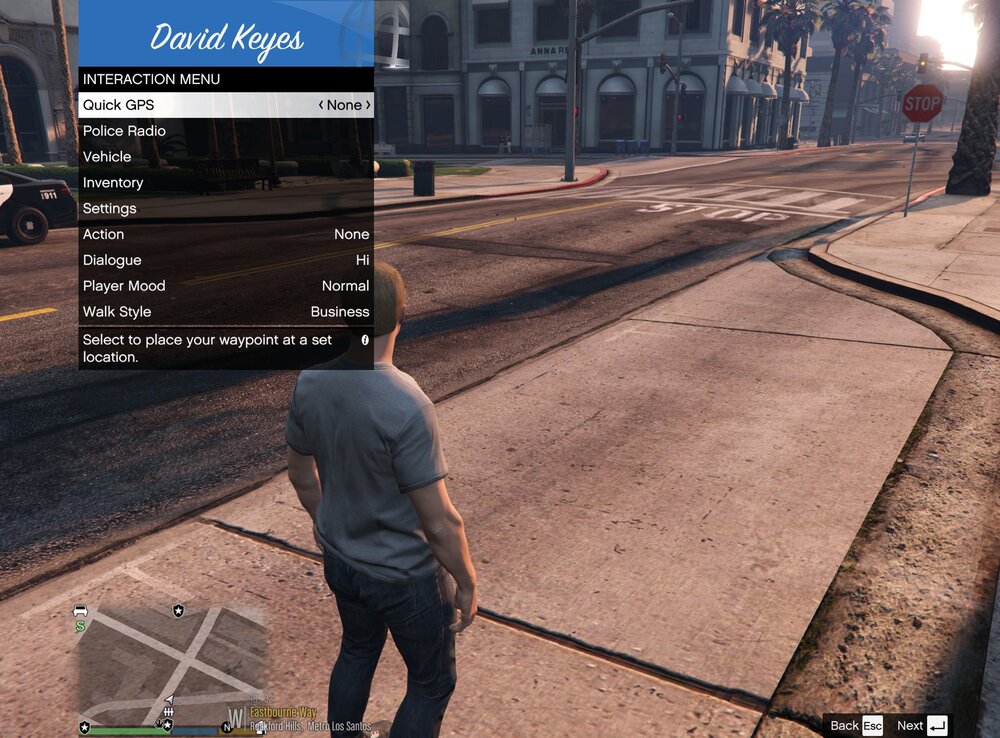
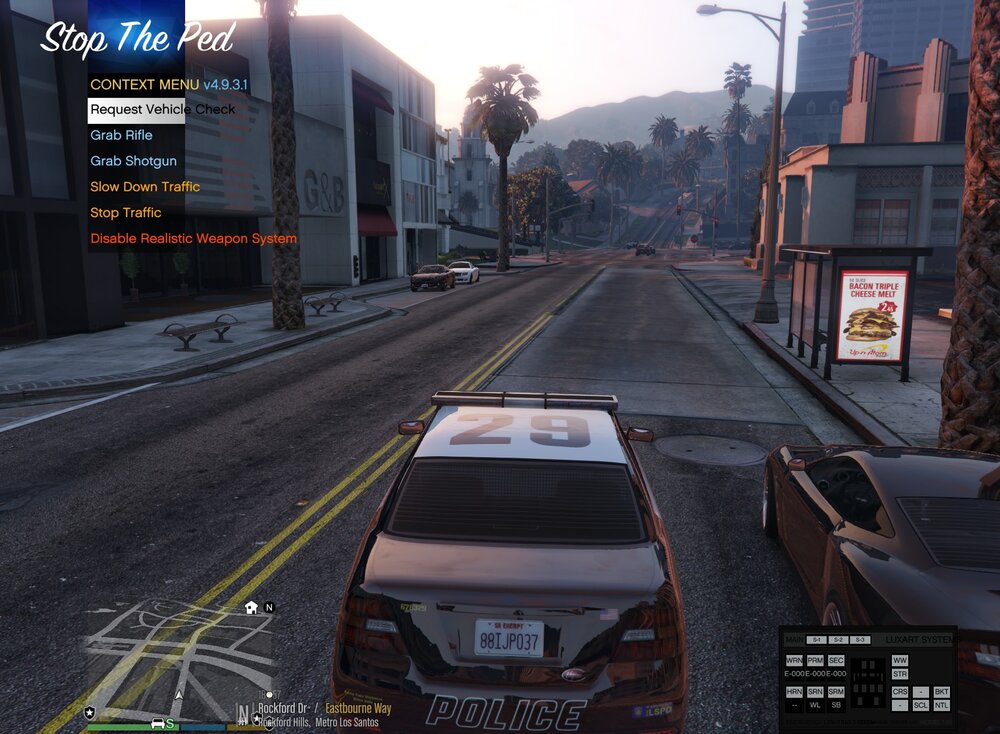
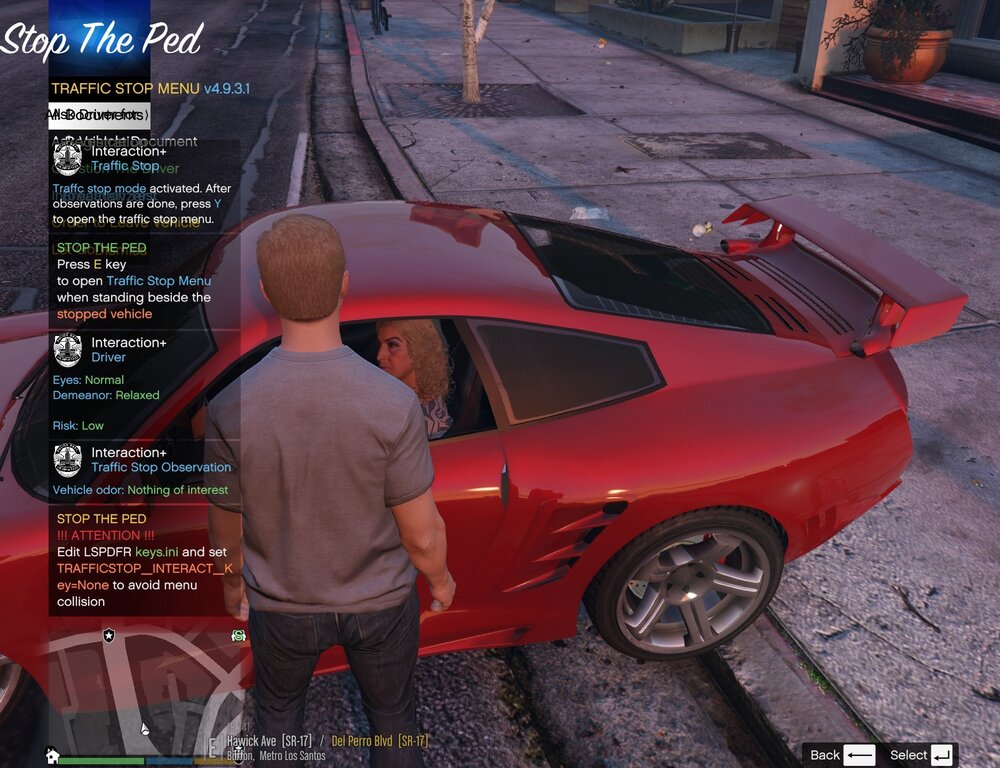
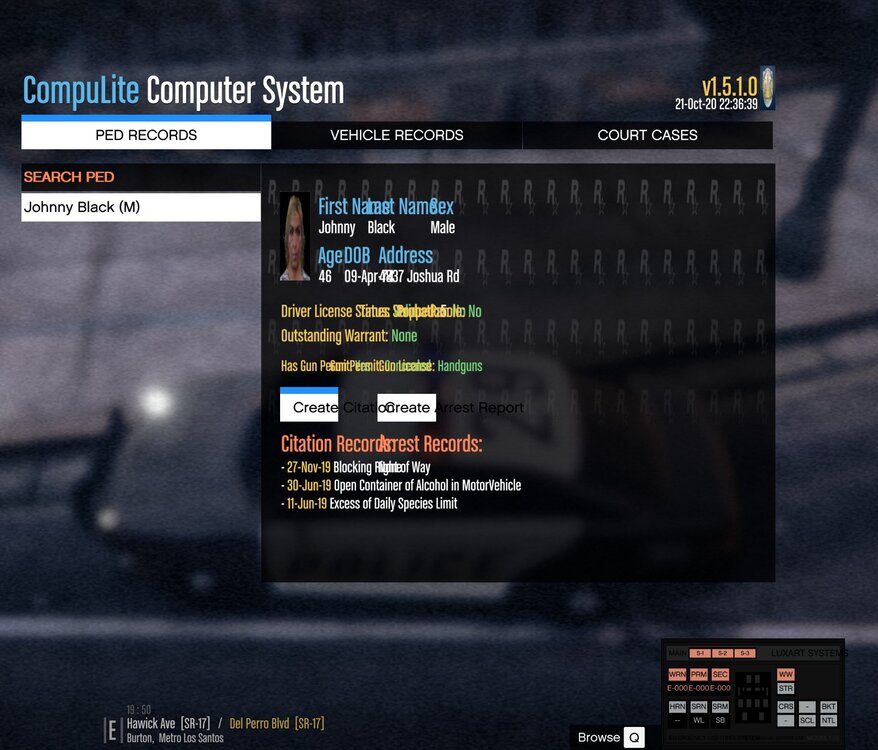
In case it matters, these pictures are cropped down from a 5120x1440p resolution.
-
Has anyone else had the problem where all menus, except for the basic GTA interaction one won't work? All the text is just covering the other text up. I've tried reinstalling everything, but that doesn't seem to have fixed the problem. It's super annoying because it makes the mod unplayable as I can't read anything that's going on. Anyone know the fix? The attached pictures show what I'm talking about.