


fftrkj
Members
-
Joined
-
Last visited
Everything posted by fftrkj
-
-
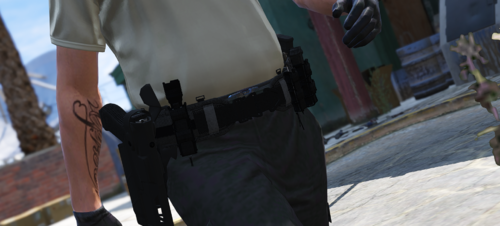 So I have to say this Belt looks awesome, but I have a little Problem with the textures or maybe I am just to dumb to install them correctly, but when I open the Belt, it looks like this:
- 59 comments
- 7 reviews
-
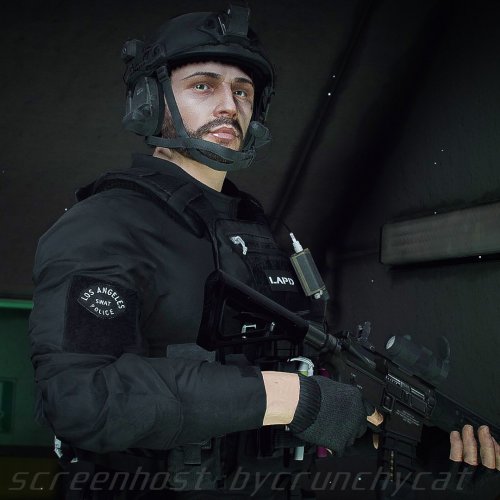 Yeah I would appreciate that, cause the link on his profile doesn't work for me
- 104 comments
- 5 reviews
-
Hey just a short question, where did you find the belt? Hey I'd like to join your Discord Server to buy the Drop Leg Taser Holster, but can't find a valid link
- 104 comments
- 5 reviews
-
 Thanks for your answer, I found a way for me. If anyone has the same Problem: Copy and Paste the content of the 4 meta files into the meta files from SP, onto the slot you want to replace rename the vehicles to the slot you want to replace and if you want to use ELS controls search for a NON ELS xml, it works pretty good.
 -
Is it possible to use this amazing car in SP? Do I only have to rename the files to the slot I want to use the vehicle for and include the carvariations.meta/carcols/handling or are there some more things to recognise? Sorry for my bad english I am from Austria
-
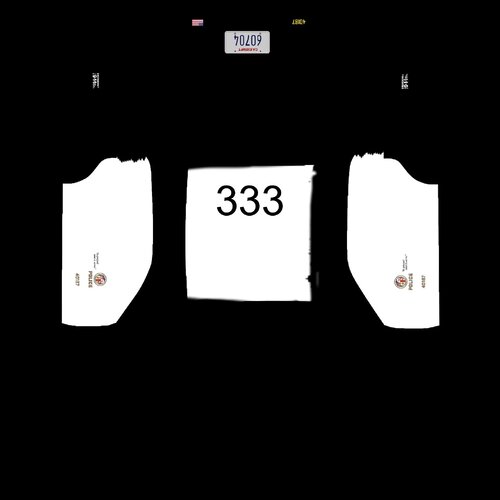 The model isn't avaible on gta5-mods.com anymore. Do you know another playce to download it from or could you send it eventually to me?
