


George Spartan
Members
-
Joined
-
Last visited
Everything posted by George Spartan
-
Hi, I just started using ZModeler yesterday! I am working on a model currently, and I just assembled some lights, a rambar, and all on a 2018 charger I found here: https://www.modding-forum.com/forums/thread/189-2018-dodge-charger-pursuit-dev-awd-package-added-1-2a/ Anyway, I want to test it on my game, but every time I spawn it, it just crashes the game. I am presuming that this happens because the files are not set properly and things aren't named properly. I am really new, and I have no idea how to get a hierarchy setup or what to name what. Here's my hierarchy, hopefully somebody can give me a hand, it would be much appreciate to share y'all's knowledge! Thanks in advance!!! So it starts with 2 sections, being lights and chassis (I think that I recall someone saying that everything should be under chassis but idk what to put, the whole "lights" folder i created or everything that's in it. This is everything under chassis: Here's everything under the "lights" folder i created, although it isn't only lights...: I would really appreciate some help as I'm just getting started and I have no one to assist me :l Have an amazing day!
-
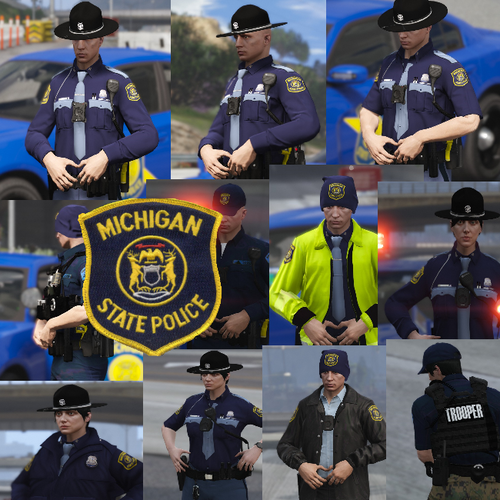 Hey @TrpCharles! I was wondering if you could try making some SPVM or SQ EUPs next by any chance? You're a really hard working person and I saw that you know how to make EUP pretty well... I literally have no clue on how to do all of that. Basically, I am trying to make a Montreal based game but I literally can't find the new uniforms they got anywhere. It'll be great if you could get something working! I'd very much appreciate it, man! Keep the awesome work and have a great day/night
- 25 comments
- 2 reviews
-
Those are Sureté du Québec ones and not SPVM.
