FrenchieFlies
Members
-
Joined
-
Last visited
Everything posted by FrenchieFlies
-
Bump. Anyone help? I can play GTA V without issues for hours but LSPDFR crashes constantly.
-
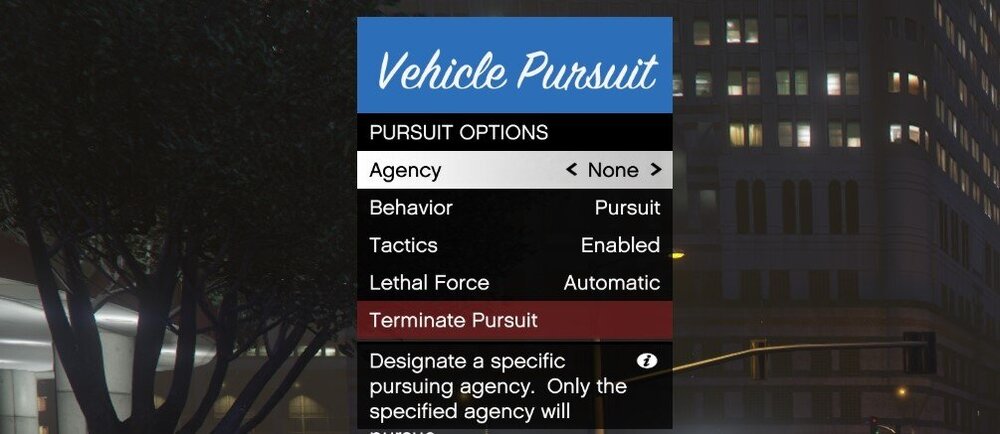
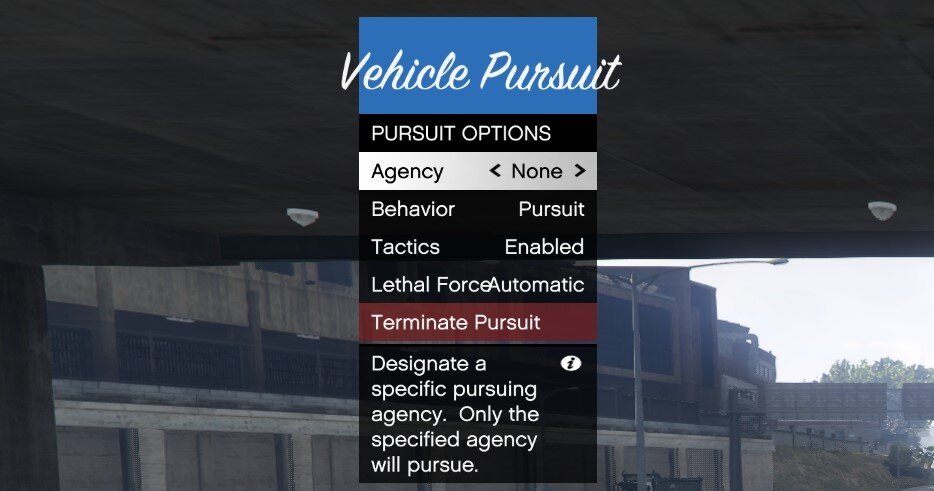
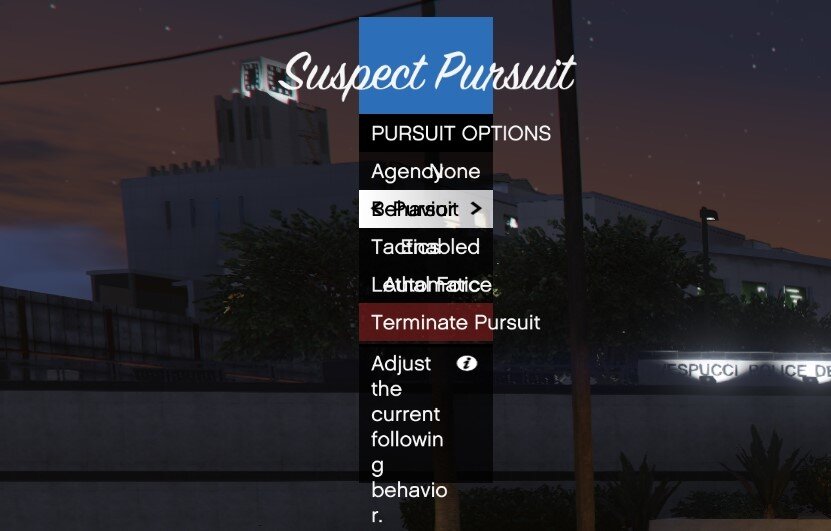
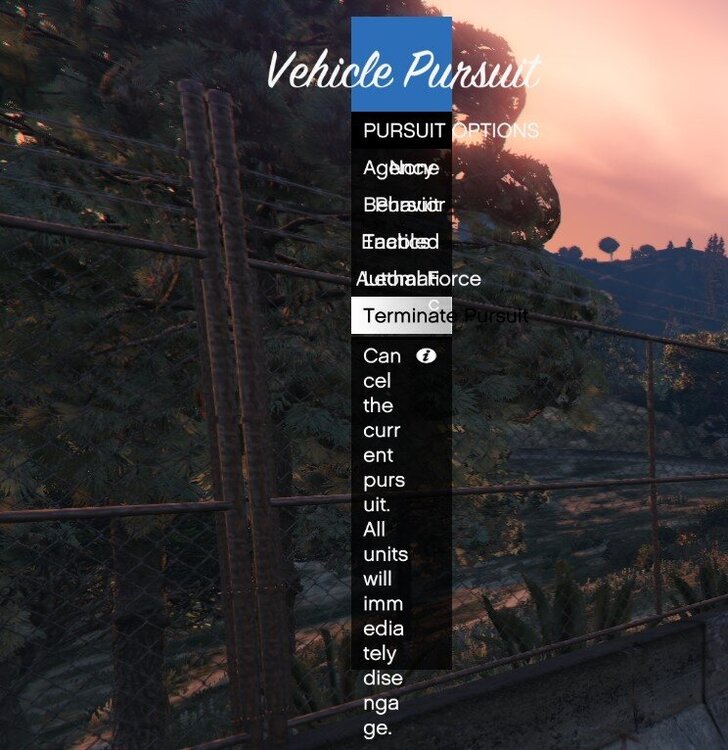
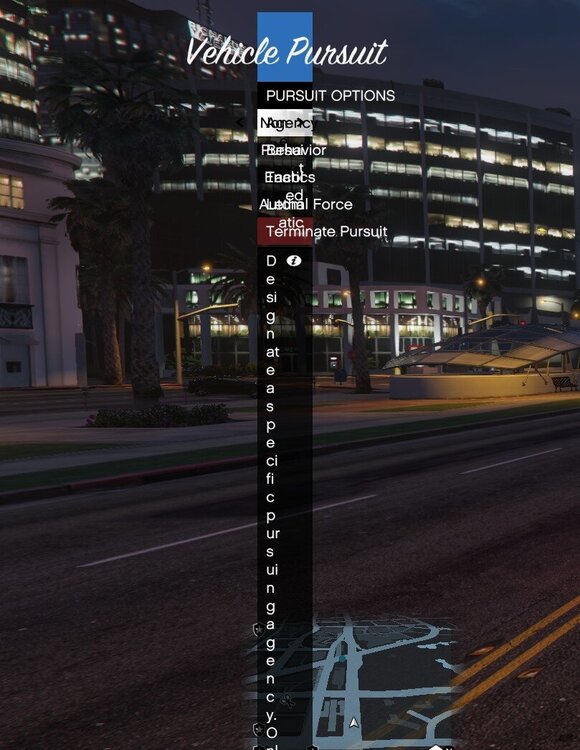
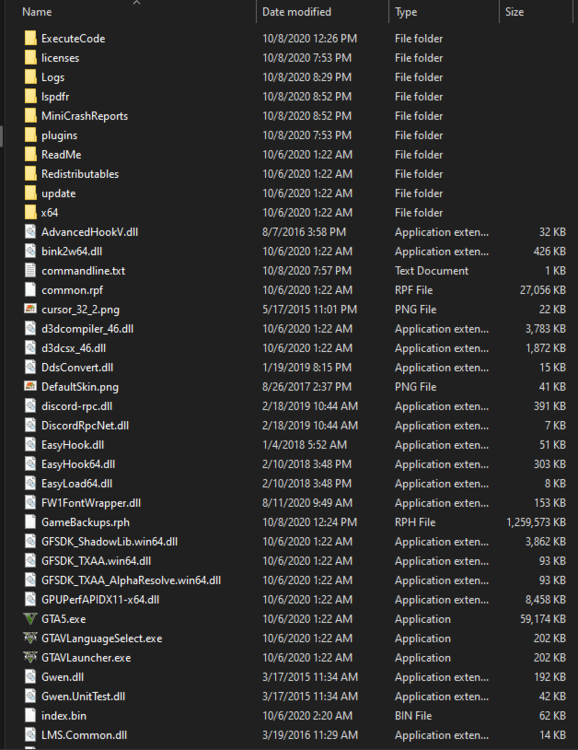
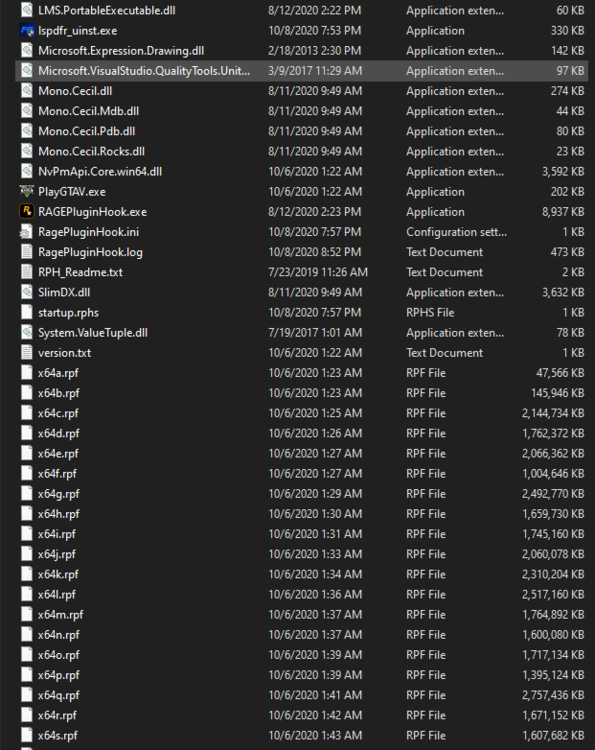
I have LSPDFR 0.4.8 installed without any other mods. There is a weird glitch that causes my pursuit menu to continuously shrink until it's unreadable. I just started playing with this mod so it has never worked correctly on my PC. There are a few other similar posts that I found without resolutions and I'm really hopeful that this post will be different: https://www.lcpdfr.com/forums/topic/92849-pursuit-menu-not-display-correctly/ https://www.lcpdfr.com/forums/topic/99867-display-issue-with-the-pursuit-menu/ https://www.lcpdfr.com/forums/topic/90051-pursuit-options-not-working-right/ https://www.lcpdfr.com/forums/topic/106745-pursuit-menu-continually-grows/ I have fully uninstalled LCPDFR and RPH and reinstalled as well as tried all of the suggestions given in the above-mentioned posts. There haven't been any issues with other LSPDFR menus (backup/interaction) so I think this might be a coding error specific to the pursuit menu. One thing that I'm speculating is, since this menu appears in the upper-left corner is it has something to do with overlays. I have an NZXT cooler which has an overlay feature for monitoring FPS and temps as well as MSI Afterburner running for my MSI GPU. I have disabled overlays in both of those programs but what made me think of this is the overlay default location is the upper-left corner of the screen. Please help! I really enjoy this mod but having to restart the plugin constantly is getting on my nerves. The log attached doesn't have much activity because I reinstalled just a few hours ago. Thanks in advance for any help provided! RagePluginHook.log