
0kkcu
Members
-
Joined
-
Last visited
Everything posted by 0kkcu
-
 I'm able to confirm these files do not work either way, I tried placing them in and I keep getting an error from OpenIV stating it's the wrong format and what not. Hope this helps other users whom want to try it out.
- 39 comments
- 1 review
-
-

- 1
-
-
-
 Oh damn alright, I've extracted it my self anyway.
 -
It would of been so much better if you included the just the tones. As in, POLICE_WARNING & POLICE_SIREN etc
-
 For anyone asking for a preview, just look up the sirens on youtube, it worked out fo rme.
 -
-
 Heck yeah! (The request was for FiveM players like my self, I like the sounds but I find it simpler if the sounds we're provided in a separate file.)
- 144 comments
- 13 reviews
-
It would be very much appreciated if you can make a separate folder just having the sounds, e.g. the variant one for the combat pistol replace.
- 144 comments
- 13 reviews
-
-
-
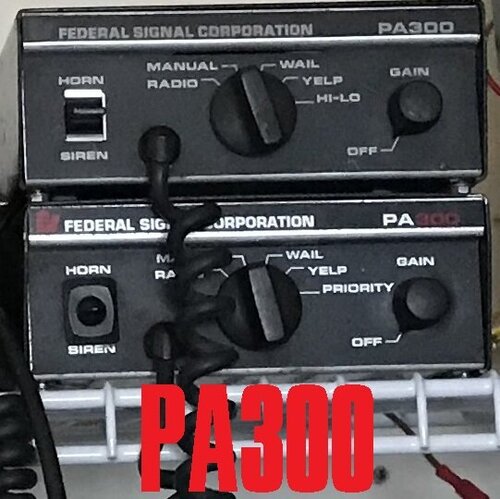 Honestly very quiet in-game, the engine sound it louder compared to the siren. How-ever it's great.
- 11 comments
- 3 reviews
-
.thumb.png.75ac81586f6e731efbfc0d52375e32bc.png) demo?
demo? -
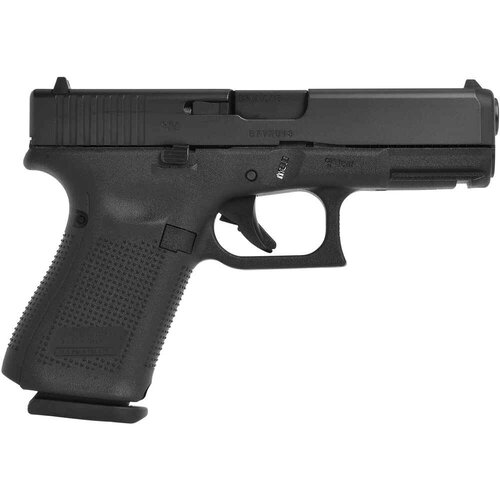 Great.
 -
 There is a way to make it fivem ready, it's simple. 1. Follow the install procedure 2. Get ArchiveFix (https://drive.google.com/file/d/1DP1PkCPHaDsNQjE_ci1uYQG8i9NYbaiv/view) 3. Drag and drop the RPF files into ArchiveFix.exe 4. Done.
- 89 comments
- 11 reviews
-
-
- 2
-
-
A bit louder and a bit more bass would make it better. It sounds fire tho! I love it.
-
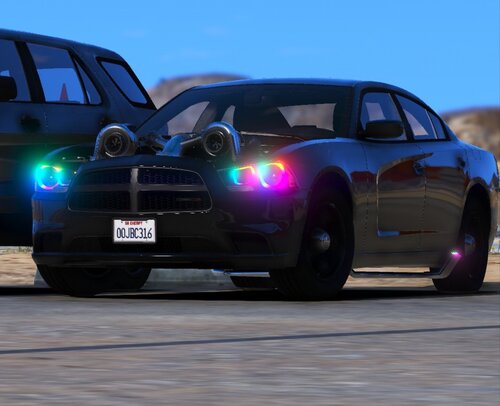 Now this.... this is the retirement vehicle Golden
 -
-
I didn't "put it in" I added it for my client side to be used in our own FiveM Community 🙂 discord.gg/hylon (I'm A. Carson btw), love the pack however and can't wait for the carbine to come out.
- 89 comments
- 11 reviews
-
-
-
Insane work dude loving it in FiveM, recon you make one for the Carbine rifle (GTA Term)
- 89 comments
- 11 reviews
-
-
-
 Holy smokes dude, Beautiful picture.
 -


.thumb.png.75ac81586f6e731efbfc0d52375e32bc.png)