2WHISKEY16
Members
-
Joined
-
Last visited
Everything posted by 2WHISKEY16
-
Correct. Was just pointing out details for anyone who may decide to model them. Would you mind sending or uploading those liveries?
-
You've pretty much nailed it! The hood is a silver-ish gold color, same as the lettering. Well done! Only thing I see missing is the big dome bulb haha. I know my reference pictures are pretty crappy, but the rears are equipped with with rear outer edge lights similar to these on the Explorers: https://www.strobesnmore.com/whelen-outer-edge-rear-pillar-exterior-mount-ion-super-led-wecan-capable.html And these on the Tahoes: https://www.swps.com/outer-edge-ion.html Thanks for bringing them to life! Looks great!
-
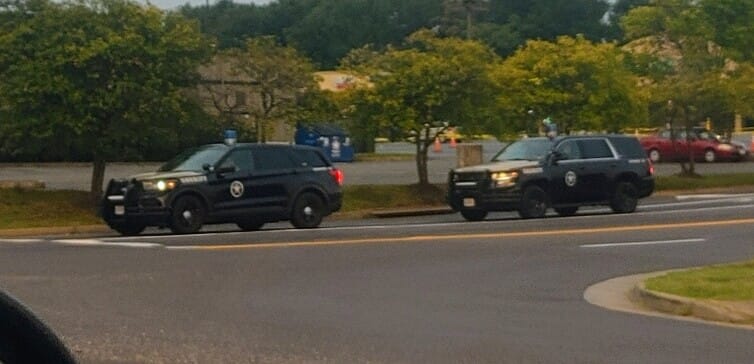
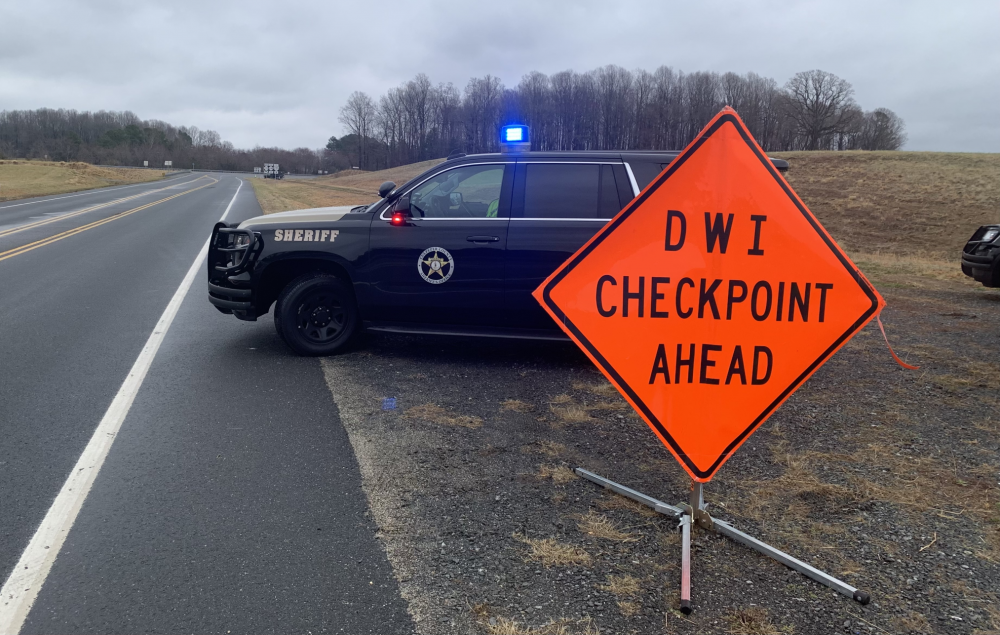
Good afternoon all! I live in the small county of Culpeper, located in central Virginia. I'm aware that Chevroletfan made a CCSO (Culpeper County Sheriff's Office) pack some time ago featuring the now old livery. Recently, Sheriff Scott Jenkins decided to change up the livery and lighting package on his units. They now look like this! Some serious Michigan State Police inspiration can be seen here and I personally love it. I will do my best to get some better photos of one of these units so that the rest of the lighting outside of the "Bubble" style light can be seen. If anyone wishes to take this on, it would be a great addition and I think fairly popular! Thanks! -Whiskey.