Biscuitmemes44
Members
-
Joined
-
Last visited
Everything posted by Biscuitmemes44
-
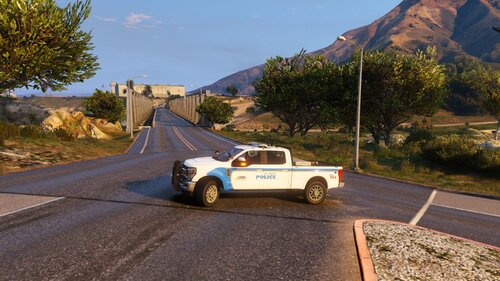 Is his pack still a WIP? Would love to see the 2021/2023 Durango and 2021 Charger added
 -
 Would LOVE to see the 2021 charger and durango paired up in a pack!
 -
-
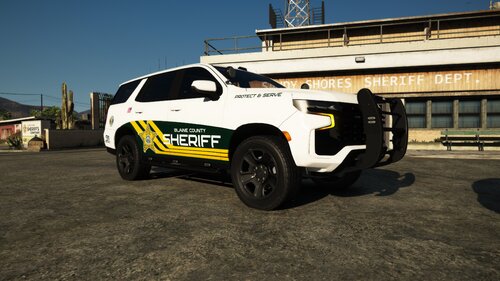 Could we possibly get the 2016 FPIU in the same green texture as the 2020? Also a FPIS in that green would look sick! Great work on the pack thus far!
 -
-
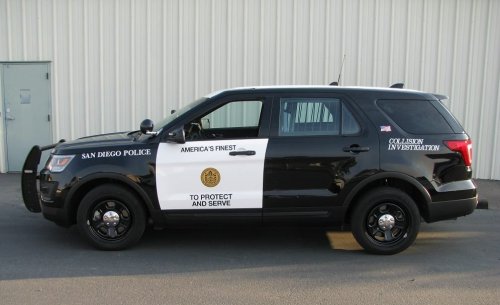 SDPD is using the 2021 Explorers now so a slicktop and marked skin would be dope to see. Lots of different 21 Explorer models to base them around on here
- 6 comments
- 1 review
-
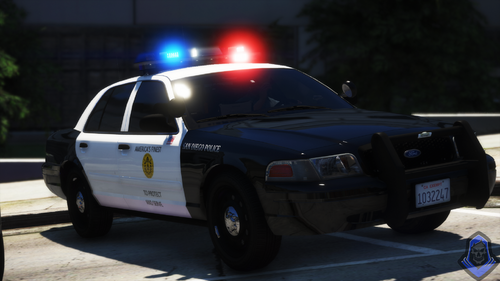 Any chance of getting a 2020 FPIU? SDPD is rolling them heavy
 -
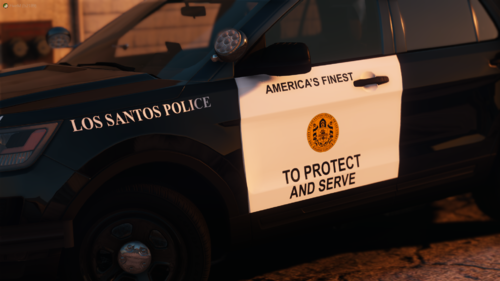 Love the pack! Could you add the 2020 FPIU? SDPD has a lot of those around out here.
 -
-
-
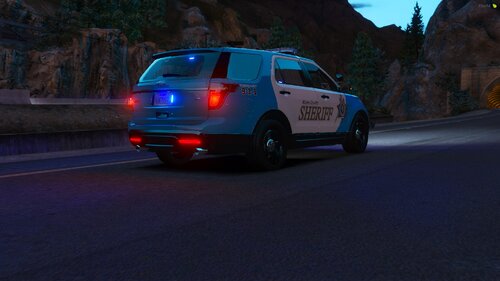 Please do a full pack. It's different and I love it. I'm talking Taurus, CVPI, Tahoes, Chargers
 -
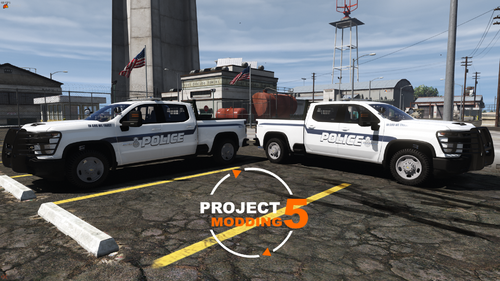 Dude, Please do a navy one. That'd be sick
 -
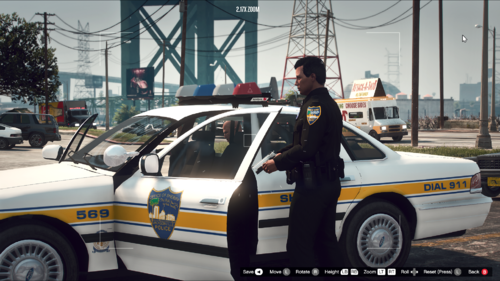 Could we get a link to the JSO EUP? Looks fantastic