MarlowAlle
Members
-
Joined
-
Last visited
Everything posted by MarlowAlle
-
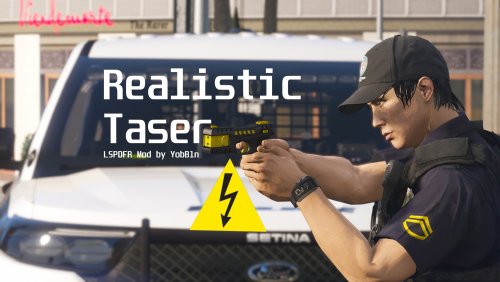 Mod works fine until the dry fire, that keeps crashing my game
 -
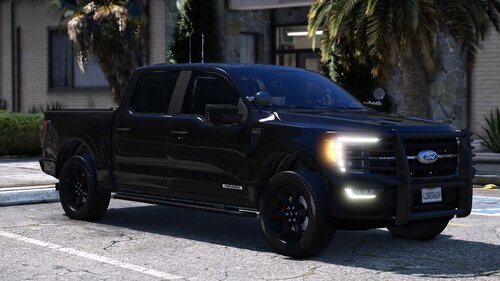 It is a great mod, but keeps disappearing when I go a bit far from it
 -
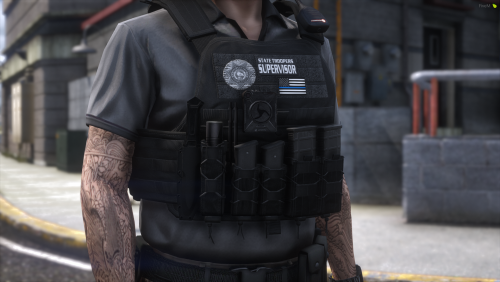 How do I add the additional textures to the file?
 -
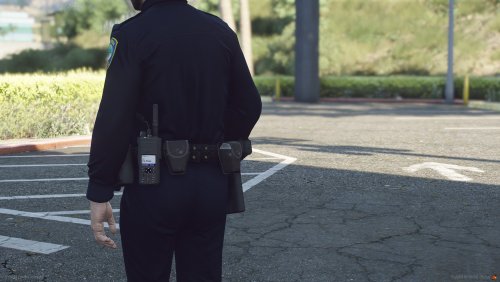 Very cool. Just wanted to know what shoulder radio you use for this belt on the pictures
- 3 comments
- 1 review
-
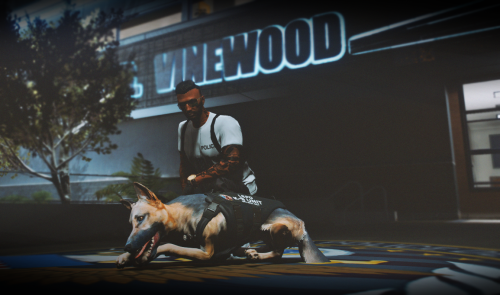 Pretty cool texture, any chance on doing a BCSO version of it?
 -
I have stop the ped plugin, and it has never showed any problem, but recently, it crashes my game every time I pick a weapon from the ground (dropped by a suspect), and I don't know how to solve this. RagePluginHook.log
-
I installed the mod today, and after a while I added a plugin (AutomaticSirenCutout), after that I played a little and then the game crashed. I tried to play again and the message appeared saying that LSPDFR crashed, I tried to remove the plugin and even reinstall LSPDFR, but nothing resolved.