Chips Gray
Members
-
Joined
-
Last visited
Everything posted by Chips Gray
-
 Was this ever released? Not enough people make vintage box ambos!!!
 -
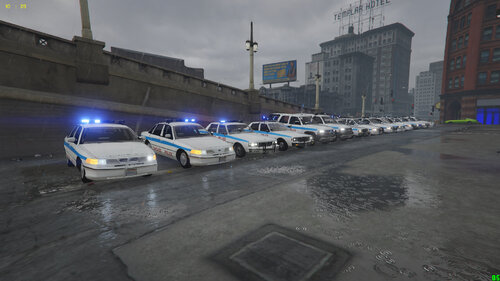 Incredable work on these models, love the old classics, I have been playing around with them however noticed the windows glass does not break when shot at, unsure if this is something ive done incorrectly, or the model is built this way, didnt see a flag in the vehicles.meta for bulletproof glass, as the pack is still marked as a "Work in Progress" wanted to check with you.
- 37 comments
- 1 review