trainman0806
Members
-
Joined
-
Last visited
Everything posted by trainman0806
-
Update after reinstalling for a third time it seems to be working now, not sure what changed but its working, thank you for the help
-
I appreciate the response, Both are set to ultra and very high respectively
-
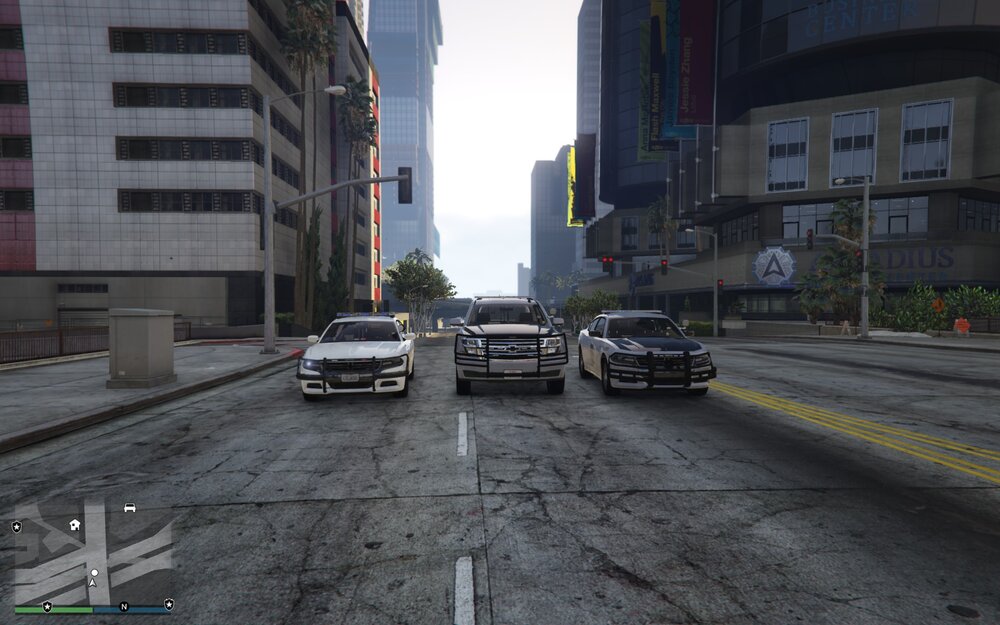
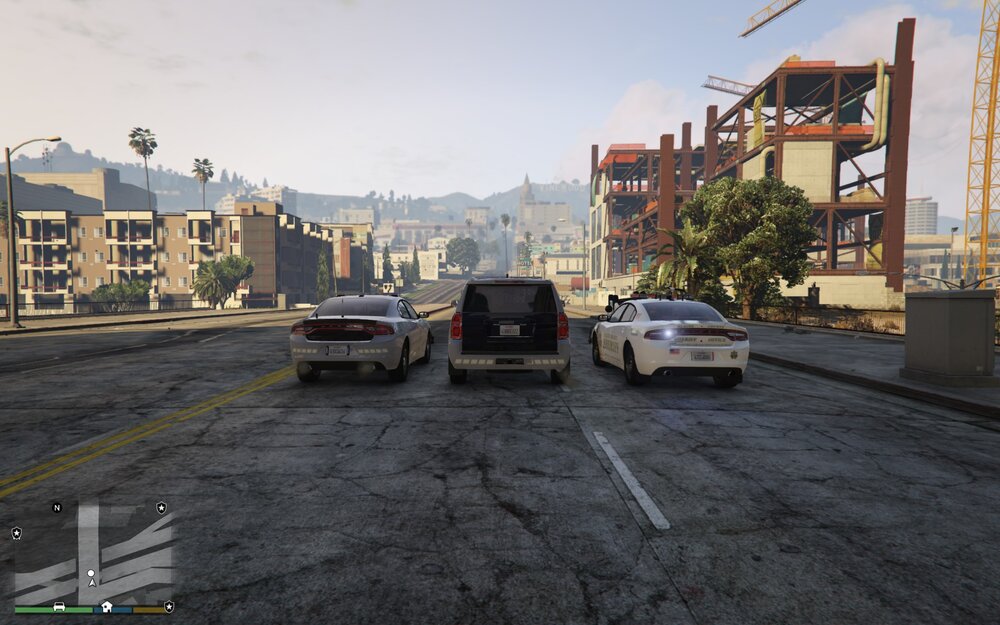
Currently doing an all-new fresh install and have always used Natural Vision but for some reason this time I can not get the brighter emergency lights add-on to work. I have tried both remastered and evolved. both of them are so dim you can barely tell they are on. any thoughts as to why this might be? All three vehicles have stage 3 lights active in the attached pictures
-
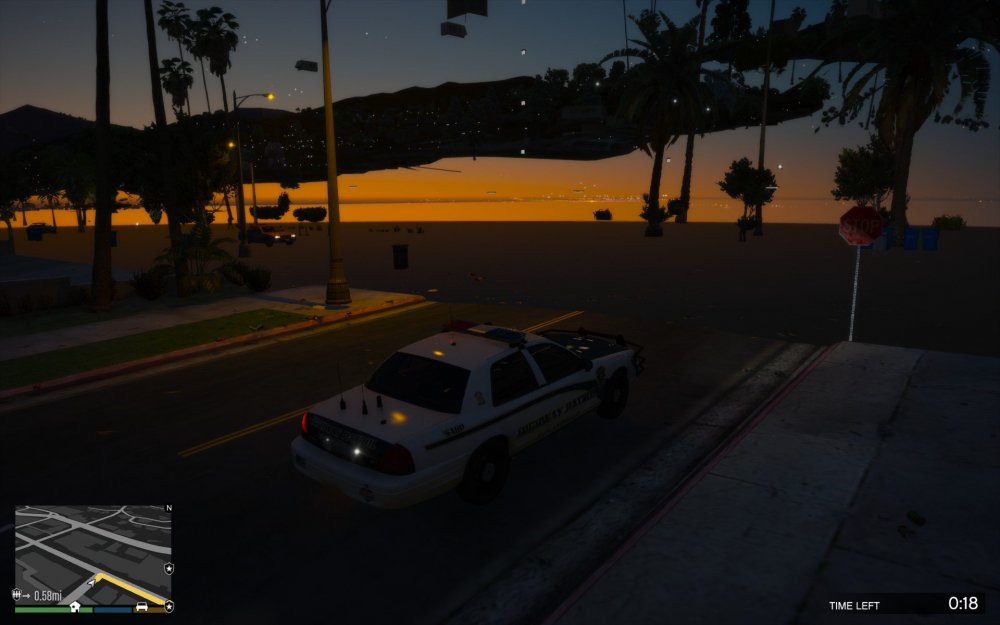
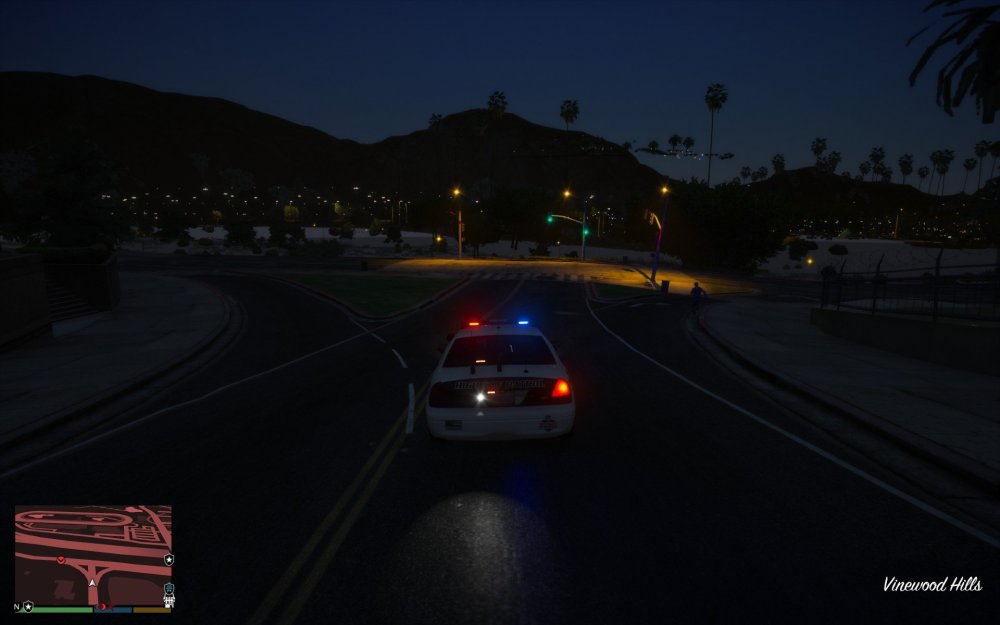
I recently did a new fresh install of LSPDFR and all of the associated addons including NVR. I had this issue previously and remember being told told to remove a file however i can not remember what file it was. attached is images of the issue i am having.
-
Thanks as soon as I posted this I saw the big red banner telling that the RPH was different, I am indeed an idiot, I appreciate the quick response
-
I haven't played LSPDFR in a long time and wanted to get back into it, because it had been so long and I had a bit of a jank setup I decided it would be better to just start over. With that said the newest version of rage says is not compatible with the newest version of gta. Is there a way to bypass this? I deleted all the old files so I have no Rage backup files.
-
oh ok makes sense, thanks for the help
-
That Fixed it, thank you for the info, out of curiosity do you know what the purpose of the emissive folder is supposed to be used for?
-
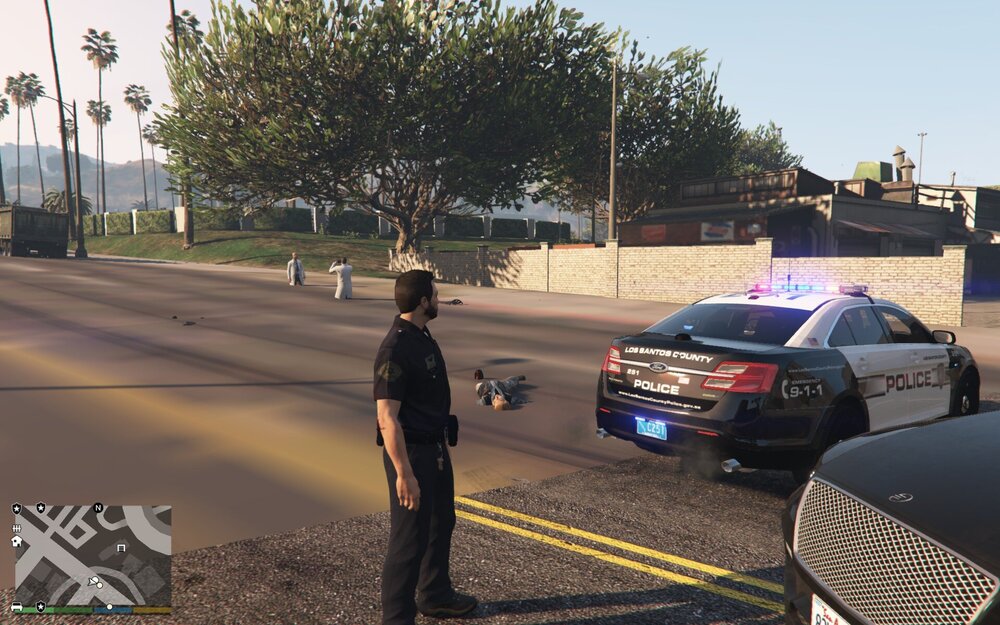
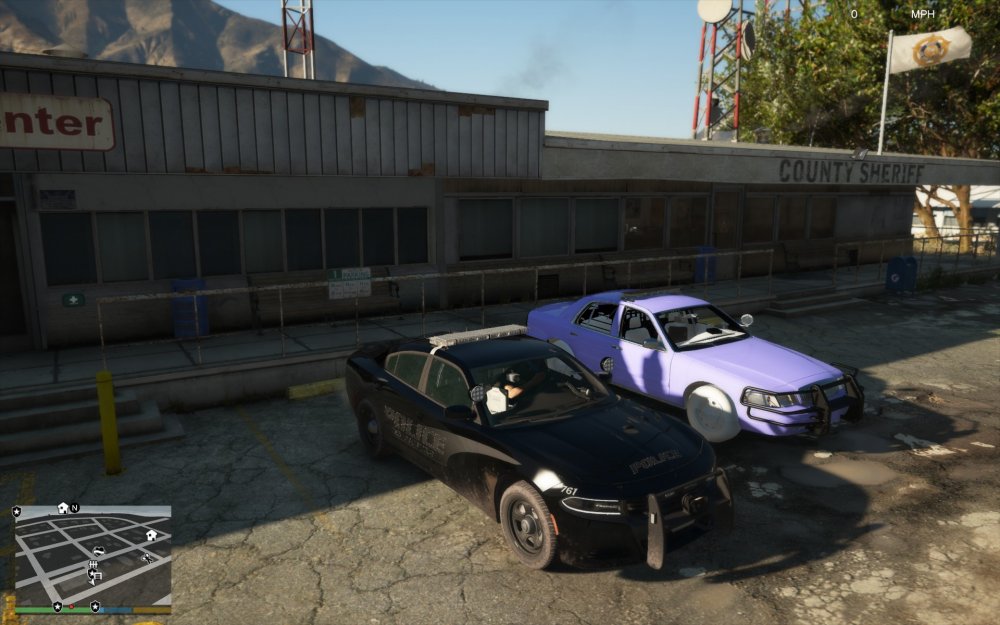
Vehicle textures are not loading correctly, however it is only in slots police and police 4, I have tried different vehicles and different patchdays, even tried putting in the main folder (not the mods folder) I am not sure what is going on and insight is appreciated. The car on the left is loading correctly.
-
turns out it was an addon with natural vision that was causing it, thanks for all the help
-
Ok thanks, I will try that later today, that was the first model I put in 23
-
That seemed to work thanks, though after that the police slot vehicles texture is all messed up, i tried changing to a different model but still happens, it is only that slot, could it be related?
-
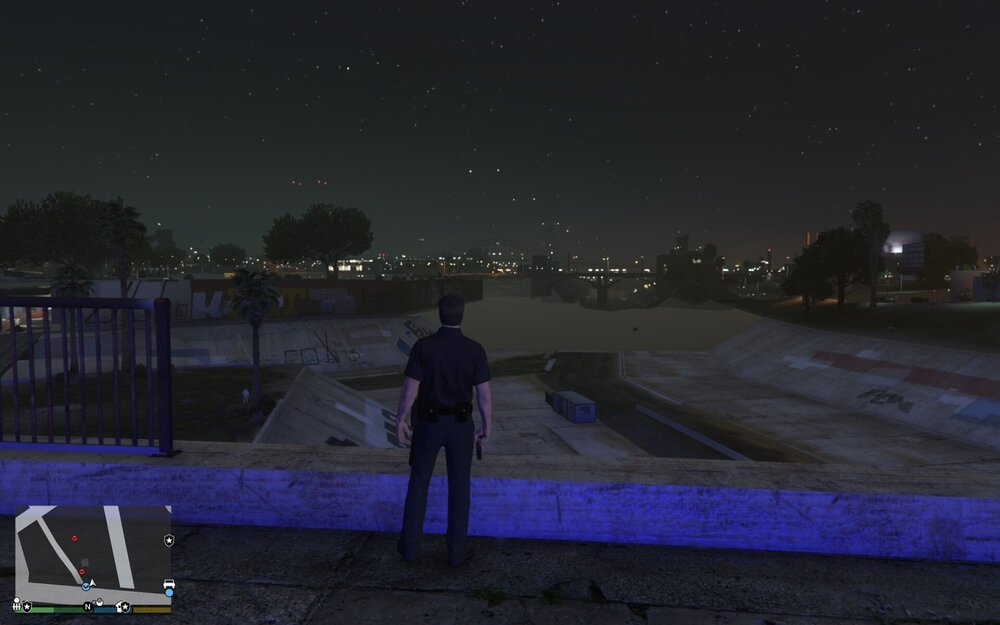
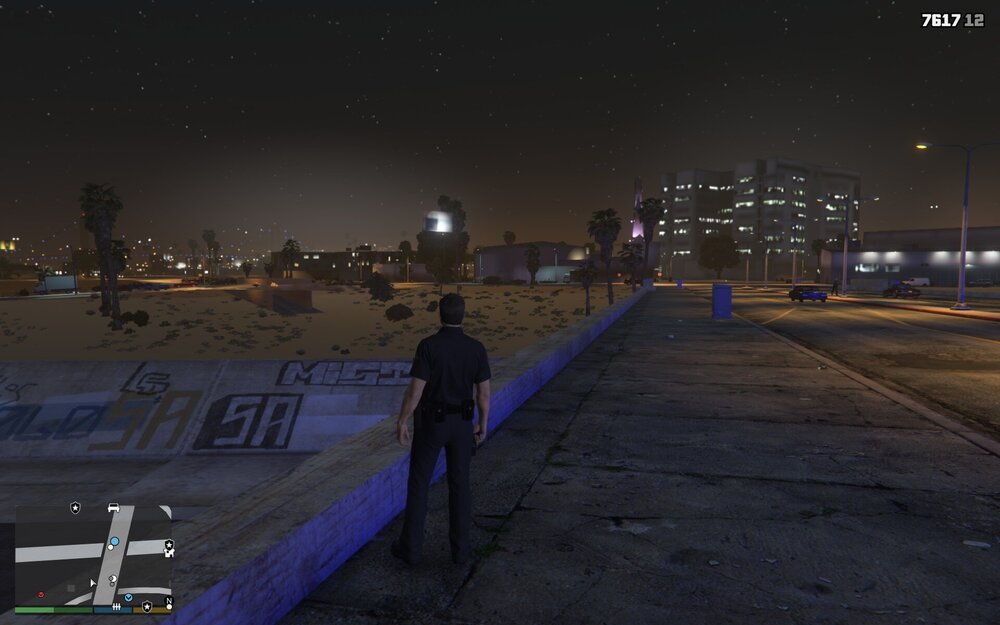
The game has been working fine, but now whenever I go on duty buildings turn invisible, and textures don't load right, if i am not on duty everything looks great. I have restarted the game and reloaded plugins in game but that is all.