



Glock101
Members
-
Joined
Everything posted by Glock101
-
That doesn't work. It is already in the agency.xml. I think I need to edit the files in LSPDFR/Data/custom, but I'm unsure.
-
I need help adding addon cars to the lspdfr garage. I have an EUPFR-like mod installed. I want to add sheriff3,4,5, hwaycar5,13,and 15. I haven't been able to find help anywhere else. Sorry if my response times are slow, but I will try my best.
-
 Could you give me the unmarked .ytd for the charger? If not would you be able to help me with making the charger unmarked? Thanks!
- 253 comments
- 53 reviews
-
 Does anyone have a model and texture for the 2015 Ford Mustang GT HEAT? It doesn't have to be the original, just one that works.
- 71 comments
- 17 reviews
-
-
-
Does anyone have the .oiv for the CHP pack by thehurk? The downloaded oiv google drive link doesn't work.
-
-
The game just crashed with no RPH crash prompt. Do you know what I could send you so you/we could try to solve the problem?
-
Yeah I figured it out thanks!
-
I fixed it, but then installed addon pack incorrectly I couldn't get a crash report so I left the ragepluginhook.log Do you know how I could fix this or what else I need to supply you with? RagePluginHook.log
-
I think that I have solved it by starting in a certain order and having certain windows selected at very specific times (RPH and the Epic launcher do not interact well). That being said, I will attach it if it happens again.
-
I may have access to crash reports, but I do not often. What happens most of the time is that the screen just goes black and GTA V "crashes?" however there is no crash report prompt from RAGE, Rockstar, or my PC. If I can get it to give me a crash report I will supply it.
-
-
Ok is the same true for animations? I heard that I had to change TimeBetweenShots and wanted to make the animation match up. This is because I wanted a fast semi-auto. Also what do I change the FireType to?
-
I was wondering how to manually edit the carbine rifle's rate of fire (and animation) to be close to semi auto so it is more realistic for LSPDFR.
-
I wanted to manually edit the weapons.meta (decrease the AR and increase the pistols), but I will look at the mod, thanks for the help. 🙂
-
Is there a way to edit different weapon's RPM? If so I am assuming that it is in the weapons.meta file, didn't want to touch anything before asking.
-
ok thanks for the help 🙂
-
whatat will this affect anything else and what does it do (out of curiosity)
-
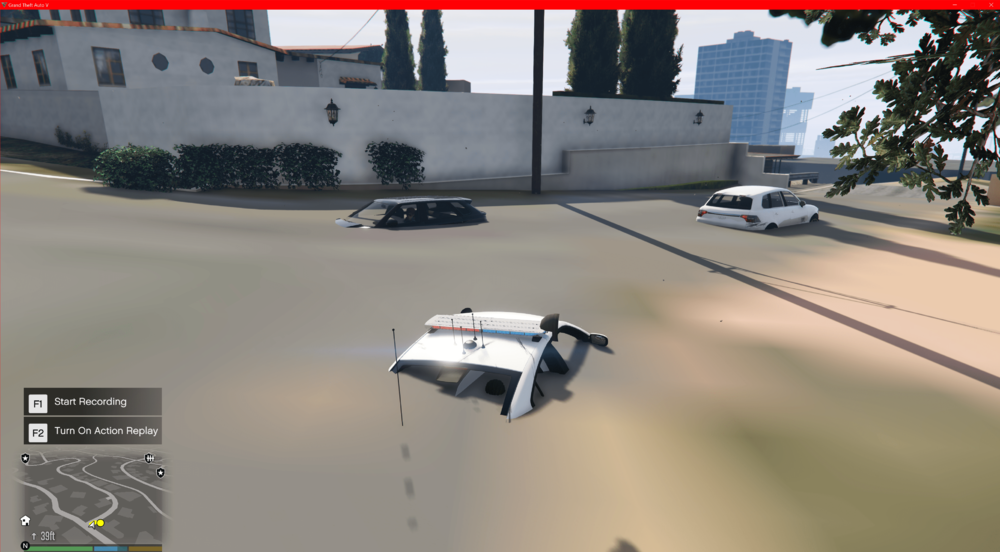
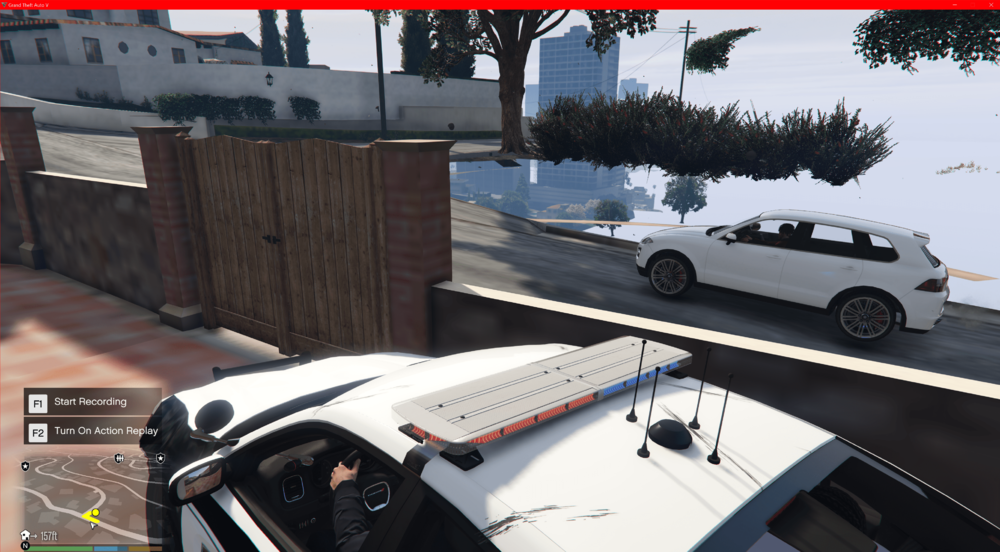
you have been very helpful and seem to know a lot about lspdfr and gta v, this appears to be a common issue, but cannot find any mod that would cause this problem, long render times and parts of the world arent loading in also (too big) there is supposed to be a hill there
-
Is there a way to edit the game to make the M-4 semi auto would that be in weapons.meta?
-
Ok, thanks, do you know how to change the liveries that backup will use in defaultregions.xml? is it "pax"? <Vehicle chance="75" pax="1" pax_chance="25">SHERIFF2</Vehicle> nvm FIGURED IT OUT
-
-
yes, I'm looking at undergoing the task of making all of the peds EUP, but that will take a lot of xml editing.






