Skip to content
View in the app

A better way to browse. Learn more.

LCPDFR.com

A full-screen app on your home screen with push notifications, badges and more.

To install this app on iOS and iPadOS
  1. Tap the Share icon in Safari
  2. Scroll the menu and tap Add to Home Screen.
  3. Tap Add in the top-right corner.
To install this app on Android
  1. Tap the 3-dot menu (⋮) in the top-right corner of the browser.
  2. Tap Add to Home screen or Install app.
  3. Confirm by tapping Install.

Adam DeLuca

Members
  • Joined

  • Last visited

  1. Michael21107 started following Adam DeLuca
  2. Fxckingcj started following Adam DeLuca
  3.    Operation reacted to a file: DeLuca's County Callouts
  4. MrWester96 started following Adam DeLuca
  5.    pcsimguy reacted to a file: DeLuca's County Callouts
  6.    itsjzee85 reacted to a file: DeLuca's County Callouts
  7. johanneswold3 started following Adam DeLuca
  8.    Jade Wong reacted to a comment on a file: DeLuca's County Callouts
  9.    Fedeik423 reacted to a file: DeLuca's County Callouts
  10. Hop on my discord and we can trace this down. Need some more specifics on what all was going on at the time and if it's a constant issue on all calls.
  11. You can now download smaller hotfix versions from my discord. All the major new content update versions will still be uploaded in all the main locations. 1.0.1 is available now!
  12.    Adam DeLuca reacted to a review on a file: DeLuca's County Callouts
  13.    Adam DeLuca reacted to a review on a file: DeLuca's County Callouts
  14.    Adam DeLuca reacted to a review on a file: DeLuca's County Callouts
  15.    Adam DeLuca reacted to a review on a file: DeLuca's County Callouts
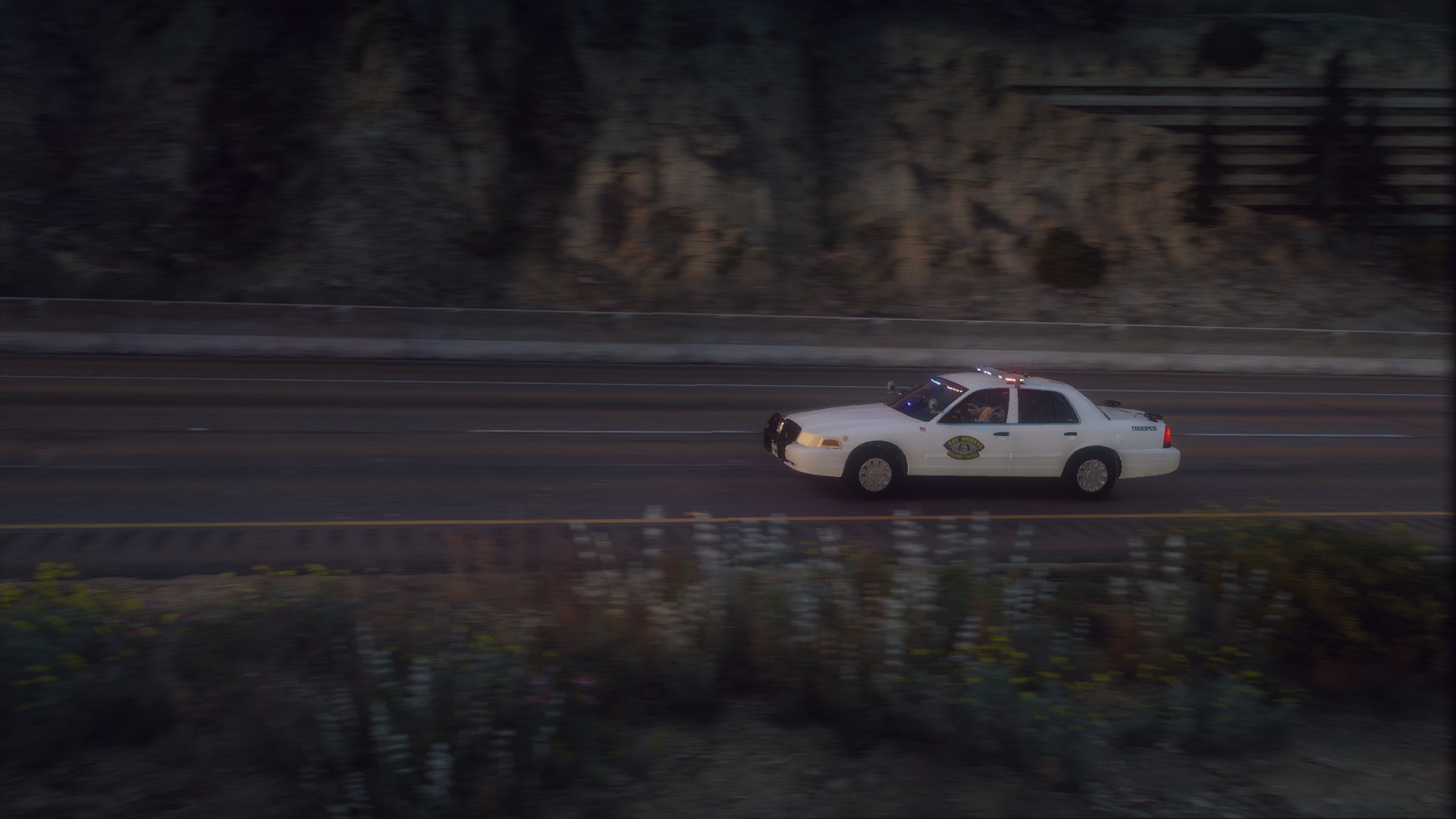
  16. Thank you very much! The cars in the screens are my livery pack found here: It lists all the vehicle models used in it.
  17.    Adam DeLuca reacted to a comment on a file: DeLuca's County Callouts
  18. Yes absolutely! I already plan to expand upon the customization settings. It will also be an XML in the future with unlimited options! More updates coming, thank you for trying my content!
  19.    Adam DeLuca reacted to a comment on a file: DeLuca's County Callouts
  20. MarshalProx started following Adam DeLuca
  21. Original post has been updated. 2023 Update - County Callouts 1.0.0 Public is on the way! Check the main post for more info.
  22. Swarrone started following Adam DeLuca
  23. I absolutely agree. Pushing towards a 1.0 full release, little quality improvements such as this will take front and center stage. The goal is a fully dynamic replayable experience for the user. Thank you for your feedback.
  24. I am running both of those with County Callouts with no issues. Please verify you're using the latest version of each mod. Correct. A majority of these callouts have specific custom spawn locations and will not appear outside the designated areas.
  25. Which call and where are you when the call is trying to spawn? Some only have a limited number of spawn possibilities. I've extended each call to around at least 30+ custom spawn positions spread all through the countryside. If you're in or too close to Los Santos you may not get certain calls to spawn as they're meant for a more rural setting. In the future I plan to add a customizable xml file to allow for endless spawn possibilities.
  26. This is due to the latest GTA/RagePluginHook/LSPDFR updates. I will get a fix up as soon as I can.
  27.    Adam DeLuca reacted to a review on a file: DeLuca's County Callouts
  28.    Adam DeLuca reacted to a review on a file: DeLuca's County Callouts
  29. KingTheViking started following Adam DeLuca
  30.    Adam DeLuca reacted to a comment on a file: DeLuca's County Callouts
  31.    Adam DeLuca reacted to a comment on a file: DeLuca's County Callouts
  32. It is indeed compatible and built with 0.4.9.
  33. You are not using the right RageNativeUI version that comes with the download.
  34. @mayorbeee I will be reaching out to you personally. Ditch the people you've been working with, anyone who would condone intentionally ripping off other people's hard work is not someone worth your time. I will personally help you create your own versions of whatever you need. We can resolve this between the two of us. I'm always here to help man! @DiamondTKG I will look into this, but for a shot-in-the-dark chance at fixing this: Set a radio animation in the LSPDFR menu and then try it again and let me know if it still crashes.
  35. @bananaofficer I personally use custom pullover so this is not your issue. Check your ragepluginhook log file please. All of you experiencing issues with crashing please verify no other mod is replacing your RageNativeUI file. Also, send me your ragepluginhook logs so we can see what is going on here. Thank you for trying my plugin out guys! @blankbit I looked at the plugin and the creator seems to have been inspired by my callouts. While it would be easier on the players to have different plugin names and more variety in the configuration files, I do consider inspiring a fellow modder the ultimate form of flattery. I haven't looked at the .ini personally yet but I'll take a look. All is good though, this is all for fun at the end of the day. Thank you for looking out though man I do appreciate it!
  36. PlayFr started following Adam DeLuca
  37. This part of the log right here tells me that you either do not have the most recent version of RageNativeUI or you don't have it at all. Could another mod have included a previous version of RageNativeUI that you have installed? And yes there is much more detail to provide. What game version? What RagePlugin version? What LSPD: FR version? Are you sure GTA: V isn't running when you try to delete the file? Are you even sure you're actually deleting the file? Any other mods installed? This mod has not been tested on LSPD: FR 0.4.9 so it more then likely will not work. But the mod does not reinstall itself. It's a simple .dll and .ini that you copy+paste to install and delete to uninstall. I would love to help you, but I need to know more in order to do that. You can never provide too much information. Try downloading RageNativeUI (verify it's 1.7 - this is the version which should work) again and install it and see what happens. Let me know and we'll see what we can do from there. I do have a stability update coming out soon which should fix a lot of bugs and update the mod for LSPD: FR 0.4.9.

Account

Navigation

Search

Search

Configure browser push notifications

Chrome (Android)
  1. Tap the lock icon next to the address bar.
  2. Tap Permissions → Notifications.
  3. Adjust your preference.
Chrome (Desktop)
  1. Click the padlock icon in the address bar.
  2. Select Site settings.
  3. Find Notifications and adjust your preference.