Andrija57
Members
-
Joined
-
Last visited
Everything posted by Andrija57
-
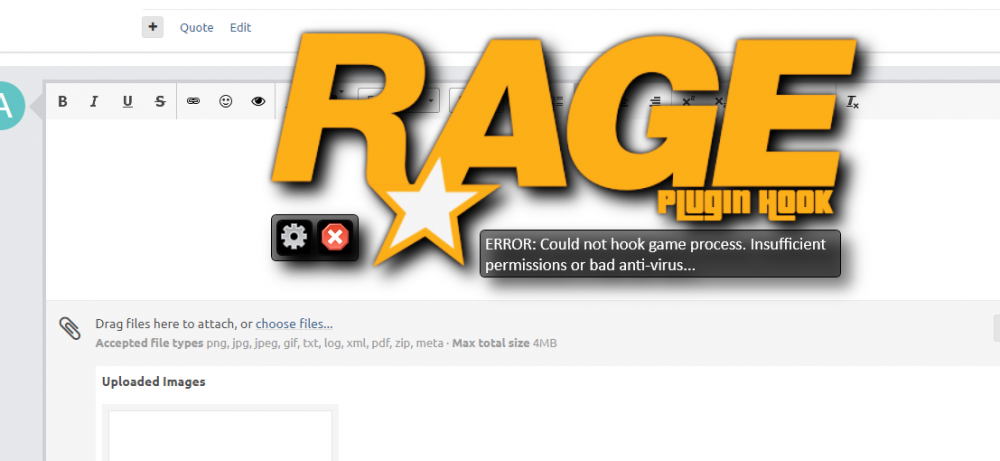
Now this shit happens again , Could not hook game process. Insufficient permissions or bad anti-virus
-
I fixed it 5 hours ago , i was playing XD , i just downloaded defender control , and open it and press disable windows defender and it fully disabled it , so the problem was with damn windows defender antivirus , but i have only 1 problem right now evry plugin is working except callout plugins so evry callout plugin isnt working peter or assorted can u help with that , but all other plugins work perfectly @Matteov2.0
-
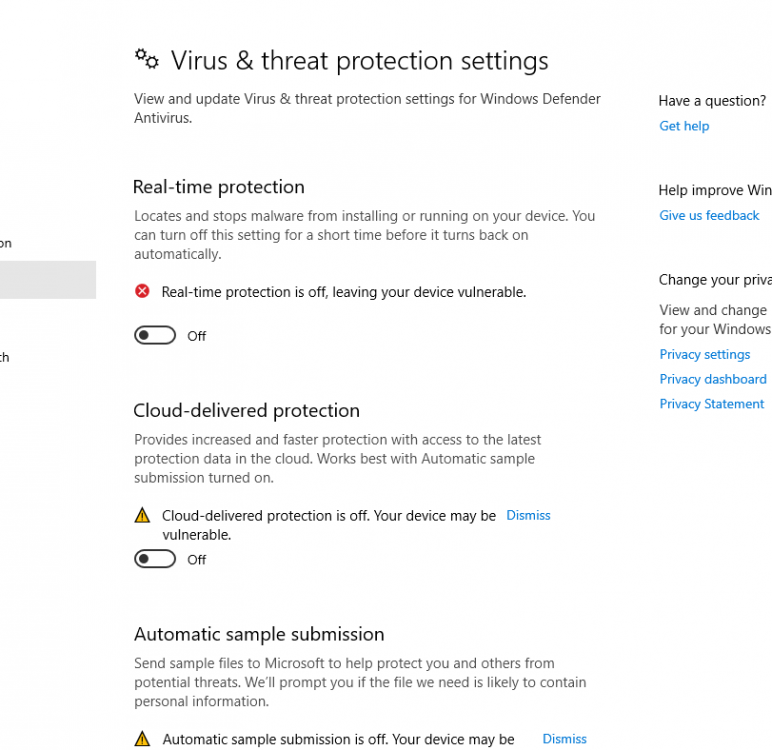
I only haved 360 security , but when i saw that this rage hook dont work i saw that i need to unistall that antivirus , so i did that but still so now i only have windows security , but i disable it like i showed on picture @Matteov2.0 , so can u help me man somehow , i just want to play lspdfr
-
@Matteov2.0 , ty for reply my friend , i am on Amd like i said so first didnt work , i tryed evrything else but same , i hope u know somthing that can truly fix my problem i even cant get ragehookplugin.log bcs i cant even start to click on singleplayer , 3 months ago i was playing it but now it dont work !
-
I waited so long just to play LSPDFR , And today i downloaded and what , my game when i launch with rage hook it crashes but then it shows Could not hook game process. Insufficient permissions or bad anti-virus I tryed , evry solution on this forum and evry other solution i found i even disabled in game overlay in amd settings , anyone but plz help me 10 hours i didnt move and i still didnt fix it , i disabled windows security , windows firewall , added exclusion for gta v folder , idk what to do And i am on social club..