


SnowballLSDPFR
Members
-
Joined
-
Last visited
Everything posted by SnowballLSDPFR
-
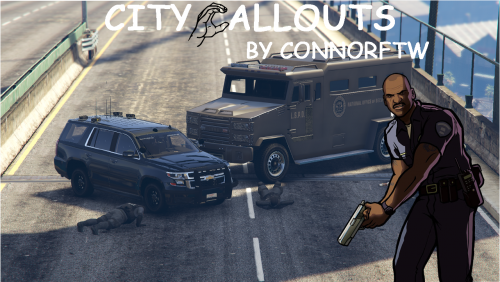 Ran into a couple of issues, but I think this has potential: -Silent Alarm in Beverly Hill: Upon approaching the house, there was only a women having a smoke by the front door when I got there. After accidentally knocking her out, I circled around the house for anything suspicious but I came upon nothing. -Hostage rescue: The instructions weren't clear enough for this mission; there wasn't a marker indicating where to enter the building. Even then, I searched how to access the building inside and I came upon nothing. The only places where I got close was the lobby that had unusable elevators with two doors on each side, and a garage door that opens on the west side. Destination Yellow Markers: They don't go away after I end their callouts due to them being bugged, and it makes it difficult to recognize which one was a new callout.

