



Nick J.
Members
-
Joined
Everything posted by Nick J.
-
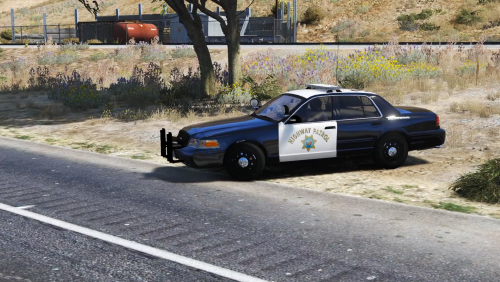 Hey polecat, Very Big Fan Here, So Do you think you can upload a video on how to install this, because I did everything the "read me.txt" Said to do, but it still didn't work Big Fan Polecat Love you Keep up the good work on YouTuber ❤️ @Polecat324
- 32 comments
- 11 reviews
