


GANJAxBANDiT
Members
-
Joined
-
Last visited
Everything posted by GANJAxBANDiT
-
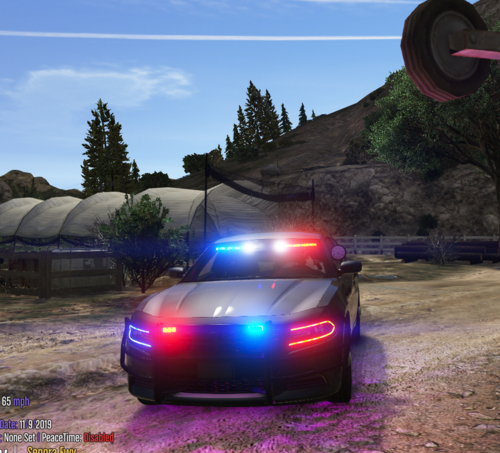 Put this in my FiveM server last night, all appears to be working except the red/blues and takedowns. We don't have ELS, and it clicks like they're turning on, and shuts off the running lights but none flash at all. Any ideas what could be causing this or how to fix it? I really love this model and would love to have it in my fleet if i can get it working.
