


WatchBuddyWhenHeGetUp
Members
-
Joined
-
Last visited
Everything posted by WatchBuddyWhenHeGetUp
-
 Can't seem to get the attachments to show on the AI when I spawn a partner through ultimate backup (the flashlights there by default), checked in all the UB ini's and there's no setting for partner attachments. I can call the backup units through UB and then just recruit them so they have the attachments specified in my DefaultRegions but it would be a bit less tedious if I could just get this to work for me. (Maybe this is just a UB limitation/issue?) I'm using carbinerifle_mk2 and these are the correct attachment names.
- 266 comments
- 22 reviews
-
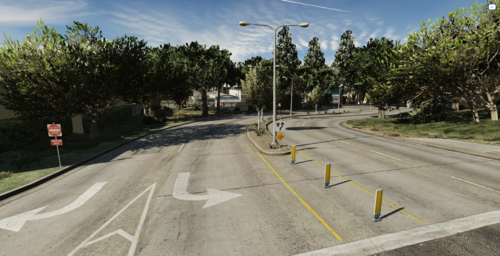 If you have texture loss you need to use the Resource Adjuster, its in the Featured tab. I have not ever once gotten texture loss since I installed that thing several months ago, and I have A LOT of stuff. ^meant to do this sry I'm idiot
 -
-
 God Tier, played for hours only thing that can stop me now is a game crash. I haven't even seen a light post vanish or anything with absurd amounts of units called in DLC vehicles and all...great stuff.
- 108 comments
- 33 reviews
-
-

-

- 2
-
-
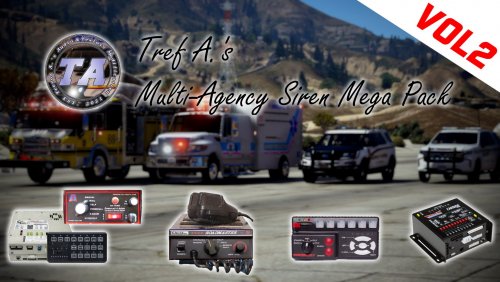 Great pack, others complaining about there still being work but it's so effortless. You put all the lines needed in the readme its basically plug and play. Awesome stuff.
- 13 comments
- 1 review
-
-
- 1
-
-
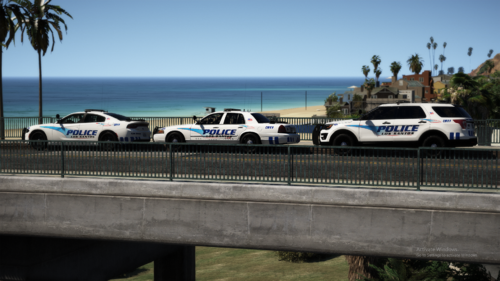 Great pack, a lot of people don't want to install all the vehicles from a pack into their game so it would be helpful specify what car the file represents, i.e police3.xml (FPIU).
- 66 comments
- 19 reviews
-
I had the same issue, used the pack, ended up deleting it thinking I would never need the files again, he removes it. It is on his discord and I made an account just to answer your question because that pack was sick. https://discord.gg/kzsS3g3

