
FluffyFlash2208
Members
-
Joined
-
Last visited
Everything posted by FluffyFlash2208
-
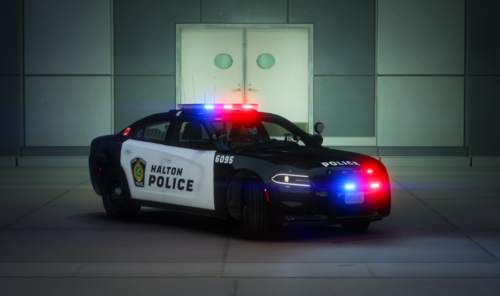 Insane looking skins really recommend downloading love it keep up the work moose!
- 3 comments
- 1 review
-
-
 I would have linked some photos it’s very annoying how it wouldn’t let me as they were bigger than the maximum file size i will get some up together for the next update maybe before then. Thank you good sir
 -
They are credited in the credits section next to the "About me" section the vehicle models if you want them are made by RedSaint and there is a link to his discord for the purchase if you wish to buy them 🙂
-
This file is a Texas Highway patrol 4K skins pack we will be adding on to this so one day it becomes a megapack any questions visit https://discord.gg/dhCJYKT More content coming soon visit my discord for more free releases and paid purchases for custom vehicles! Anything circled in red in the pictures please be aware this is not a self error it is a OpenIV Glitch it will look fine in game if I get any reports there will be an update immediately. The vehicles in the screenshots please be aware DO NOT come with the skins they are sold separately. __________________________________________________________________________________________________________ Install Guide: [1] Open Openiv [2] Drag your YTD and YTF files into the directory [3] Click top right "Edit Mode" [4] Open your YTD Texture files and type "sign" [5] Click "replace" or "import" to add the skin hit save and your done! __________________________________________________________________________________________________________ Credits to RedSaint for the Vehicle pack