


Dominic Gregorov
Members
-
Joined
-
Last visited
Everything posted by Dominic Gregorov
-
I don't understand that, I edit the game files, not mods, I put them in the mods folder, and the files with replacements to folders with normal vehicles
-
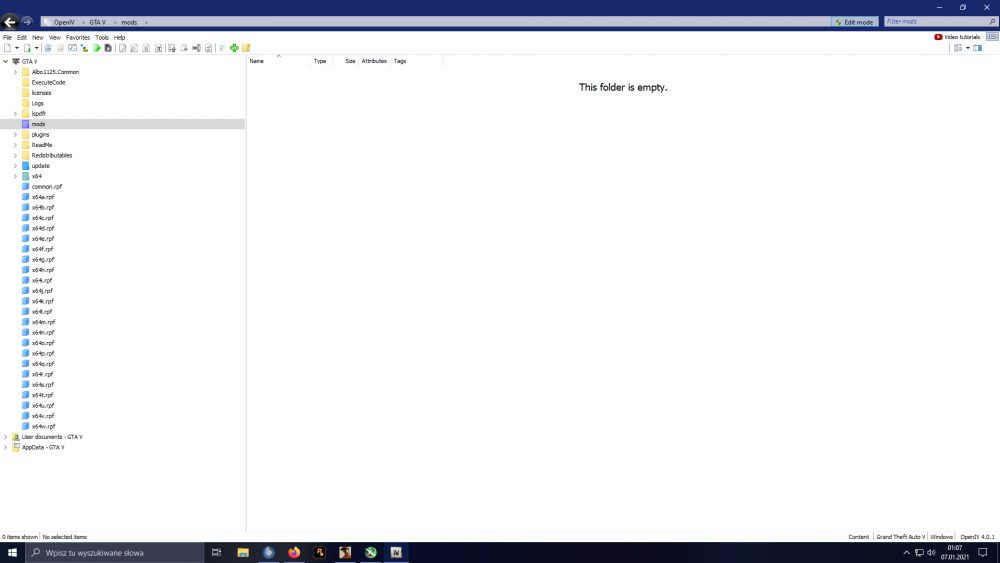
i have nothing in the mods folder
-
there?
-
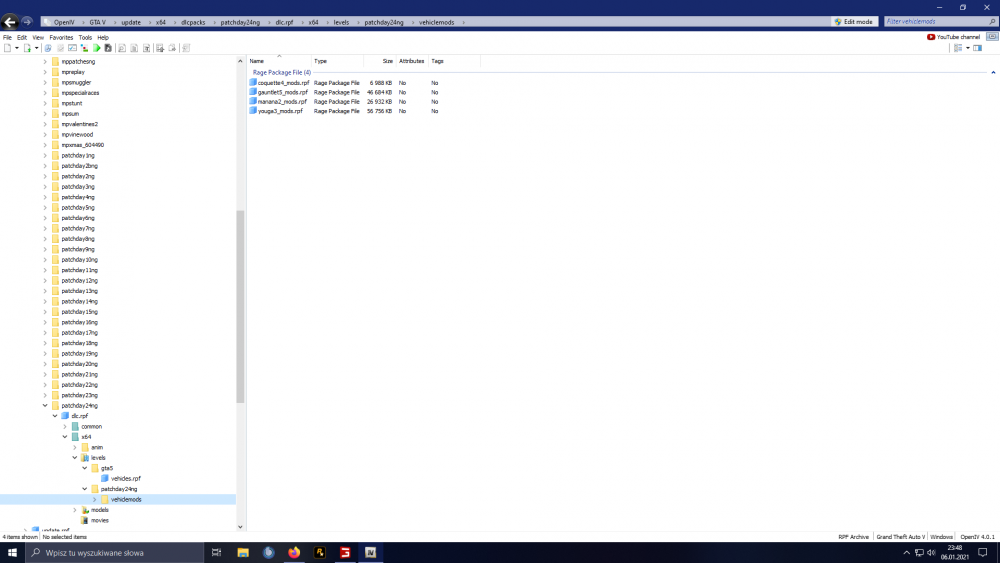
Here I upload these files, I learned from the YT tutorial so I don't know if I'm doing well
-
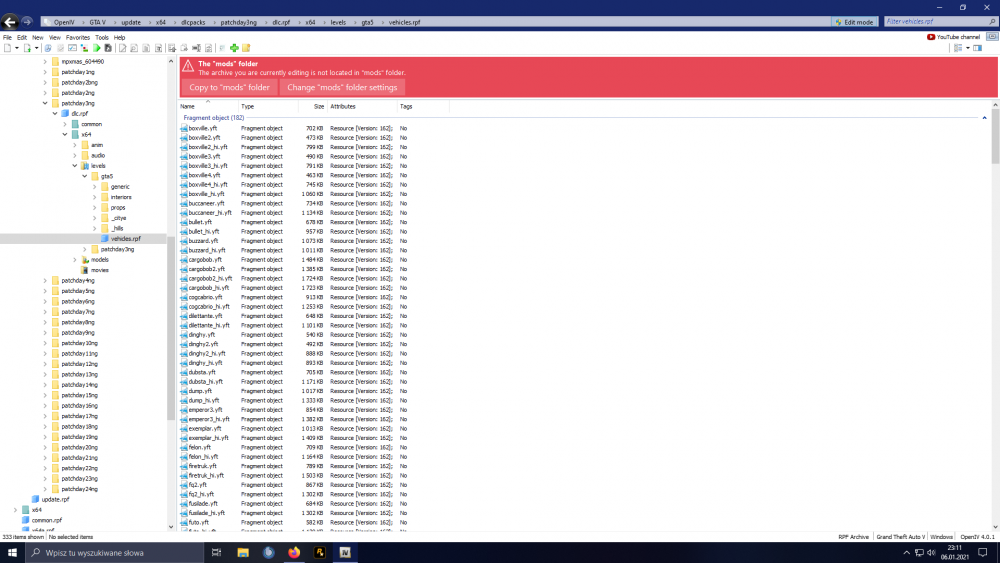
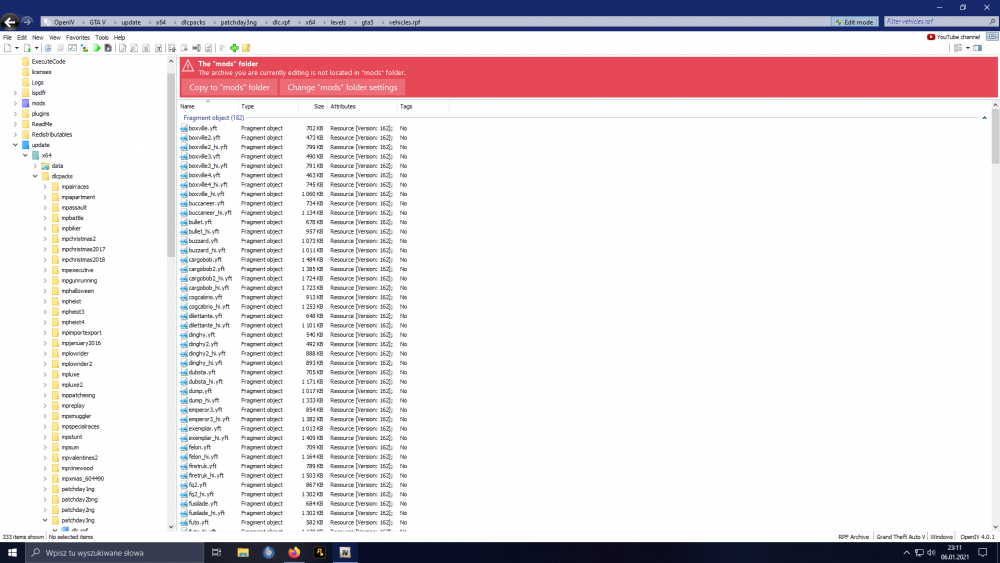
I did it again, I put the files into the mods and it doesn't work again
-
okay thanks
-
that is, all the replacements I use must be in the mods folder and then it will work?
-
thanks, it could be old, do you also know how to replace police cars? Because when I replaced the police car, the rokstar luncher started to download 3GB of files
-
-
RagePluginHook_06012021_174920.log police smart radio plugin
-
all scripts it adds get crash please help are installed as instructed
-
There is only manual installation there is no automatic installation why?



