warylukerblox
Members
-
Joined
-
Last visited
Everything posted by warylukerblox
-
No I have not done anything with the ini's yet its just a clean install.
-
So I just reinstalled lspdfr and eup menu crashes when loading lspdfr, the rest of the game works but eup menu wont work. Regular eup works but I cant access it without the menu please help me lmao. Theres my log to. RagePluginHook.log
-
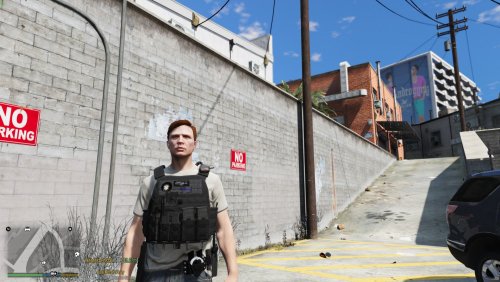 If people want to have me make a vest texture then tell me. I can do one thats real or even a rework.
 -
Hi, thank you for downloading my mod! This is just a fictinial (based off of massachusetts) retexture for a vest that can go along with your rp! Installation: Go to mods/update/x64/dlcpacks/eup/dlc.rpf/x64/eup_componentpeds.rpf/mp_m_freemode_01_mp_m_heist3 now drag the file in the folder into OPEN IV Now find the vest in game with a trainer or eup menu and if you see the texture change it worked! Credits: I made this on my own Vest: Hanako Vest And Earpeice pack HAVE FUN!!!!
-
Hi Kian, thanks so much this works have a great day, again thank you!
-
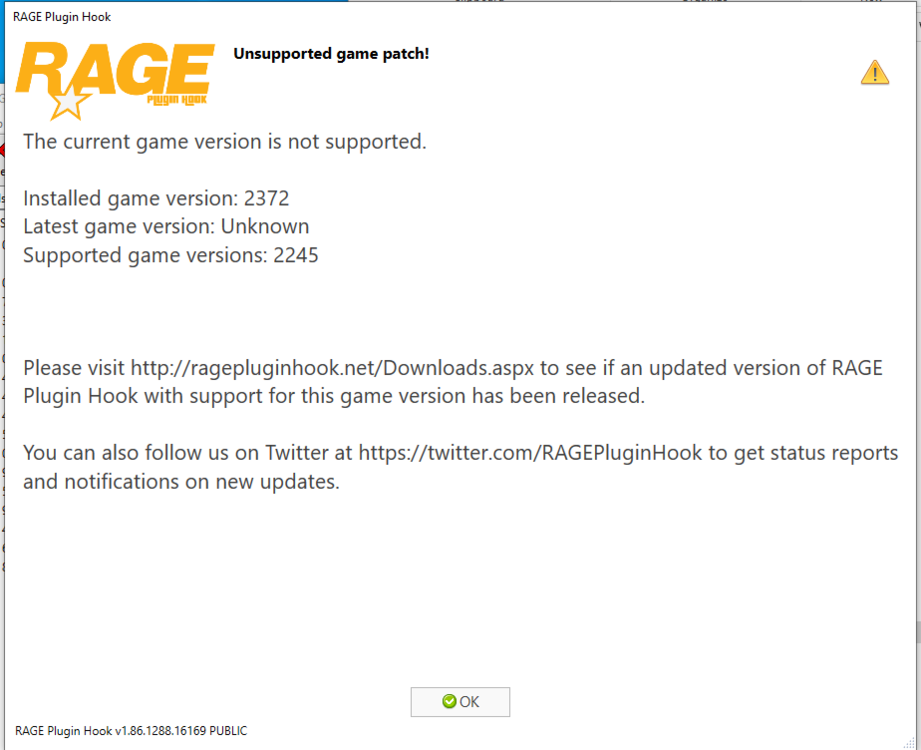
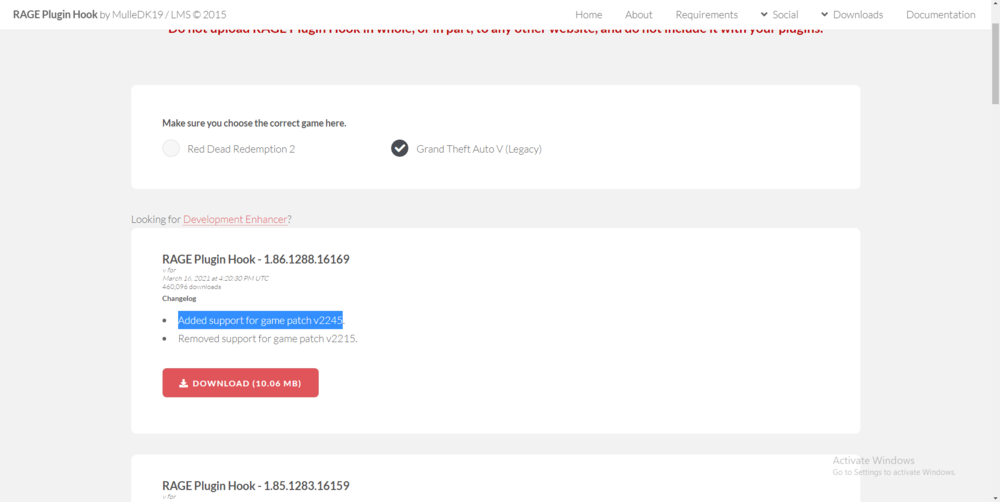
Hey, so my rage plugin hook wont work and I cant downgrade. I'm not sure what to do. Everyone else is playing fine. The message says I'm not on the right version. Here's a screenshot. Thank you in advance. As you can see there's no new rage update that allows you to play on this game version ! I'm so confused.