


_Leonardo_Helicopters_AW139_at_Wagga_Wagga_Airport_(6).jpg.34030fcacd23486d1e3b803b1a4ed779.jpg)
MrDurpy
Members
-
Joined
-
Last visited
Everything posted by MrDurpy
-
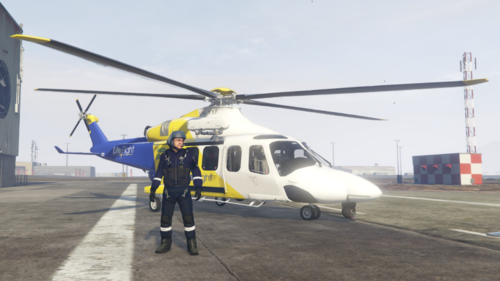 If you have any feedback for this, please let me know!
 -
How to install the livery: Open up OpenIV, select GTA V, then go to the following location: GTA V/lml/downloader/Coastal_Callouts_2.3_LML_PACKAGE/LML Package/Coastal Callouts/stream/vehicles After you have located the aw139.ytd simply click edit, open up the .ytd file and replace the _sign file. If you are using the NSW pack, repeat the instructions above, however, go to the following location: GTA V/lml/downloader/Coastal_Callouts_AU_NSW/Coastal Callouts Australia-NSW/stream/vehicles Download Coastal Callouts to use the livery in the best way possible! Thank you for downloading! Happy flying, have an awesome day!
-
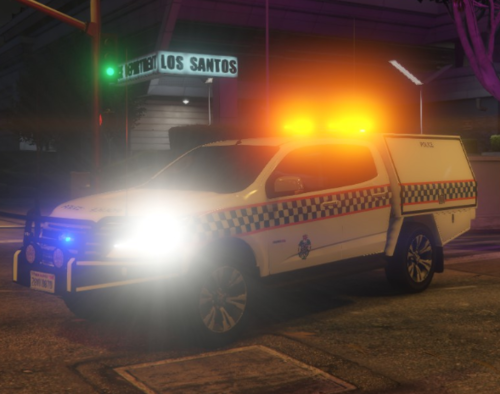 About G'day, this is a fictional car, and is not currently used by the QPS. Once seeing the base model made by Macgregor, I loved it and thought it would look aswesome if it were apart of the QPS fleet, well, at least in game. So I did it, and here we are. Hope you guys enjoy the livery. Original Vehicle: Thank you for downloading! Have an awesome day, and best of luck with your policing adventures!
 -
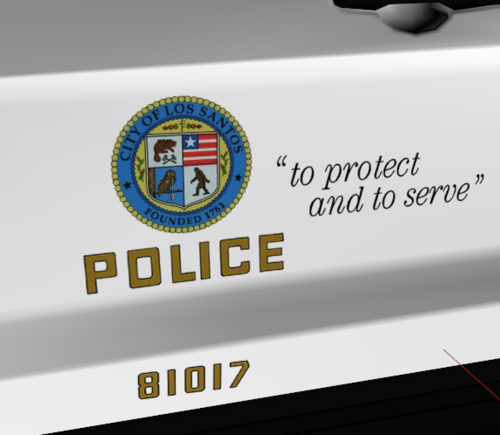 Los Santos Police Department 2016 Ford Police Interceptor Utility Livery This livery was made for the following vehicle created by Fox Williams:
_Leonardo_Helicopters_AW139_at_Wagga_Wagga_Airport_(6).thumb.jpg.9bcada66e384eed808381f2e37fcfa90.jpg)

