
MusicChord
Members
-
Joined
-
Last visited
Everything posted by MusicChord
-
-
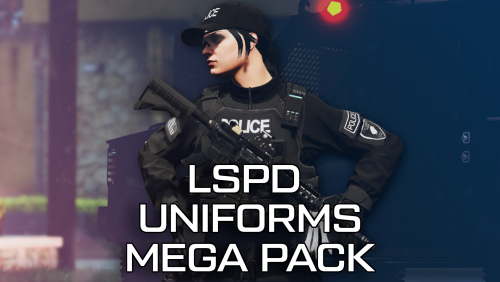 I loved the first pack it's amazing to see it fully redone, I'm honestly blown away at the fact you managed to make it look better
- 145 comments
- 10 reviews
-
-

-

- 2
-
-
One thing I do recommend is redoing your mods folder and double checking what mods you installed. Make sure you have mods that are known to the community and are not some back-water mod that is most likely made wrong. After redoing your mods folder and redoing the needed and trusted mods, the issues might be fixed. I can not promise it's fix, but it is wroth a shot. It has worked for me in the past. NOTE: Mods folder, NOT Plugins!