Sidewinder911
Members
-
Joined
-
Last visited
Everything posted by Sidewinder911
-
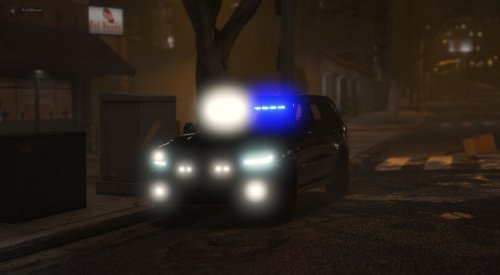 ok thanks for the reply. It's a great truck though I happen to be a fan of the Sgt.
- 70 comments
- 5 reviews
-
I'm having an issue with the rear lights. There is a red light that comes on and stays on where the plate is, no other lights in back come on. It goes off when I turn the headlights on. On stage one of the lights, nothing in back comes on. Maybe someone has an idea how I can fix it. The lights in front all work fine. I didn't change any files or anything, just dragged and dropped.
- 70 comments
- 5 reviews
-
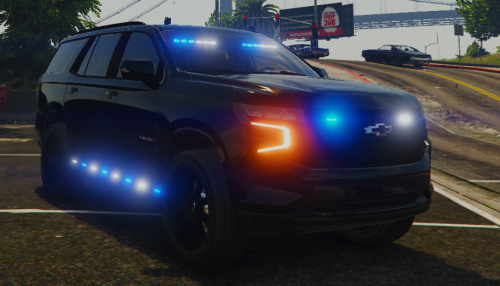 A very nice truck. Only two things that could improve it is more equipment inside and possibly amber traffic advisor on the rear. I put a skin on mine and that just made it even cooler. Good job and thanks!
- 34 comments
- 9 reviews
-
-
-
-
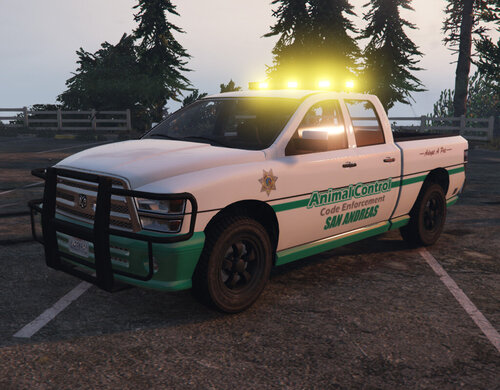 Works very well! A great improvement over what you get in game as a default lol. Thanks!
- 5 comments
- 4 reviews
-
-